
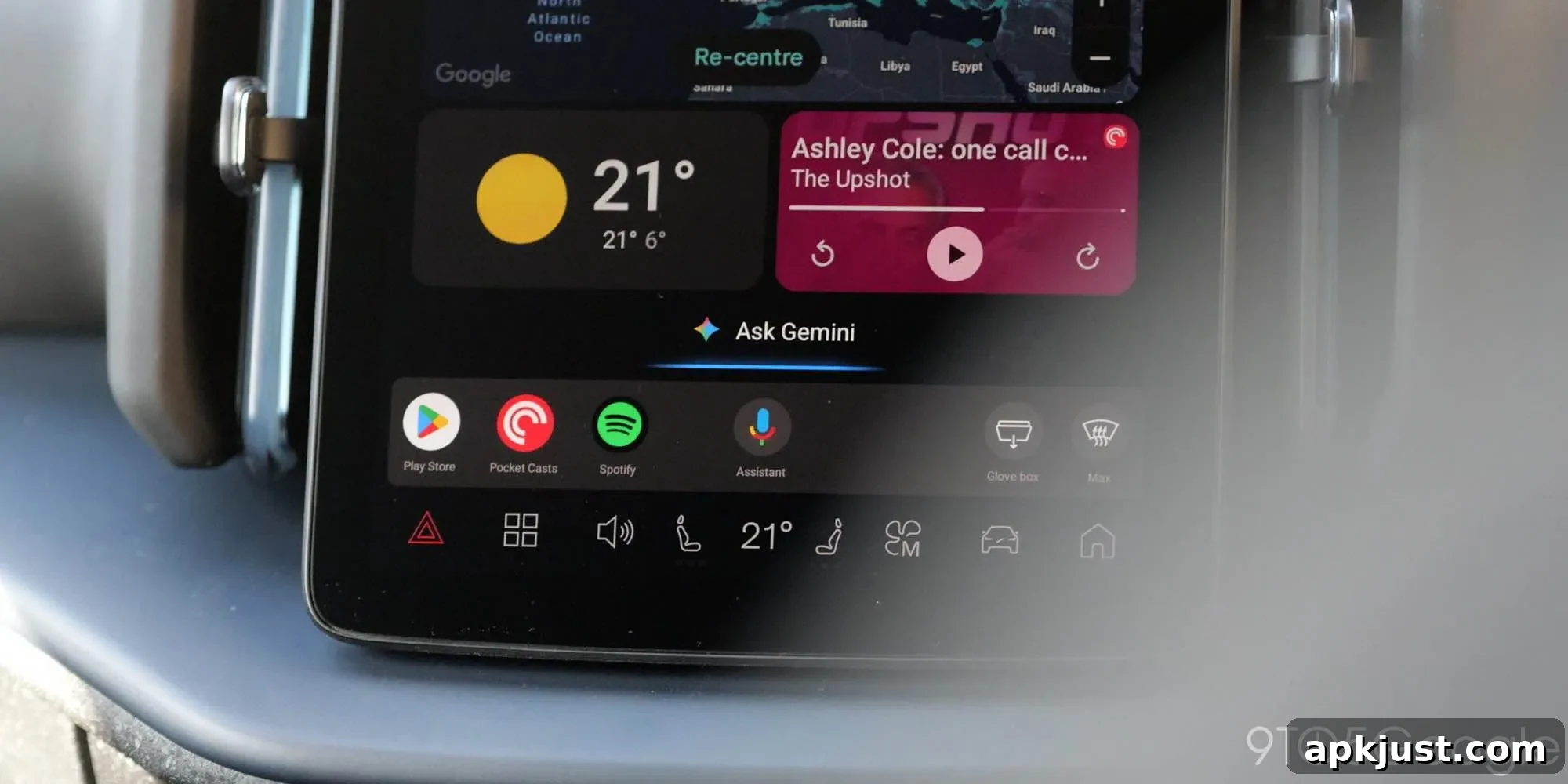
After installing the latest Android Auto update, some drivers who opted into Gemini for Android Auto are finding their in-car assistant unexpectedly switched back to the older Google Assistant. The change isn’t deliberate and appears to be caused by a software bug that surfaced with the recent release.
Gemini on Android Auto launched as a replacement for Google Assistant, promising more capable AI-driven responses for navigation, media control, and hands-free queries. During its beta period the experience has drawn mixed reactions: while the concept has potential, users have reported inconsistent performance, delayed replies, and various bugs.
Among those issues is a regression reported by multiple users in Google’s official support community: after updating Android Auto to version 16.7, some vehicles that had been using Gemini reverted to Google Assistant without user intent. The behavior appears sudden and repeatable for affected users, and it persists even for those enrolled in the Gemini beta.
Community threads contain numerous accounts of the same problem. In many reports, Gemini functioned normally prior to the 16.7 update and only changed after the update completed. For drivers who rely on the newer assistant for routine in-car tasks, losing Gemini unexpectedly is disruptive and has led to frustration.
Several users have tested simple workarounds. One commonly mentioned method is to open Android Auto settings, switch the default assistant back to Google Assistant, and then re-enable Gemini as the preferred assistant. Some report this resets the assistant selection and brings Gemini back, while others say the issue persists despite repeating the steps. Because results vary, the workaround helps some users but is not a guaranteed or permanent fix.
Other typical troubleshooting steps—clearing app caches, restarting the phone and head unit, and reinstalling Android Auto—have been tried by community members. Those actions occasionally restore Gemini temporarily, but they do not appear to address the underlying cause. At the time of the community posts, Google’s support channels have not posted an official acknowledgment or timeline for a fix.
This type of regression highlights the complexity of updating core platform features that interact with many different car head units, phone models, and carrier-customized builds. Android Auto must coordinate settings and permissions across both the phone and the vehicle interface, so a small change in an update can produce surprising side effects for particular configurations.
For users affected right now, the most pragmatic approach is to try the assistant toggle in Android Auto settings described above. If that fails, documenting the issue in Google’s official support forum or the Android Auto community helps engineers reproduce and prioritize the bug. When reporting, include device model, Android Auto version, head unit make and model if known, and a clear description of the steps that trigger the reversion.
For those not yet experiencing the issue, there is no strong reason to rush into the update until Google confirms a resolution, particularly if you depend on Gemini’s behavior in daily driving. Keeping backups of important phone settings and noting the current Android Auto version before updating can make rollback or troubleshooting easier if you encounter problems later.
Until Google issues a targeted patch, expect mixed reports in the community as users continue to test and share workarounds. The situation underlines the trade-offs of early access to new AI features: you may get advanced capabilities sooner, but you can also encounter instability that affects everyday use.
More on Android Auto:
- I was excited for Gemini on Android Auto, until I tried it — it could be much better
- Google Meet now on Apple CarPlay, Android Auto coming ‘soon’
- Android Auto brings Google Maps EV trip planning to 350+ models from 16 brands