
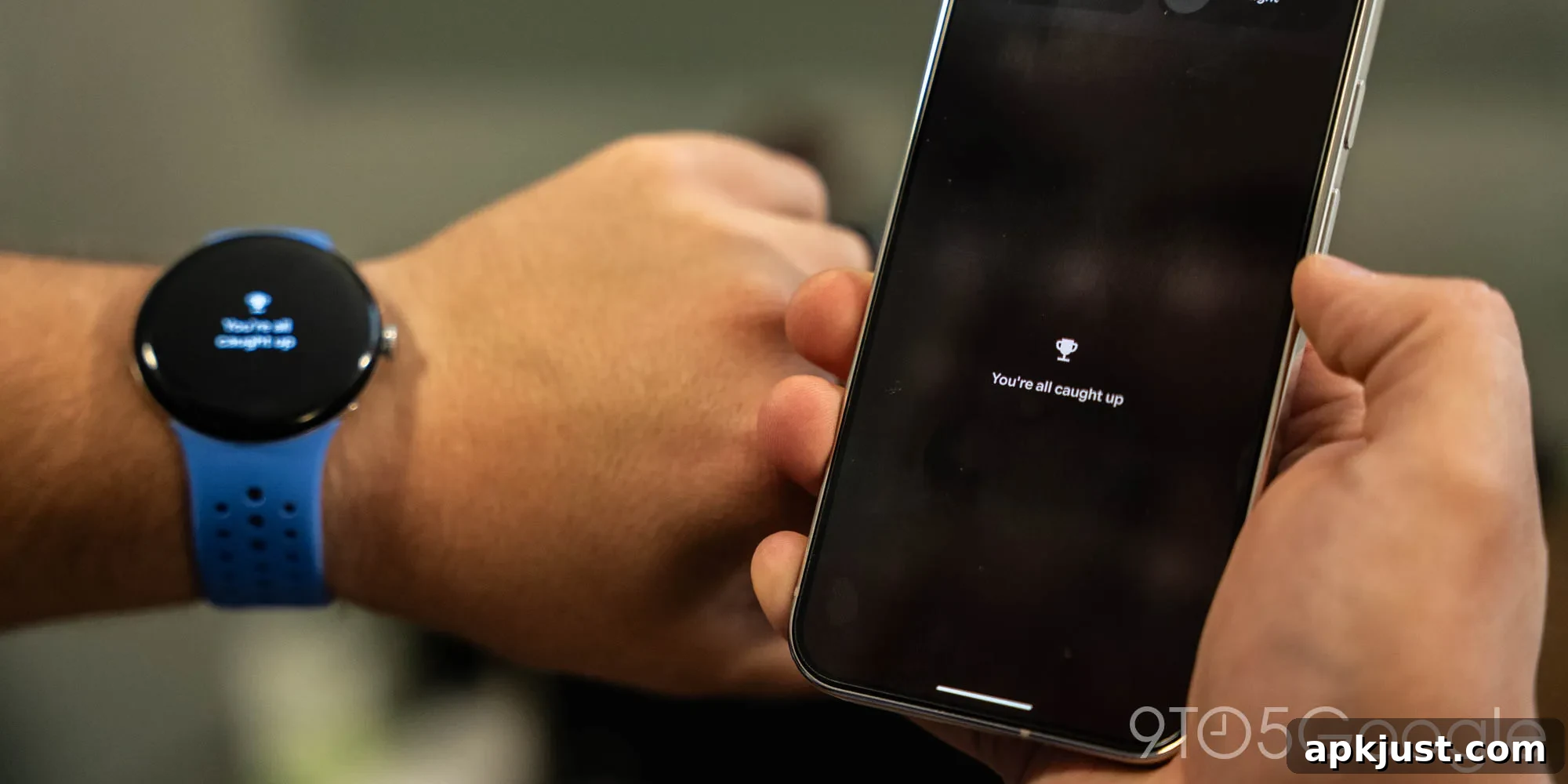
Google is bringing a small but pleasant Pixel Watch feature to Pixel phones with the Android 17 update, now available in the latest beta. The tweak aims to create a more cohesive experience across Google’s hardware by reusing a friendly notification message that many users already enjoy on the Pixel Watch.
On the Pixel Watch, when you clear every notification the system displays a short celebratory message: “You’re all caught up!” accompanied by a small trophy icon. It’s a simple, lighthearted way to let you know there are no more alerts demanding attention. That small piece of UX charm makes clearing notifications feel a little more satisfying, and it’s one of those subtle touches that can improve daily interactions with a device.
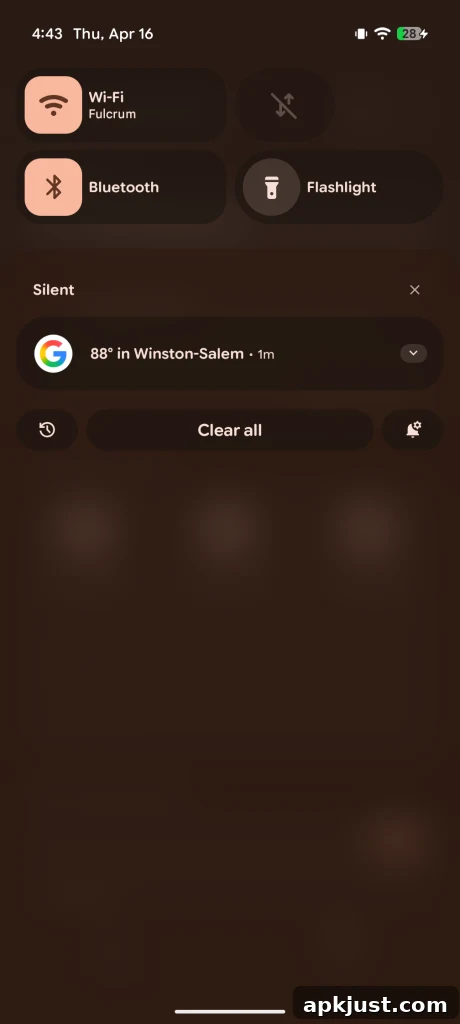
With Android 17 Beta 4, Google has replaced the long-standing “No notifications” label in the Pixel phone notification shade with the same “You’re all caught up!” message used on the Pixel Watch. The change is modest, but it’s a thoughtful cross-device consistency improvement that helps reinforce Google’s design language across its products. For Pixel owners testing the beta, the message appears after dismissing all visible notifications, showing the same upbeat phrasing and a small trophy symbol to convey completion.
Beyond the cosmetic update, Google maintains a useful shortcut to notification history. Tapping the “You’re all caught up!” message or its trophy icon opens your notification history, allowing you to review recent alerts you might have missed or cleared. This maintains the same functionality users expect while presenting it in a slightly more personable way.
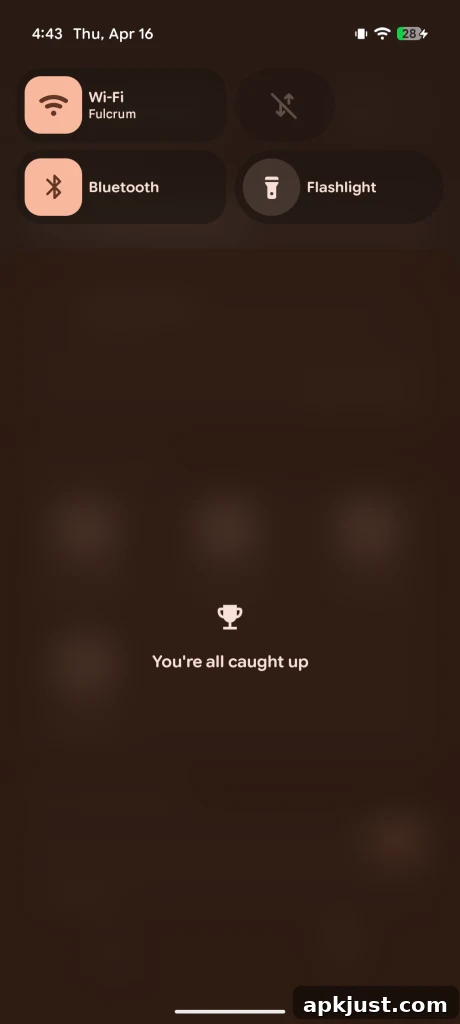
The appearance of this message in Android 17 Beta 4 highlights how small UX decisions can reinforce a brand’s ecosystem: matching copy and icons across devices helps users feel the products belong together. While this tweak is currently limited to Pixel hardware in the Android 17 beta, it underscores Google’s continuing focus on polishing everyday interactions. Whether other Android manufacturers choose to adopt a similar tone or phrase is uncertain, but for Pixel users the change is a neat, consistent addition.
Android 17 as a whole includes multiple refinements and updates beyond this single notification message. Beta releases often bring a mix of visible UI changes, developer-facing APIs, privacy improvements, and performance tuning. For people running the Android 17 beta on a Pixel device, testing everyday features like the notification shade is useful: those interactions are where many small improvements make the most difference.
More on Android 17:
- Here’s everything new in Android 17 Beta 4 (gallery of changes and interface updates)
- How to install the Android 17 Beta on Google Pixel (steps for enrolled testers)
- Android 17 Beta 4 rolling out for Pixel as the last scheduled beta release (what to expect next)
Follow Ben: Twitter/X, Threads, Bluesky, Instagram (social profiles listed for reference)