After recent redesigns in February and March, Google has introduced another notable update to the Gemini overlay and Gemini Live. These visual changes are rolling out rapidly, refining the look and behavior of Gemini’s on-device interfaces.
Gemini overlay
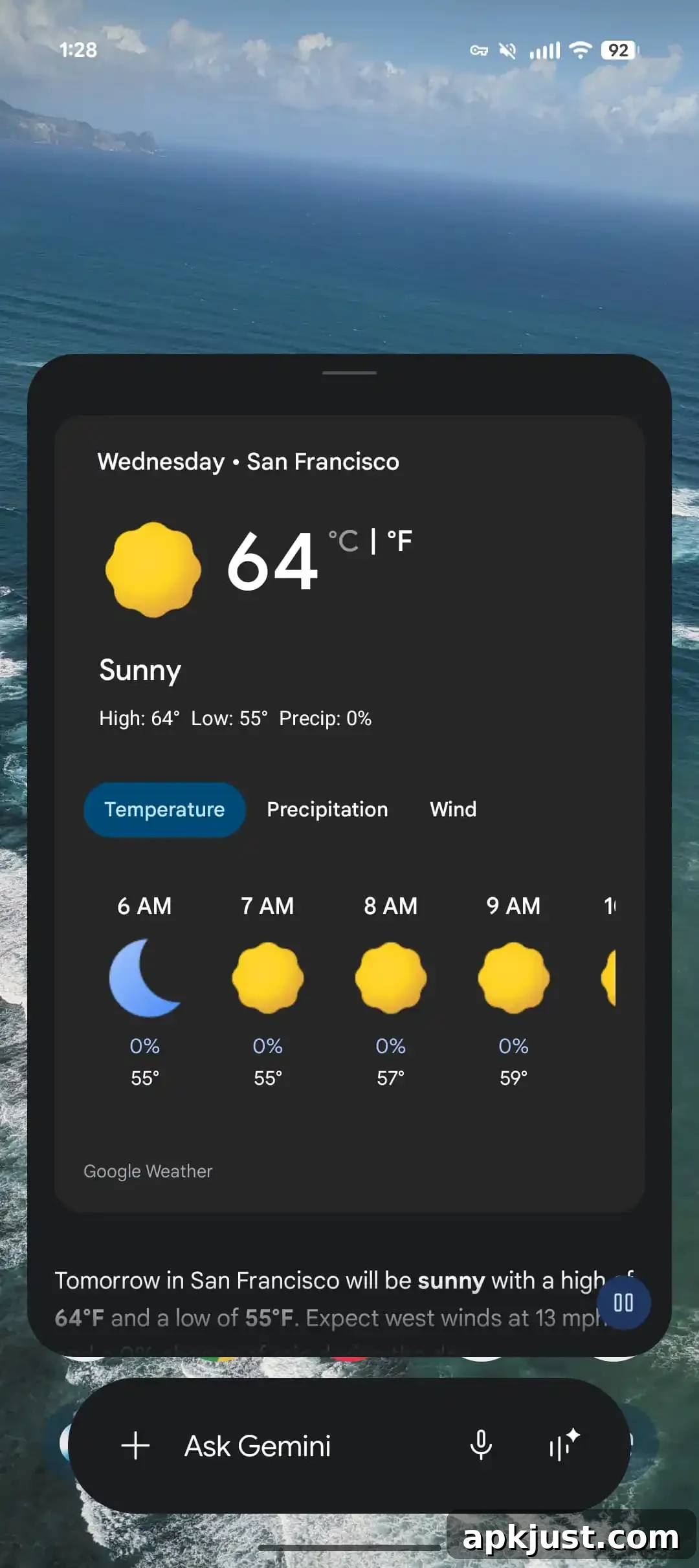
Last month, the Gemini overlay on Android received a full Tools menu redesign. The latest iteration refines that layout further by combining the attachment options with the Tools menu into a single, cleaner interface. The input pill is slightly narrower, the “Ask Gemini” label is larger and more prominent, and the microphone icon has been updated to an outline style for a lighter, more modern appearance.
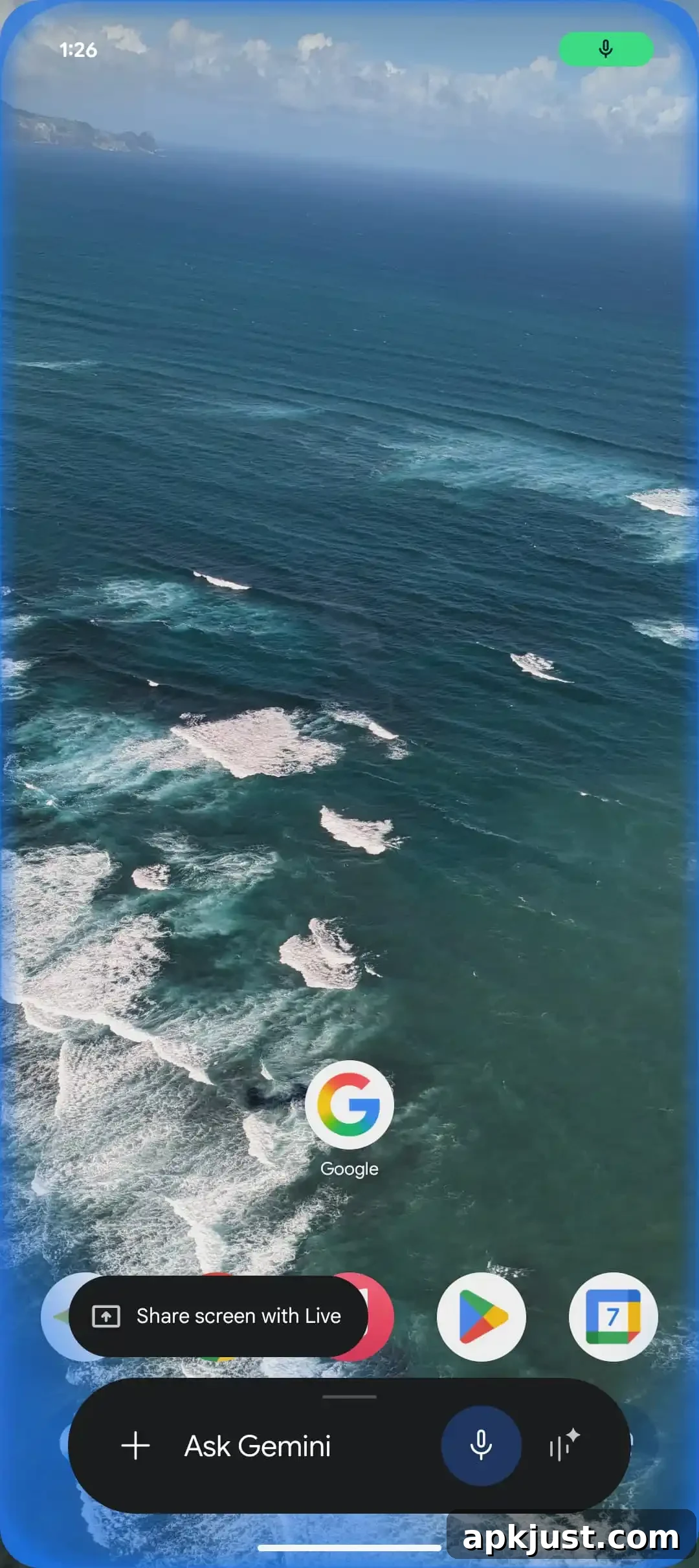
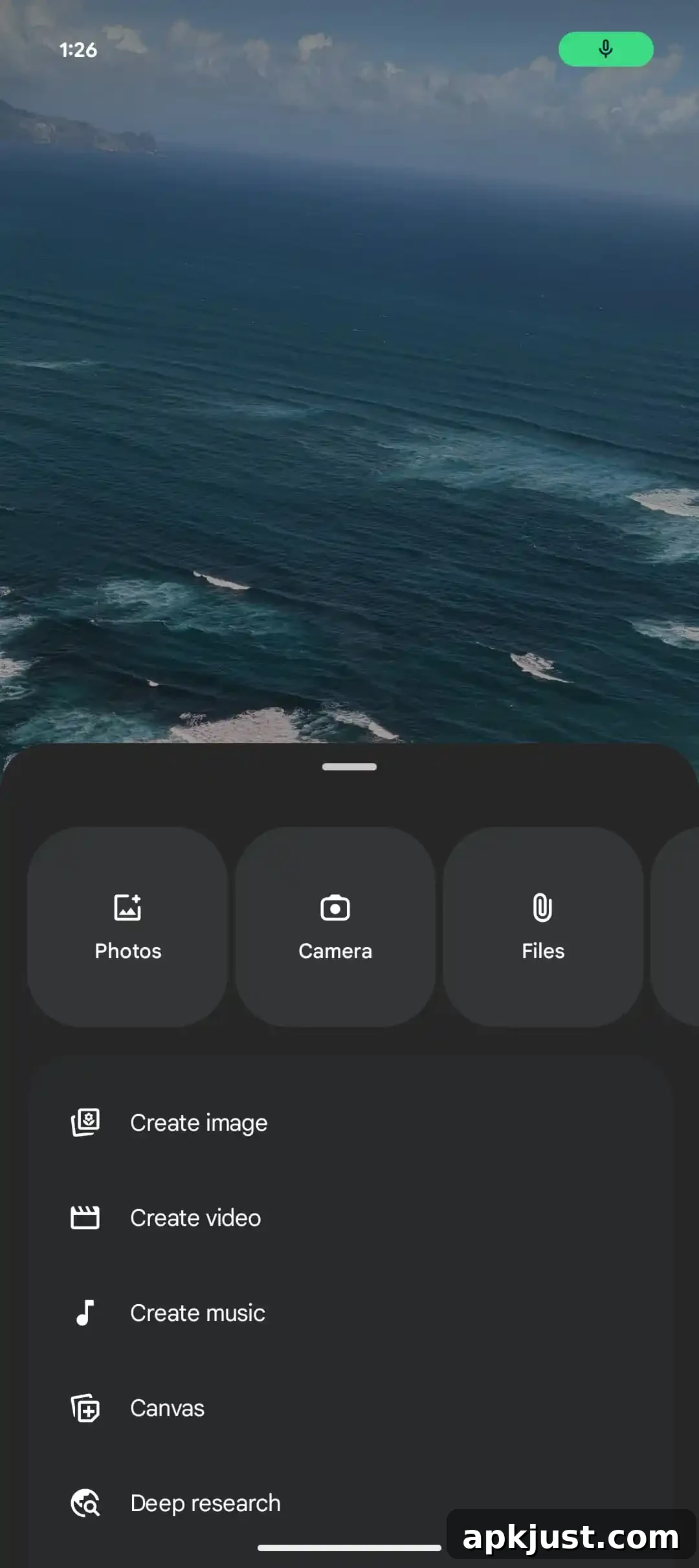
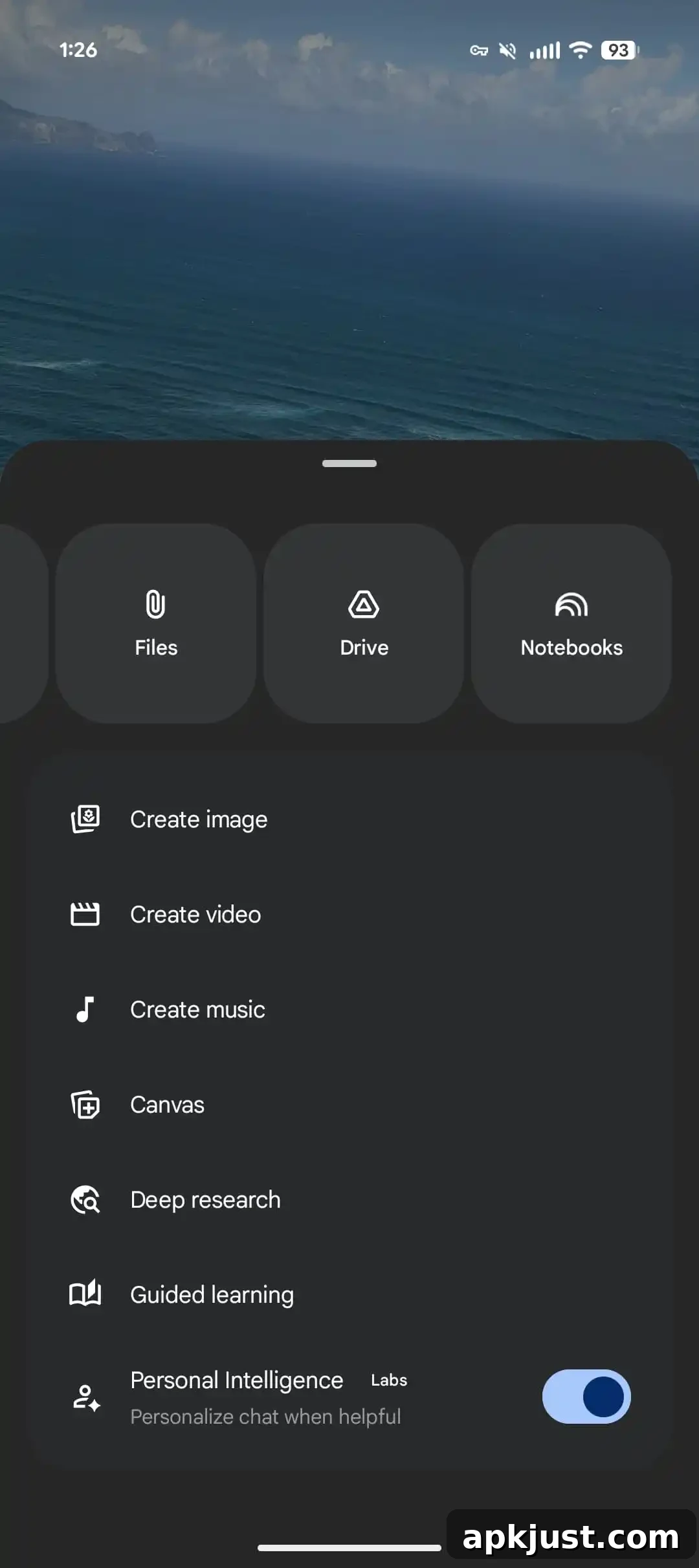
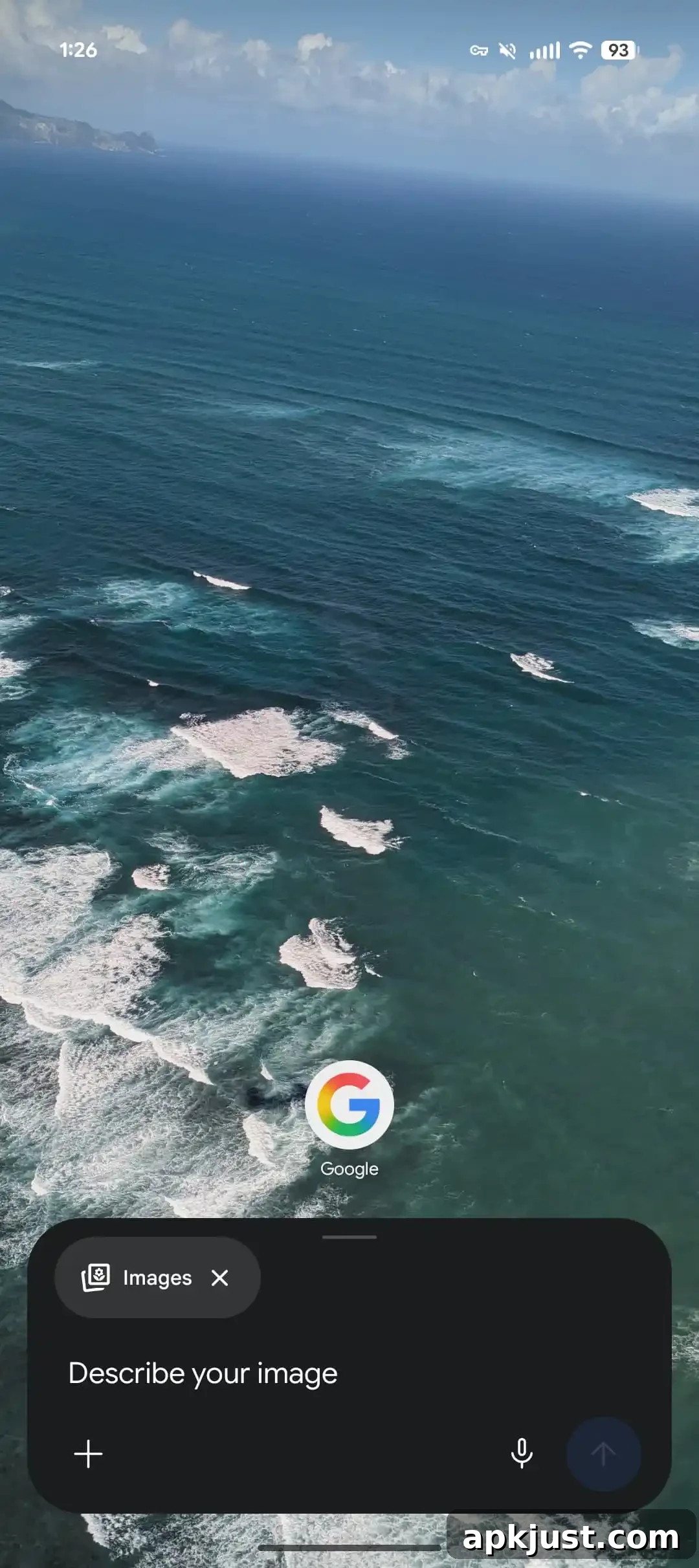
Tapping the plus button now slides up a bottom sheet rather than opening separate menus. At the top of that sheet is a carousel of large, rounded tiles for Photos, Camera, Files, Drive and Notebooks, making those common attachments easier to access.
Below the carousel, the options are grouped logically: Create image, Create video, Create music, Canvas, Deep research, Guided learning, and a toggle for Personal Intelligence. Google has been experimenting with a combined design similar to this on the web, and this mobile overlay suggests the company is converging toward a consistent experience across platforms. The full mobile app interface has not changed materially in this release, but the overlay updates bring many of the same functions into a compact, contextual sheet.
Gemini Live
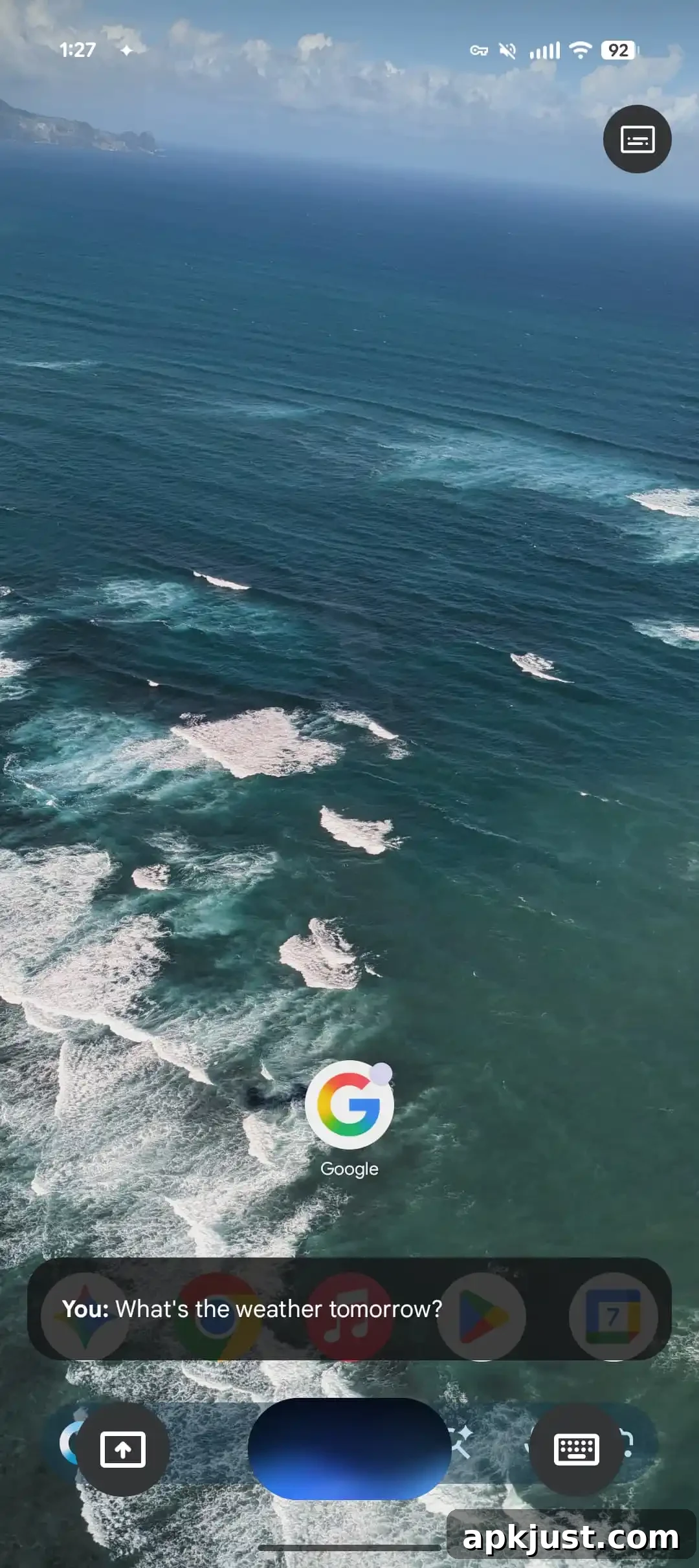
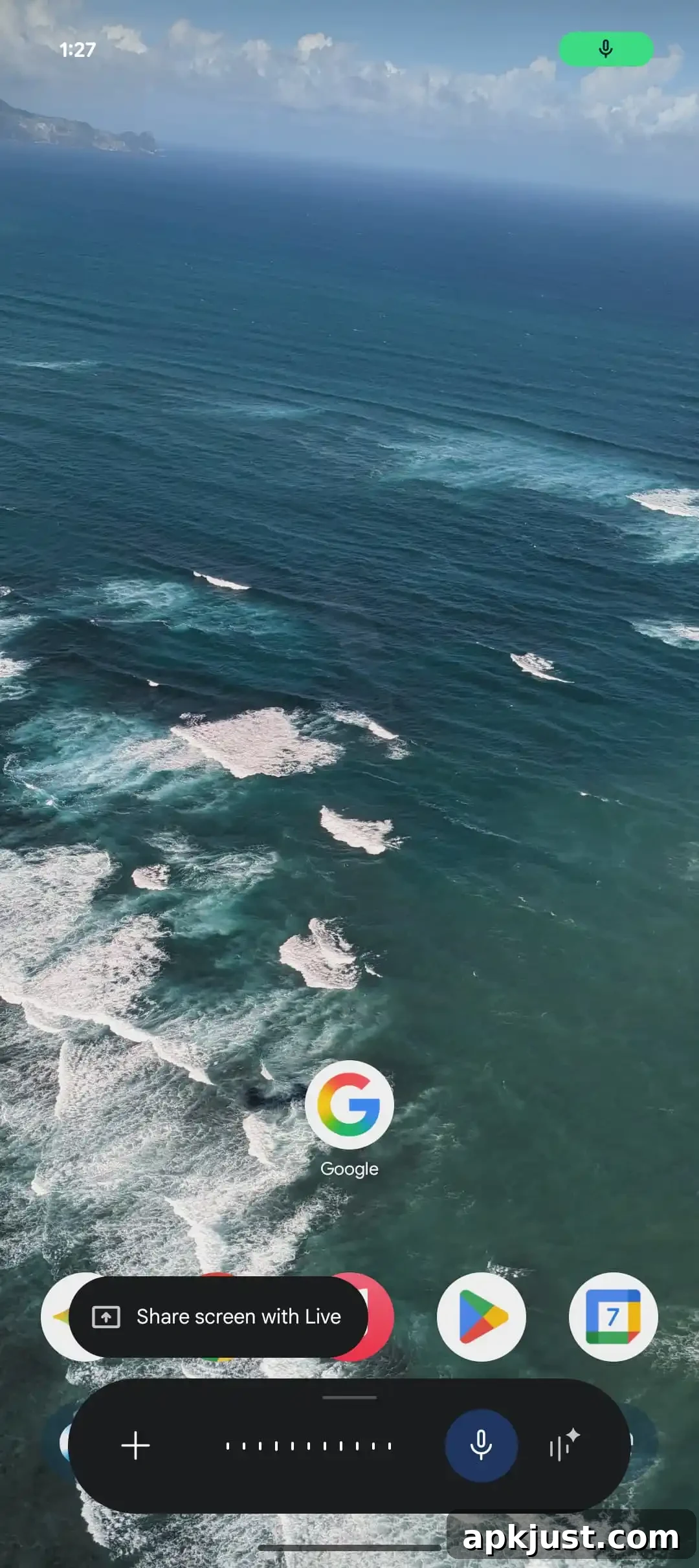
Gemini Live has also been redesigned, starting with the overlay users see when activating Live outside the full app. The previous wide input pill that stretched across most of the screen has been replaced by a floating interface. The new floating control centers the audio waveform and places quick-access controls for screen sharing and an on-screen keyboard nearby. Captions are now available via a compact button in the top-right of the overlay.
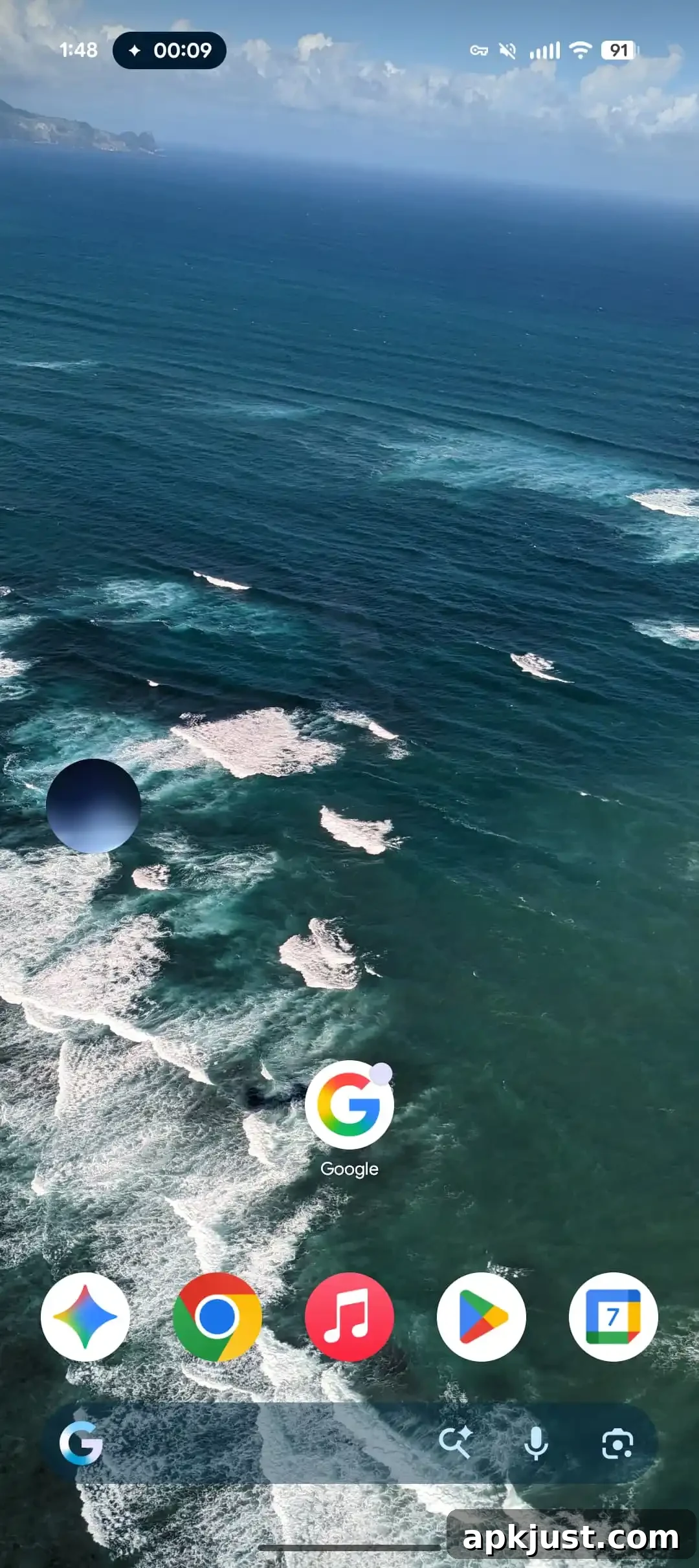
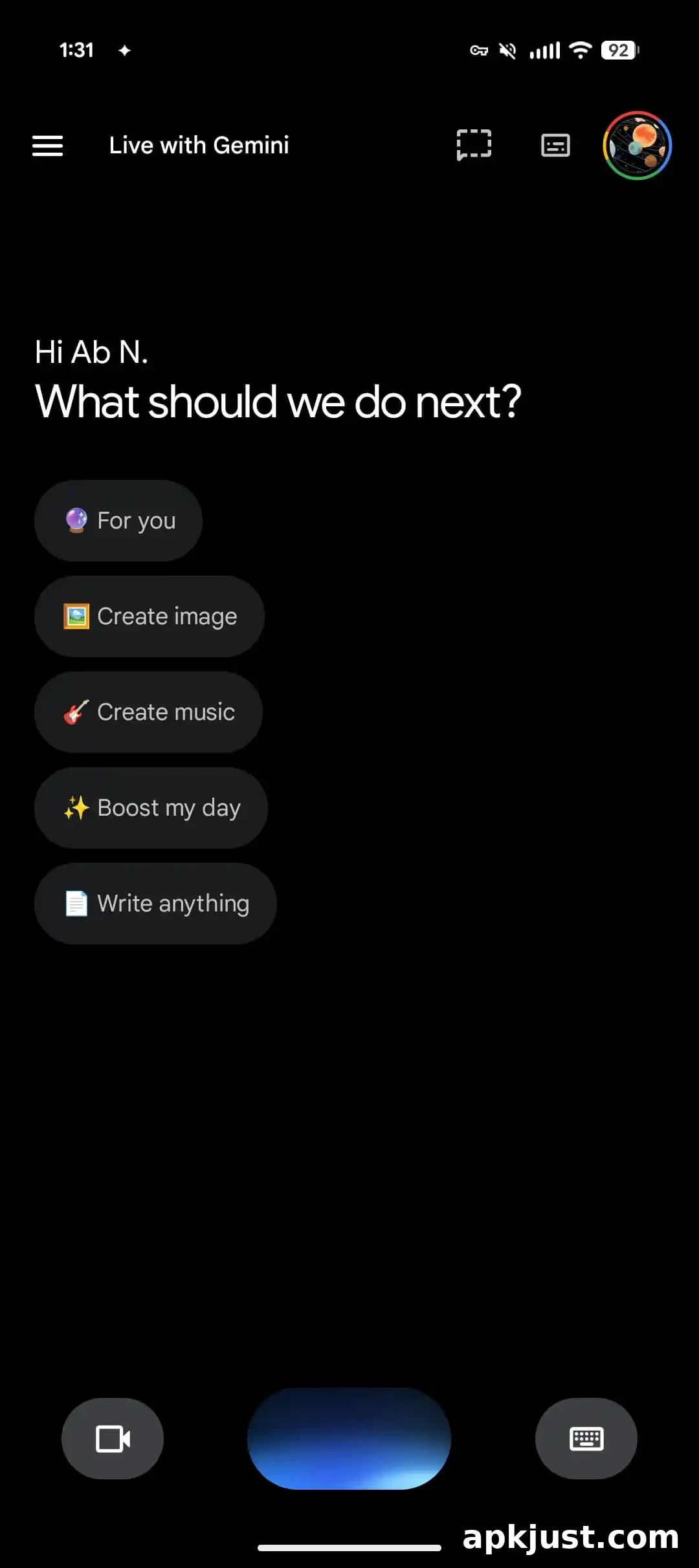
When you begin interacting with other apps, the Live overlay shrinks into a small circular control, conserving screen space while keeping essential Live features accessible. The same floating overlay replaces the old fullscreen Live mode inside the full Gemini app, allowing the home screen and other apps to remain visible beneath the Live controls.
These updated Live and overlay designs are currently appearing for users on the Google app beta (version 17.3). If you don’t see them right away, a force stop from the app’s info screen can sometimes trigger the change. The stable channel has not widely received this redesign yet, so availability may vary by device and release track.