
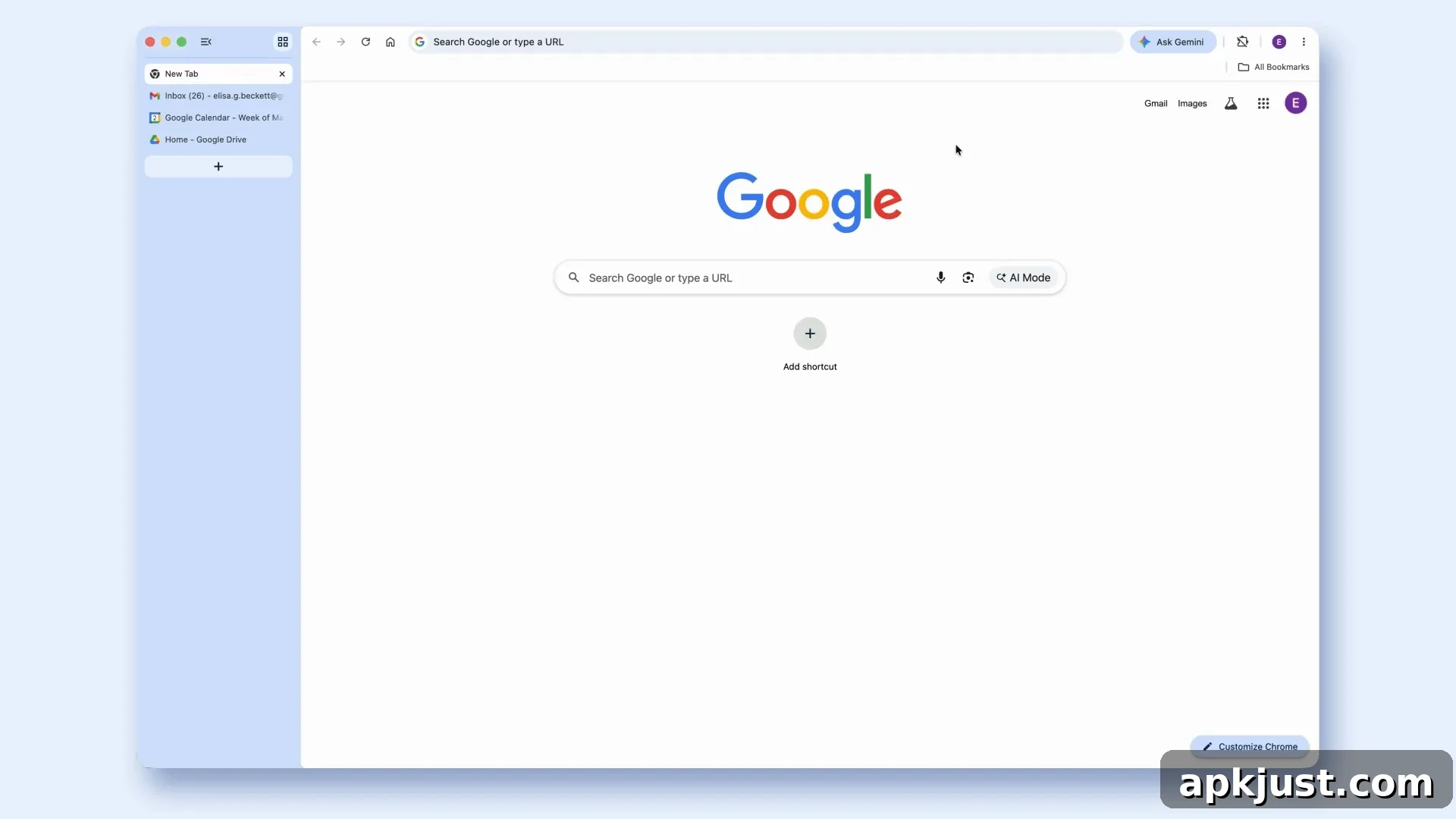
Google is rolling out two significant updates for desktop Chrome: vertical tabs and an immersive reading mode. Both features aim to improve navigation and make long-form reading more comfortable, especially for users who juggle many open tabs or consume long articles and documents in the browser.
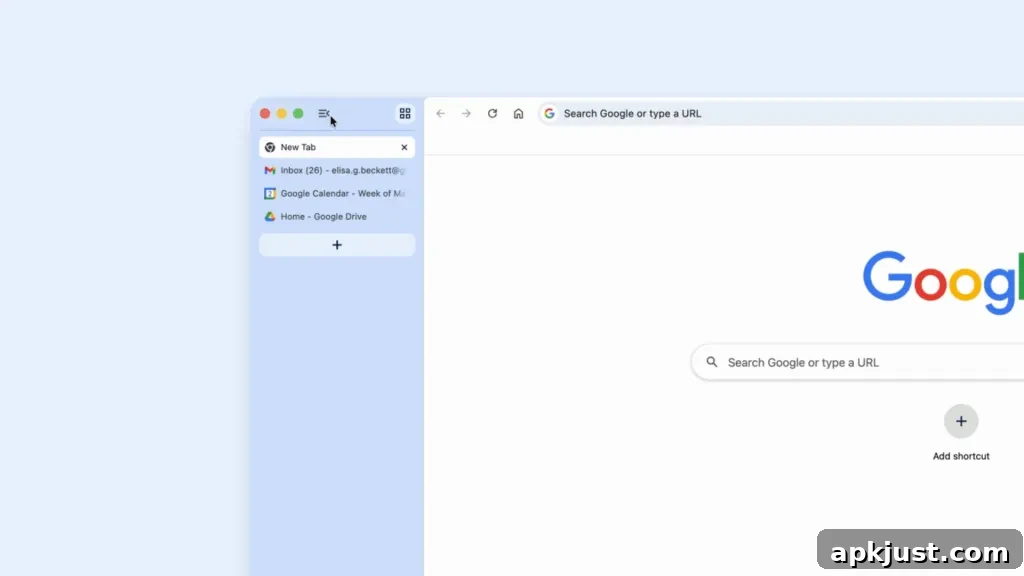
Vertical tabs offer an alternative to Chrome’s traditional horizontal tab strip. Instead of a narrow row of tabs across the top, vertical tabs present your open pages in a list along the left side of the window. This layout makes full page titles visible even when you have many tabs open, which is especially helpful when your tab count climbs into the double digits. Organized Tab Groups also become easier to manage because you can see group names and content at a glance, reducing the time spent hunting for the right tab.
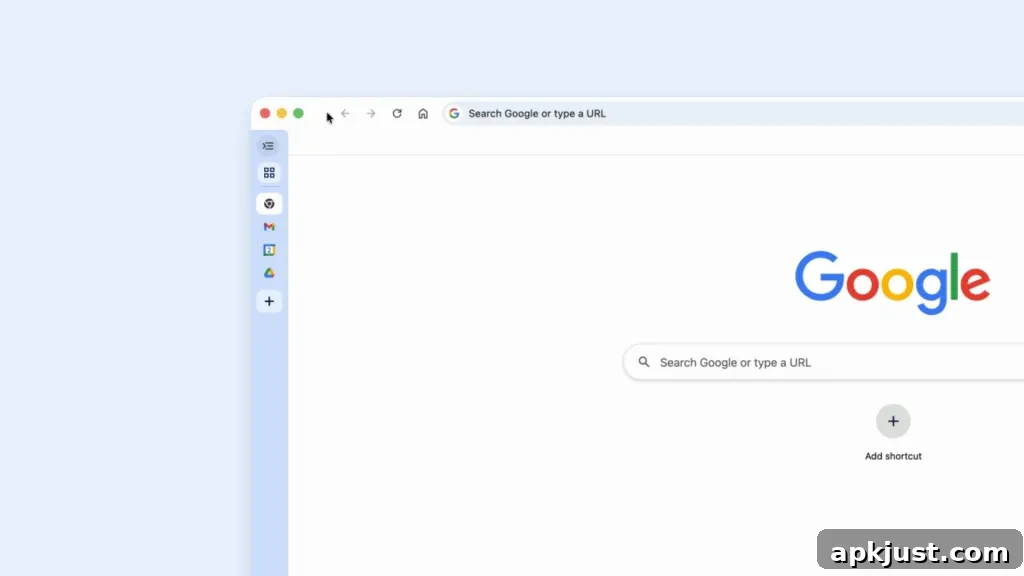
If you prefer a minimal look, you can collapse the vertical tabs to a slim column of favicons. This compact view preserves screen space while keeping every open site one click away. Google describes this arrangement as ideal for multitasking, because it helps prevent lost tabs and speeds up switching between tasks. The vertical layout is particularly useful on wide monitors or when running multiple windows side-by-side.
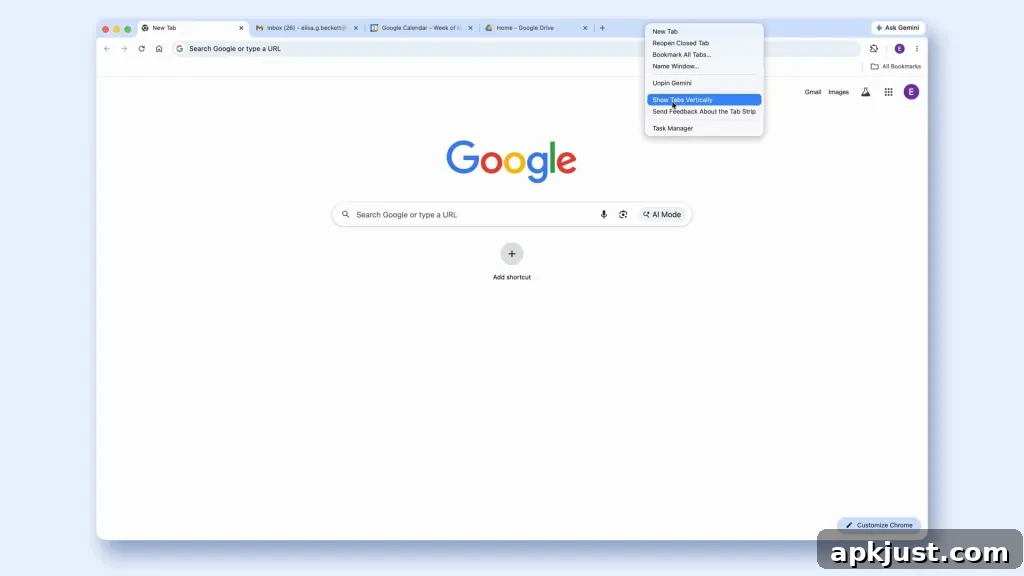
Enabling vertical tabs is straightforward: right-click the top of any Chrome window and choose “Show Tabs Vertically.” Switching between the vertical and traditional horizontal layouts is quick and reversible, allowing you to try the feature and revert to the older layout if you prefer. For power users who rely on keyboard shortcuts and mouse workflows, the vertical tab strip can streamline navigation while keeping frequently used pages visible and organized.
The other major addition is Chrome’s immersive reading mode, which replaces the current side-panel reading view with a full-page experience designed to minimize distractions. When activated, this mode strips away extraneous page elements — ads, unrelated widgets, and other visual clutter — leaving a clean, text-focused layout that’s easier on the eyes and better suited for concentrated reading. The immersive layout also supports customization such as adjustable font sizes, line spacing, and contrast options to suit different reading preferences and accessibility needs.
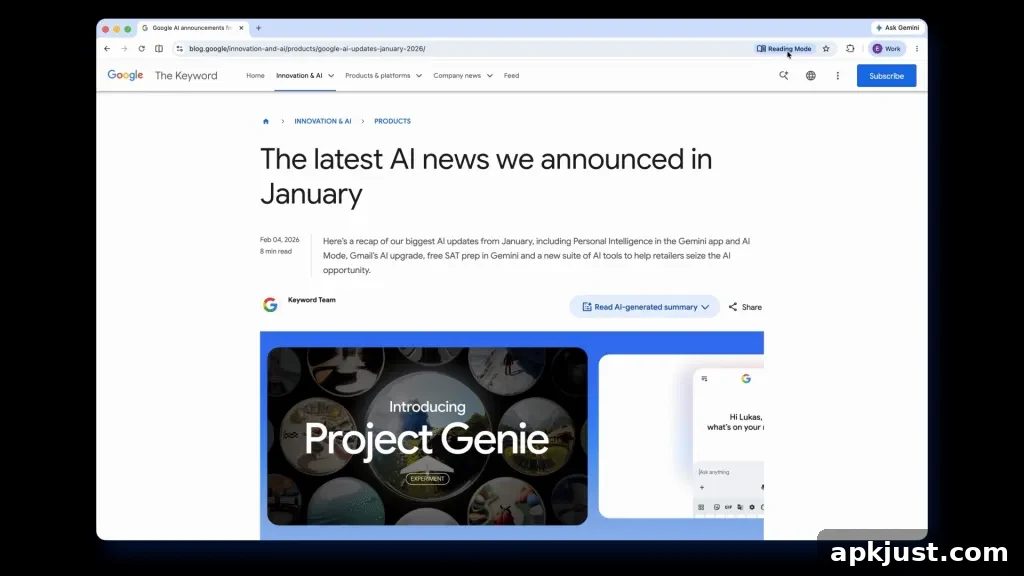
You can open a page in reading mode by right-clicking anywhere on the page and selecting “Open in reading mode,” or by tapping the “Reading Mode” option that appears in the address bar when a compatible page is detected. Once in reading mode, controls in the top-right corner let you launch text-to-speech to have the content read aloud, switch themes, and tweak text appearance for optimal comfort. These features make Chrome a more capable tool for consuming long-form articles, research, and other text-heavy content without the distractions that typically accompany web pages.
Both vertical tabs and immersive reading mode are rolling out beginning today for desktop Chrome. Google’s aim with these updates is to give users more control over how they organize and consume content in the browser — whether you need faster tab navigation during a busy work session or a calmer, distraction-free space for reading.

More on Chrome:
- Chrome for Android gets Material 3 Expressive Settings
- You can now add the bookmarks bar to Chrome on Android tablets, foldables
- Gemini in Chrome gets first international expansion