
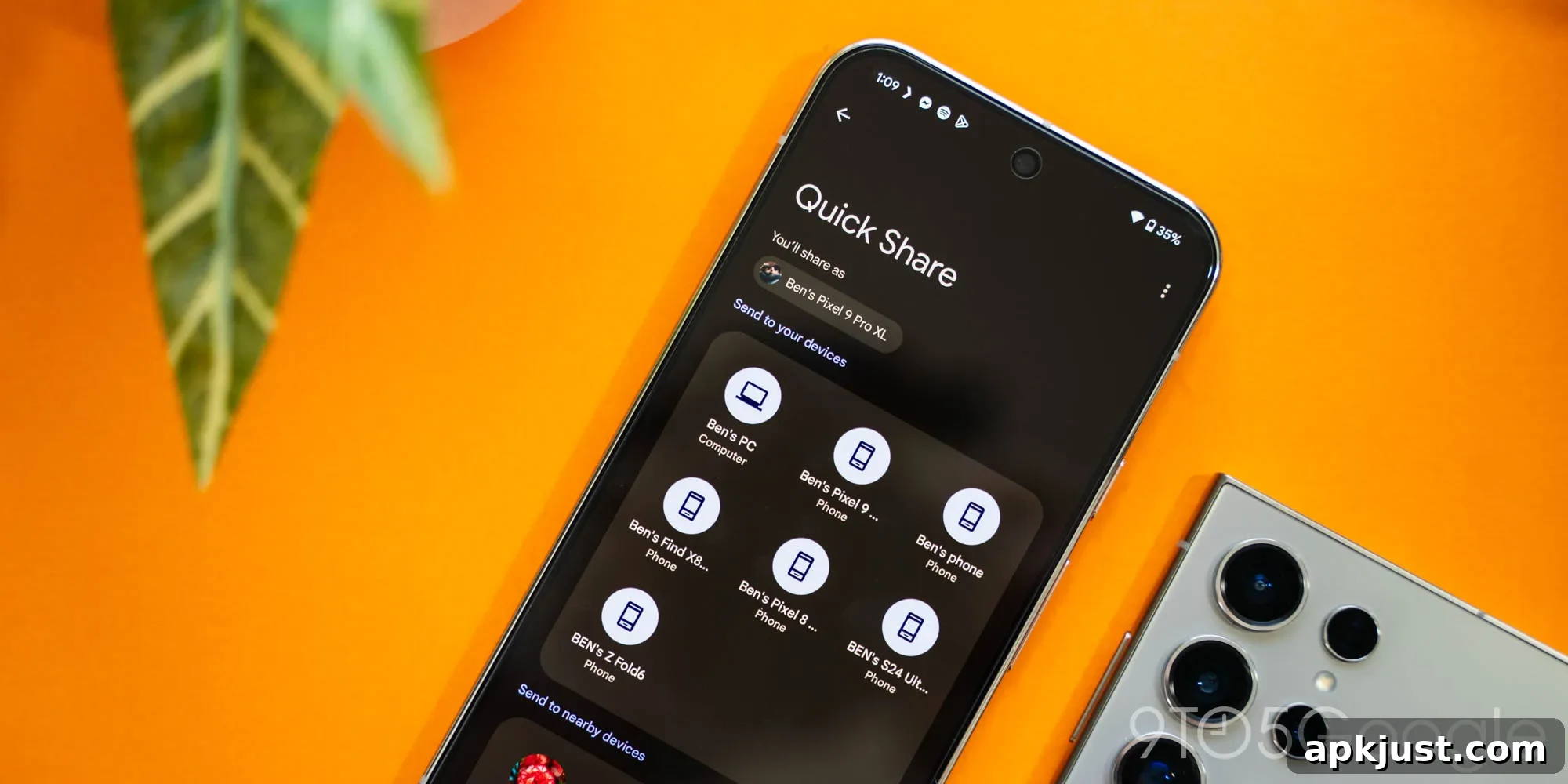
Google’s Quick Share has been a core part of Android’s file-sharing toolkit for several years, but it still hides a few useful features — including a tap-to-share gesture that lets you trigger a transfer simply by tapping one phone against another.
Recently, a leak about Samsung’s upcoming One UI 9 for Android 17 highlighted a seemingly new “Tap to Share” gesture planned for the update this summer. Earlier leaks also suggested the same capability may roll out more broadly across Android devices. That attention brought a semi-hidden Quick Share function back into view: a gesture that works much like the old Android Beam, allowing two phones to initiate a transfer when their backs are tapped together while one device is attempting to send a file.
This gesture isn’t actually new. It has been part of Quick Share since the feature was branded as Nearby Share. Community posts and earlier reports documented the behavior years ago: when one Android device starts a Quick Share transfer and the other device is nearby, a brief tap between the devices can prompt the transfer to begin automatically. Tech writers reported on this as early as 2021, but because the mobile sharing landscape moves quickly, that detail has faded from many users’ memories.
Functionality and reliability, however, can vary. In practical testing, sharing tends to be most reliable between phones from the same manufacturer. For example, transfers between a Pixel 10 and a Pixel 10a worked smoothly with tap-to-share, but attempts to get either Pixel to recognize a Galaxy S26 — and vice versa — were inconsistent. In those cross-brand cases Quick Share detected the other phone in the list of available devices, but initiating the transfer still required manual interaction with the Quick Share interface rather than a simple tap gesture. Without a clear visual indicator when the tap trigger is accepted or rejected, troubleshooting becomes difficult: it’s unclear whether the problem is a device incompatibility, firmware settings, or simply a narrow timing window for the tap gesture.
Despite those caveats, tap-to-share remains a convenient option worth trying. If you haven’t noticed this capability on your phone, give it a test next time you need to move a photo or small file. Start a Quick Share transfer on one phone and gently tap the backs of the two devices together. When it works, the transfer should begin automatically or bring up a quick confirmation prompt — similar to how Android Beam used to behave.
If the tap gesture doesn’t work for you, check a few common factors: ensure both phones have Quick Share (or Nearby Share) enabled, confirm Bluetooth and location services are turned on, and verify that both devices are unlocked and on the sharing screen. Manufacturer differences can influence compatibility, so transfers between phones from the same brand often provide the smoothest experience. Also be mindful of cases, wireless chargers, or other accessories that might interfere with the necessary proximity for the tap detection to register reliably.
The renewed focus on tap-to-share in leaks around One UI 9 and Android 17 suggests the feature could become more prominent or more polished in the months ahead. Samsung’s plans to surface a distinct “Tap to Share” gesture in One UI 9 could make the capability easier to discover and use for less technical users, and similar updates on other Android skins could standardize the experience across devices.
In short, the basic bones of Android Beam are still present in Quick Share, and the tap gesture can still be handy. While performance varies across devices and manufacturers, it remains a simple, potentially fast way to move files when it behaves as intended. If you rely on Quick Share regularly, it’s worth experimenting with the tap gesture now and keeping an eye on upcoming Android and vendor updates that may improve visibility and reliability for this neat legacy feature.