
YouTube for Android is beginning to show support for Android Auto, but the initial implementation is limited in scope. While this update allows Android Auto to control audio coming from the YouTube app on your phone, it does not provide the full app experience in the vehicle. Expect basic media functions rather than a dedicated Android Auto app with video or expanded on-screen controls.
Android Auto has always routed whatever audio is playing on your smartphone through the car’s audio system, but app-specific integration with Android Auto’s media controls has varied by developer. Recently, more apps have exposed controls directly inside the Android Auto interface. YouTube appears to be one of the newest services to show up in the platform’s media widget, making it easier to manage playback while driving.
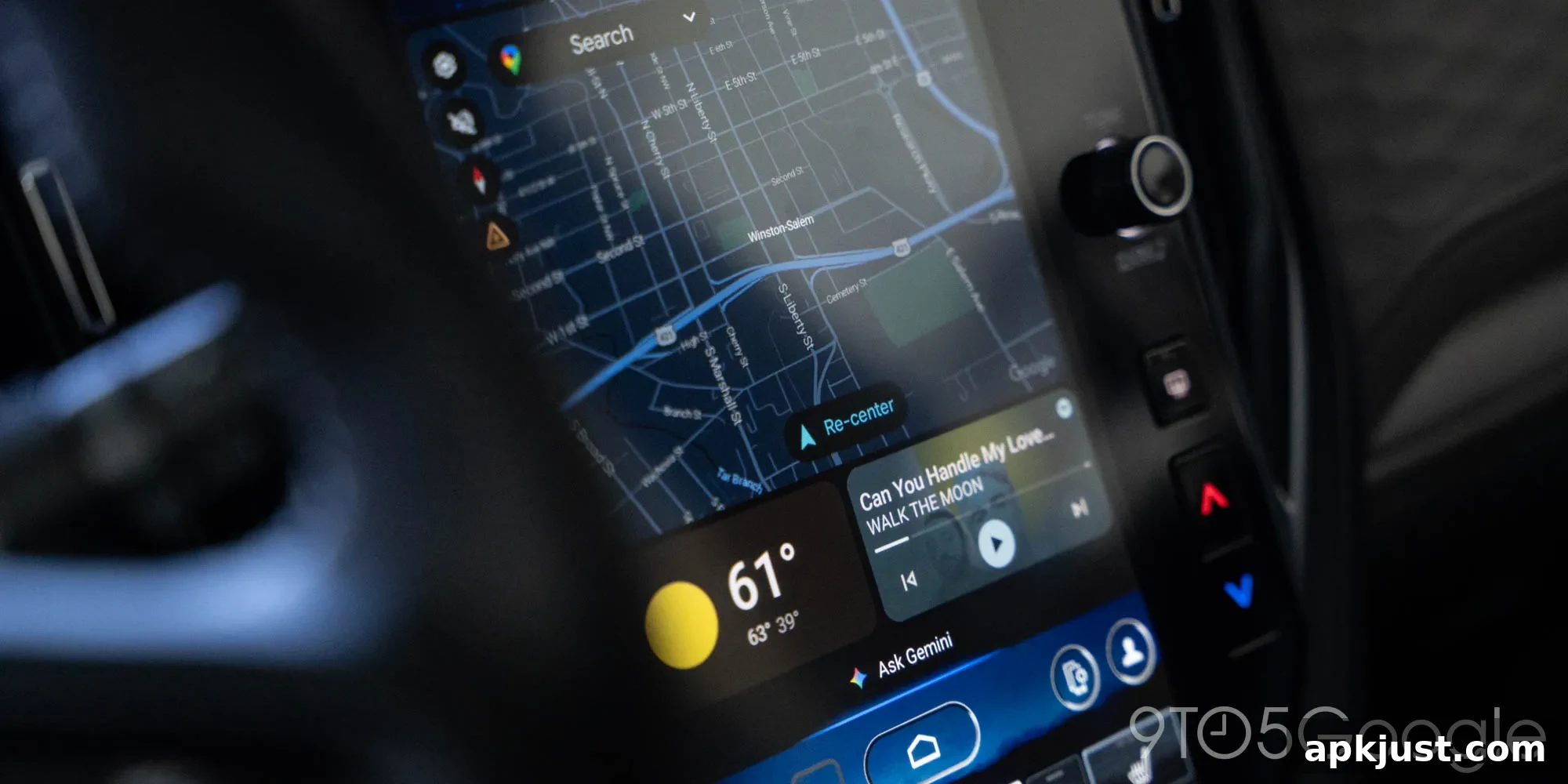
Across multiple devices, accounts, and app versions — both beta and stable channels — users are reporting that YouTube now appears in the Android Auto media area. This isn’t a full native app in the Android Auto environment; rather, YouTube content shows up in the dashboard media widget where you can perform a few essential actions. The feature is visible for many testers and early adopters, indicating a wider rollout than a small experiment.
The available controls are intentionally minimal. You can play or pause audio from YouTube and skip forward to the next video in a playlist or queue. That skip action moves to the next distinct video rather than seeking forward within the current video. The same functionality is accessible via steering wheel controls on many vehicles, so you can skip and play/pause without touching your phone. There is no ability to view videos or access a dedicated full-screen media interface through Android Auto at this time.
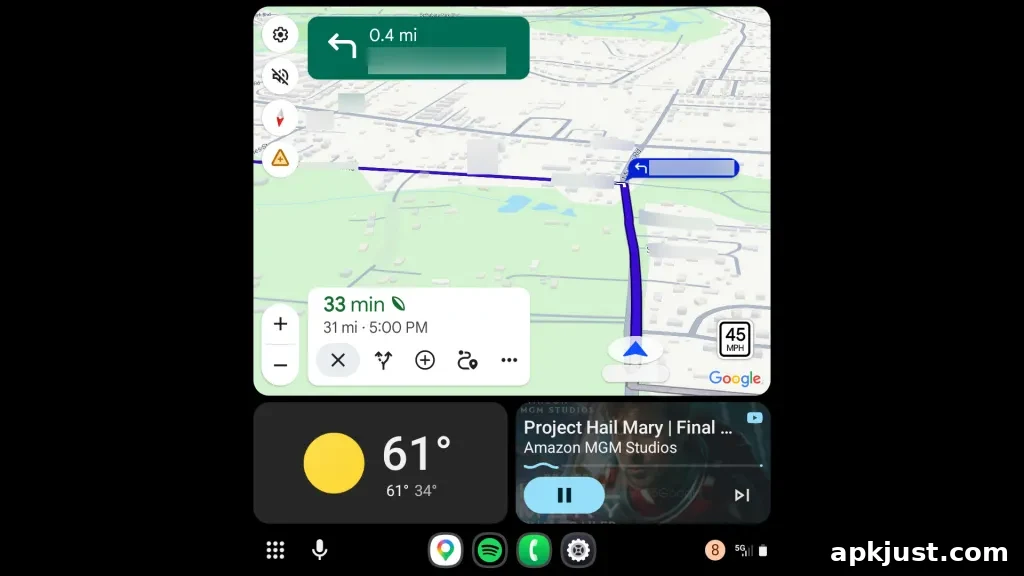
For drivers who enjoy podcasts, music mixes, talk shows, or long-form audio from YouTube, this limited integration can be useful. Many creators publish audio-first content or upload videos that work well as audio-only listening experiences while commuting. Being able to control playback from the Android Auto interface reduces distraction and makes it easier to keep focus on the road. Still, this is not the full “YouTube on Android Auto” experience some users have hoped for, since video playback and richer in-car navigation of YouTube content remain unavailable.
One important requirement: background play must be enabled on your YouTube account for audio to continue when the phone is not actively showing the app. That means a YouTube Premium subscription is needed to use YouTube audio seamlessly in the background while driving. There are tiered Premium plans available, and as of February 2026, background play is included in a lower-cost Premium Lite plan, making the feature more affordable for listeners who only want background playback without the full Premium bundle.
More on Android Auto:
- Android Auto users still report differing availability of certain features, such as AI assistant integrations.
- Google has acknowledged and worked on fixes for connection problems affecting some Pixel and Galaxy devices when using Android Auto.
- Android Auto’s media player interface has continued to evolve, with design updates rolling out to more users over time.
Follow Ben: Twitter/X, Threads, Bluesky, and Instagram (search for NexusBen)
In summary, the current YouTube support for Android Auto brings practical, if limited, audio control to the car dashboard. It improves convenience for users who listen to audio-first YouTube content while driving, but it does not yet substitute for a full-featured Android Auto app. If background play and uninterrupted audio in the car are important to you, ensure your YouTube account includes background playback privileges before relying on this functionality.