
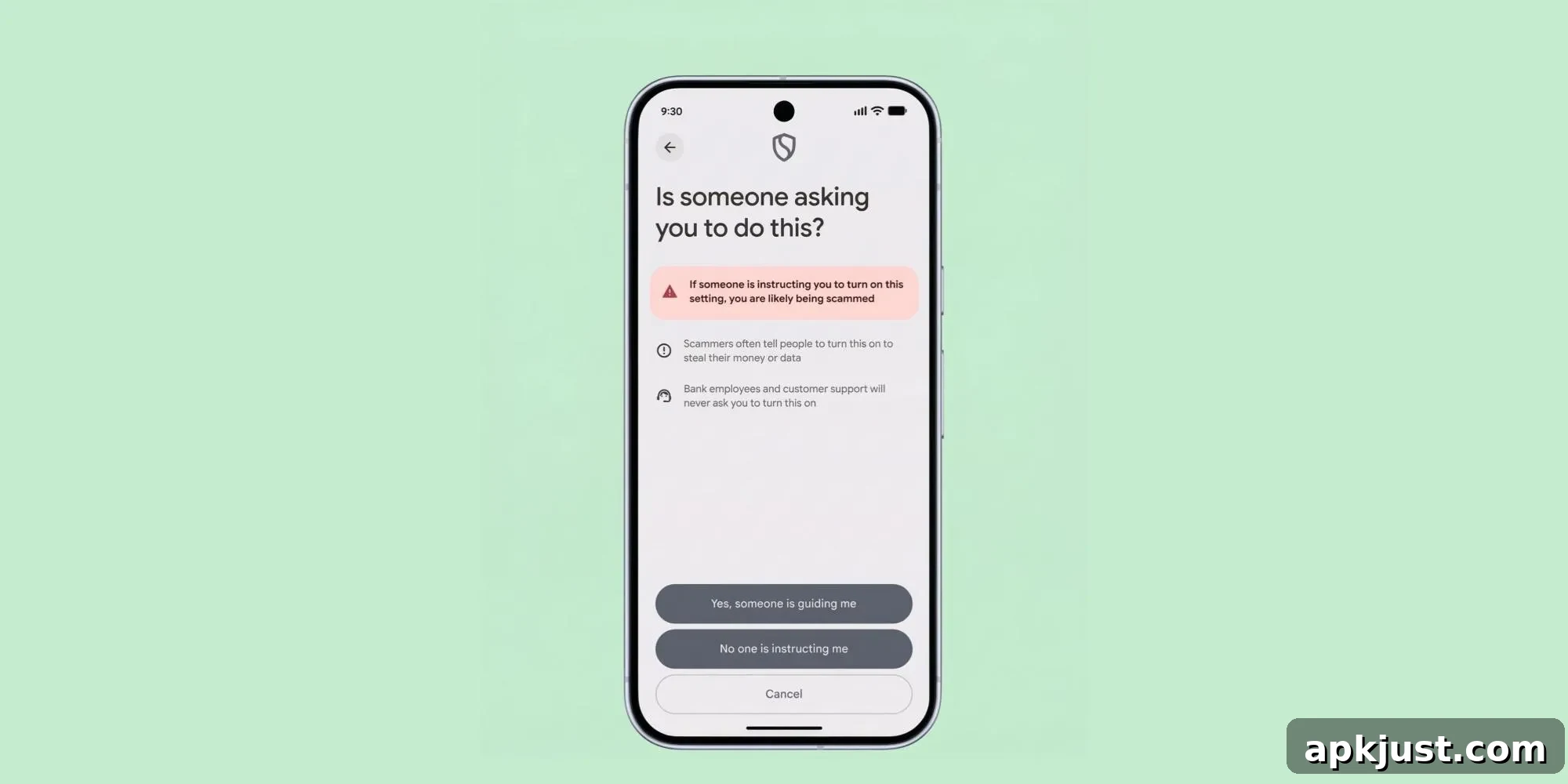
Google recently announced its long-awaited “advanced flow” for enabling sideloading from unverified developers, a change scheduled to roll out later this year for all Android phones. The new developer verification process addresses many concerns around installing third-party APKs while balancing security and flexibility for users. Although the announcement clarified many points, some details remained unanswered. A follow-up FAQ video from the Android Developers team has since filled in several important gaps, including how the setting transfers when you move to a new phone.
The Android Developers account shared a short FAQ video hosted by Matthew Forsythe, Google’s “Chief Product Explainer,” which provided concise answers to common questions about the new sideloading flow and developer verification. One of the most significant clarifications is how the advanced flow behaves when upgrading devices: once you enable the advanced flow on your current Android device, that setting can be transferred to a new phone during the normal setup and migration process.
Android Developers released a video FAQ where Matthew Forsythe answers common questions about sideloading and developer verification.
Watch the official video FAQ for additional context and demonstration of the process.
That transfer capability removes a key friction point for people who regularly sideload apps: you do not need to repeat the entire verification process each time you replace your phone. During device setup, the verification state can be restored, preserving your ability to install unverified APKs without redoing the initial advanced flow steps on the new device.
The video does leave a few follow-up technical questions unresolved. For example, it’s not yet clear whether a factory reset on your original device will still allow transfer of the verification to a new device, or whether the verification state is tied to a hardware identifier, an account-level token, or another mechanism. Similarly, the interaction between this flow and custom ROM flashing remains to be clarified: if you flash a fresh ROM, will the advanced flow remain enabled or will it need re-enabling? Those specifics are likely to appear in subsequent developer documentation or future FAQ videos from the Android team.
Beyond device migration, the FAQ clarifies several practical details about how the advanced flow affects sideloading, updates, and developer workflows:
- ADB installs are unaffected by the 24-hour waiting period. The video confirms that sideloading via ADB remains usable immediately and is not blocked by the 24-hour wait that applies to other sideloading paths. There is no ADB command that can bypass the 24-hour waiting period for non-ADB installation methods.
- Apps cannot detect whether advanced flow is enabled. Because the advanced flow is implemented at the operating system level, apps themselves cannot query or detect a user’s verification state. This preserves app behavior and prevents apps from altering features based on whether a device has enabled unverified installations.
- Advanced flow must remain enabled to update unverified apps. If you choose the limited 7-day bypass option for testing an unverified app, you must re-enable the advanced flow after that window expires to continue receiving updates. Forsythe emphasized that the seven-day bypass is mainly intended for short-term testing, not for long-term installation of unverified applications.
- Developer options do not need to remain enabled after setup completes. One common concern among users is that enabling developer mode can interfere with sensitive apps, such as some banking applications. The FAQ clarifies that developer mode is not required to keep installing unverified APKs once the advanced flow has been completed and the waiting period has passed. You can return your device to its normal settings and still maintain the ability to update unverified apps, provided the advanced flow remains enabled.
- Verification does not involve app review or violate developer NDAs. For developers worried about privacy or confidential builds, Google says the verification process does not require reviewing the app’s code or violating non-disclosure agreements. The process focuses on verifying the developer identity and adherence to platform policies rather than inspecting app contents.
Taken together, these clarifications make the new advanced sideloading flow look like a manageable, one-time inconvenience for users who depend on sideloading. The ability to transfer verification during device migration and the separation from developer options address two of the most common practical concerns. Remaining questions, such as behavior after factory resets or ROM flashing, will require additional detail from Google, but the direction and intent behind this change are now much clearer. For users and developers who rely on sideloading, the advanced flow appears to strike a practical balance between security and flexibility.