
Following the recent introductions of Lyria 3 Pro, Gemini 3.1 Flash Live, and the new importing features, Google is rolling out additional updates to its Gemini app. One notable change is the wider availability of Personal Intelligence across free personal accounts in the United States, along with a visual refresh to the app’s activation overlay.
When invoking Gemini by long-pressing the power button or swiping from the bottom corners, the overlay now displays a glow that traces the perimeter of the screen. This glow begins with a blue base and accents of red, yellow, and green concentrated toward the bottom of the display. After a brief moment, the accent colors gently transition to blue and then fade away entirely, leaving the screen as it was before activation.
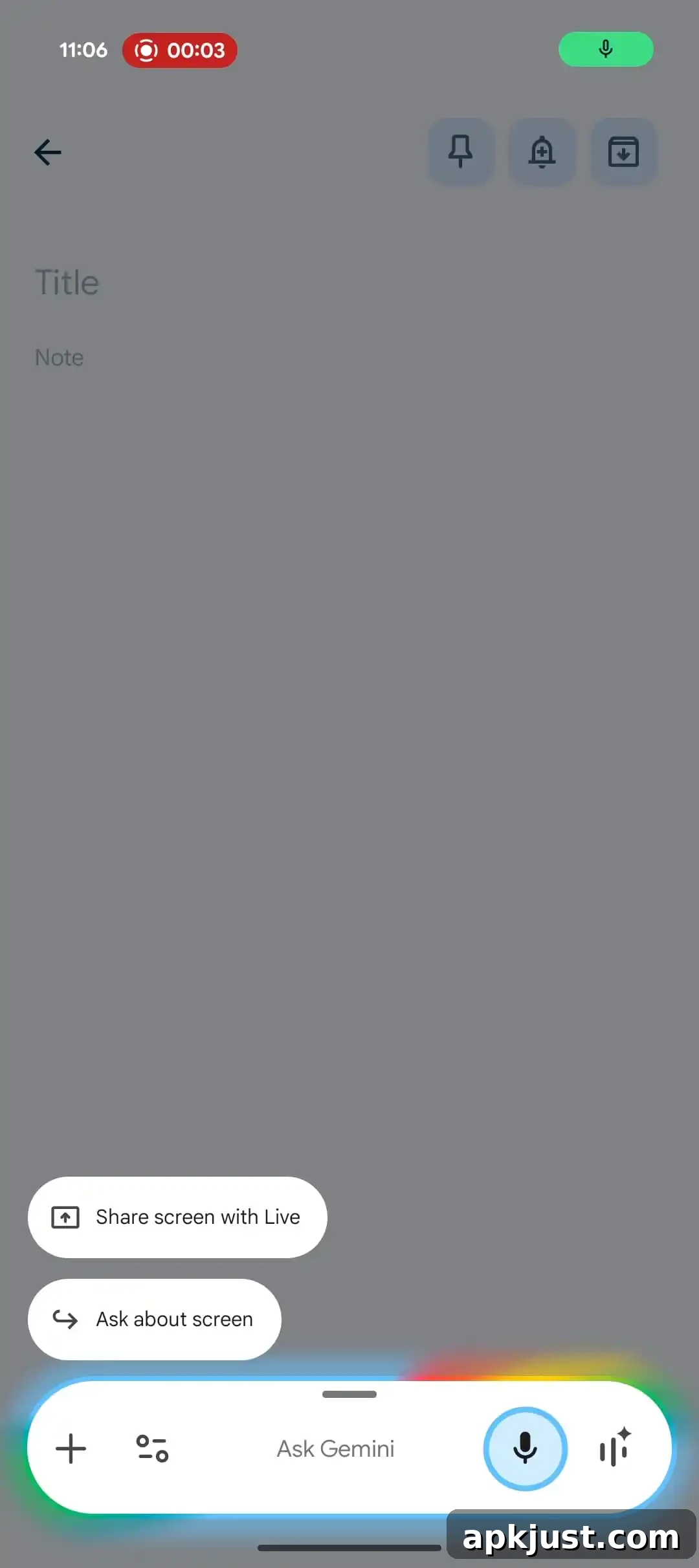
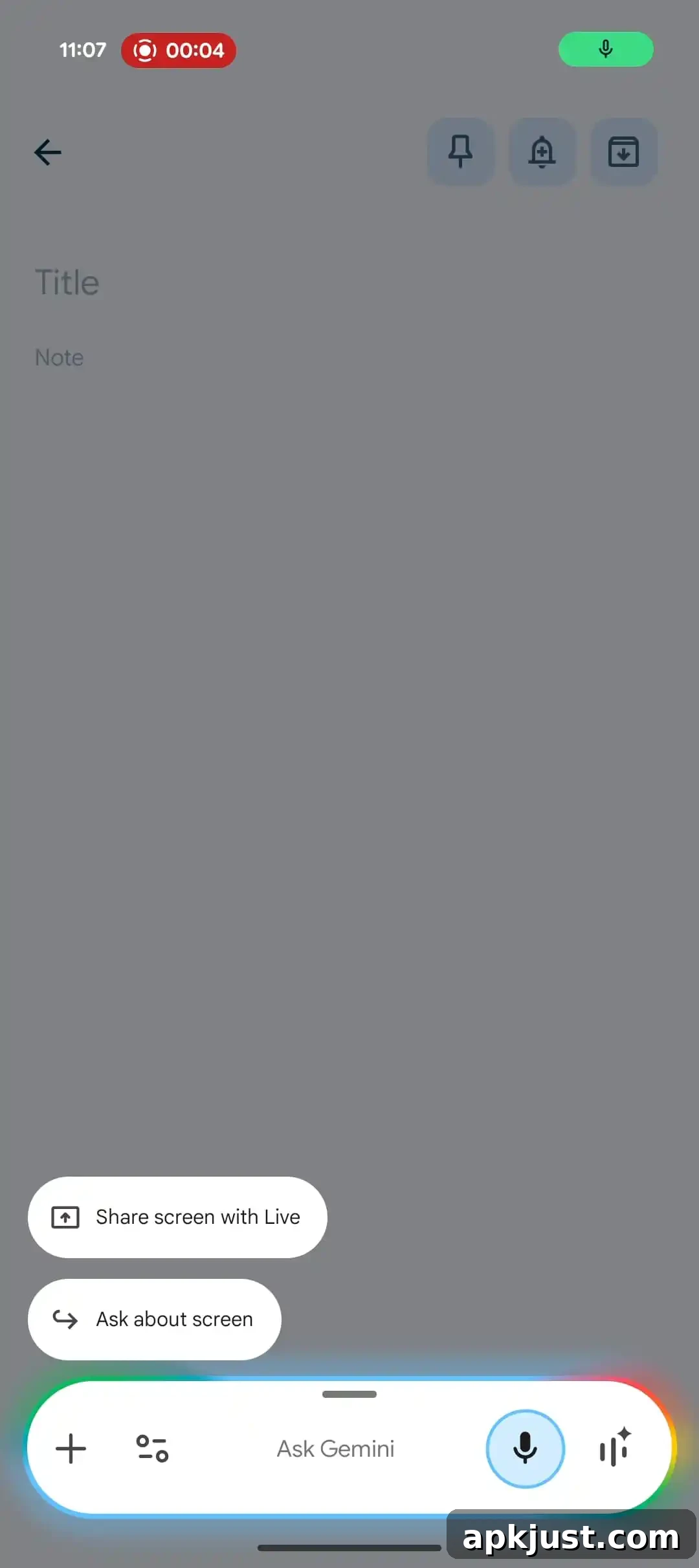
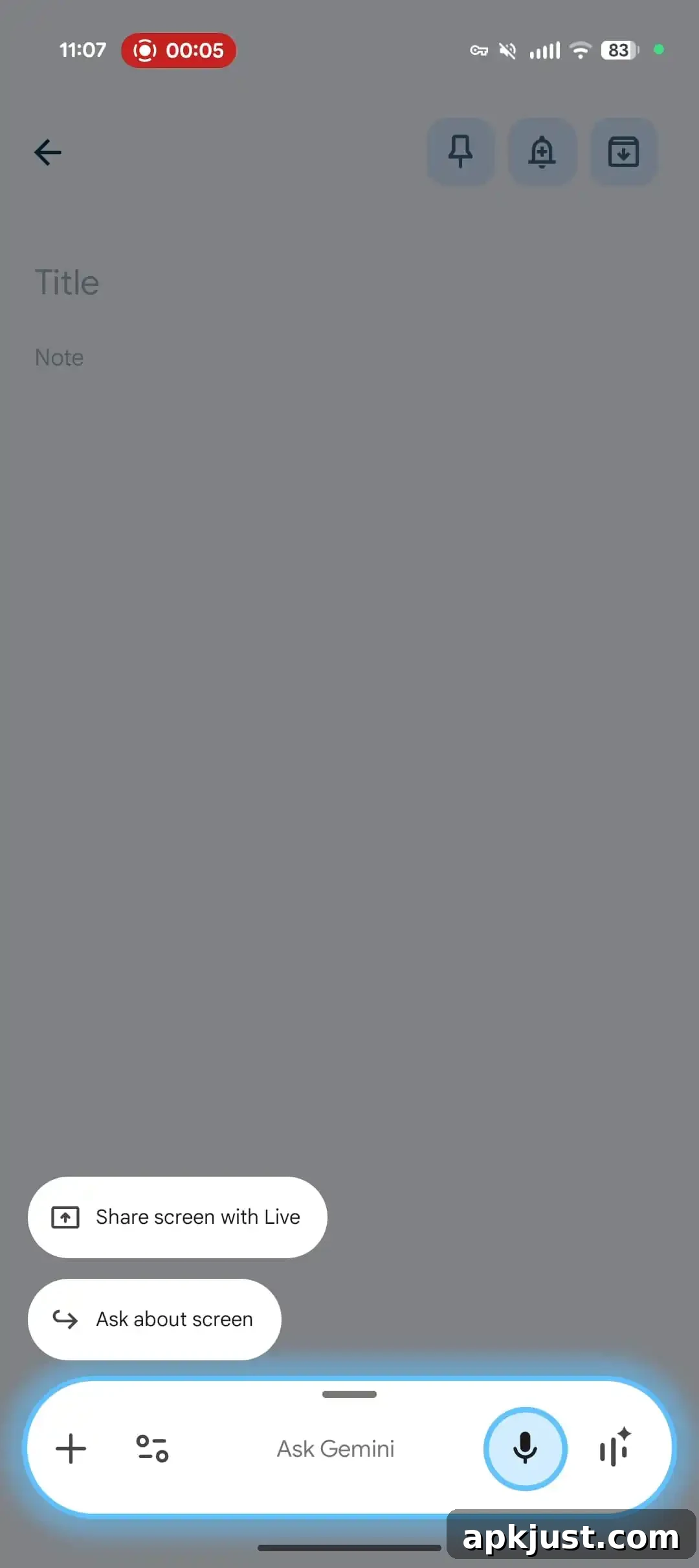
The updated rim glow is intended to create a more immersive and visually consistent activation experience. It echoes other visual elements found elsewhere in Google’s design language, such as the subtle animations used in Gemini screen automation and the Circle to Search feature. The animation is understated by design: it draws attention for a moment and then recedes so it does not interfere with the user’s task.
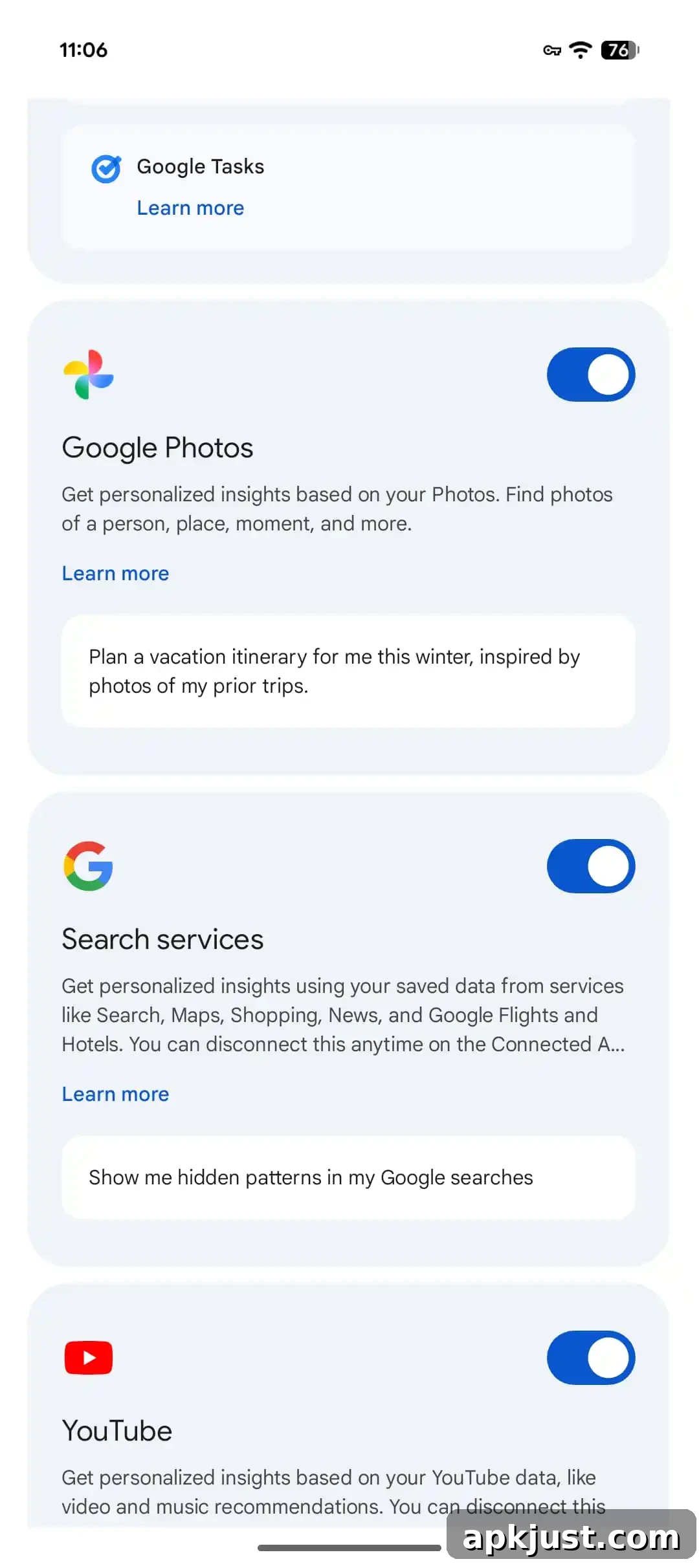
Alongside this visual tweak, the company has expanded access to Personal Intelligence for free personal users of the Gemini app in the US. Announced earlier this month, Personal Intelligence lets Gemini tailor responses by drawing on data from the user’s own Google ecosystem. This includes text, photos, and videos stored across Gmail, Calendar, Drive, Google Photos, YouTube, Maps, Search, and other first-party apps and services. The objective is to provide contextually relevant assistance without requiring the user to repeat or reintroduce information in each interaction.
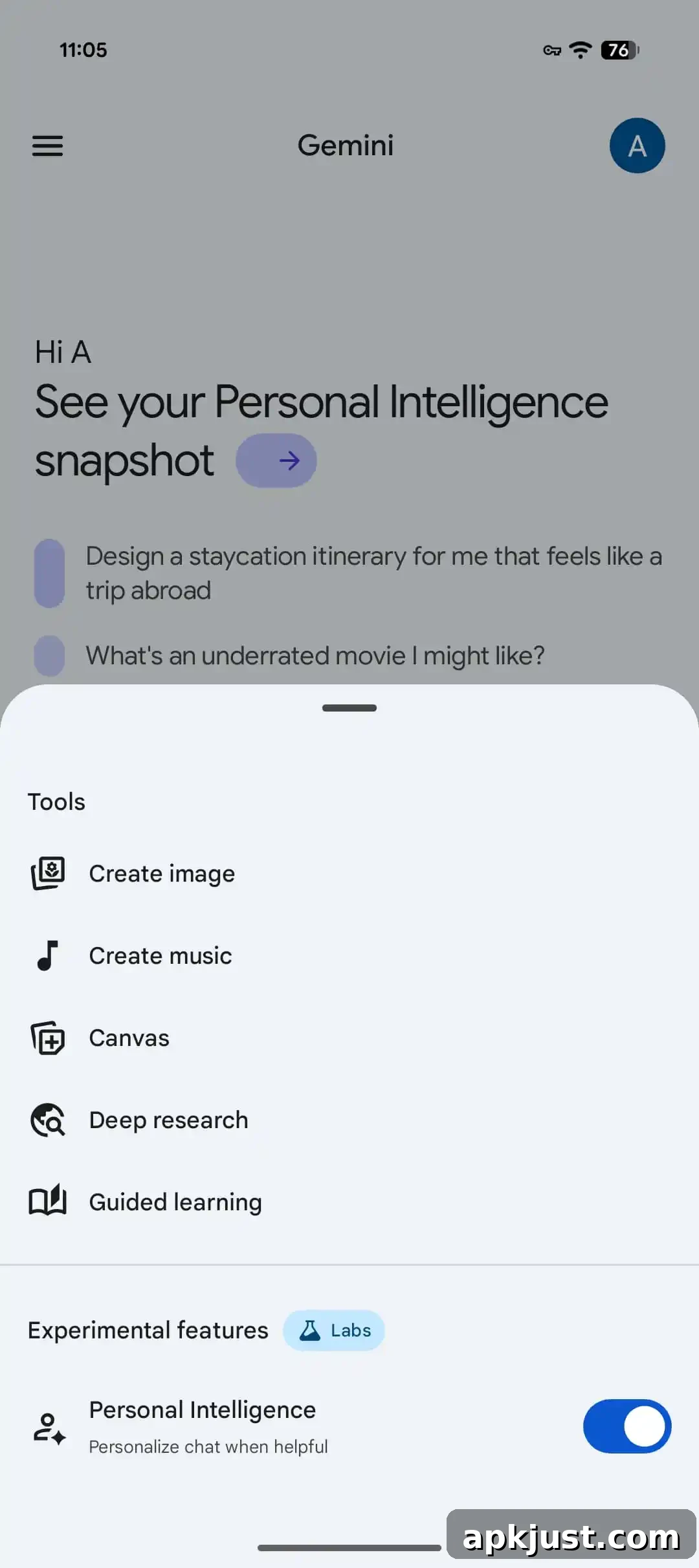
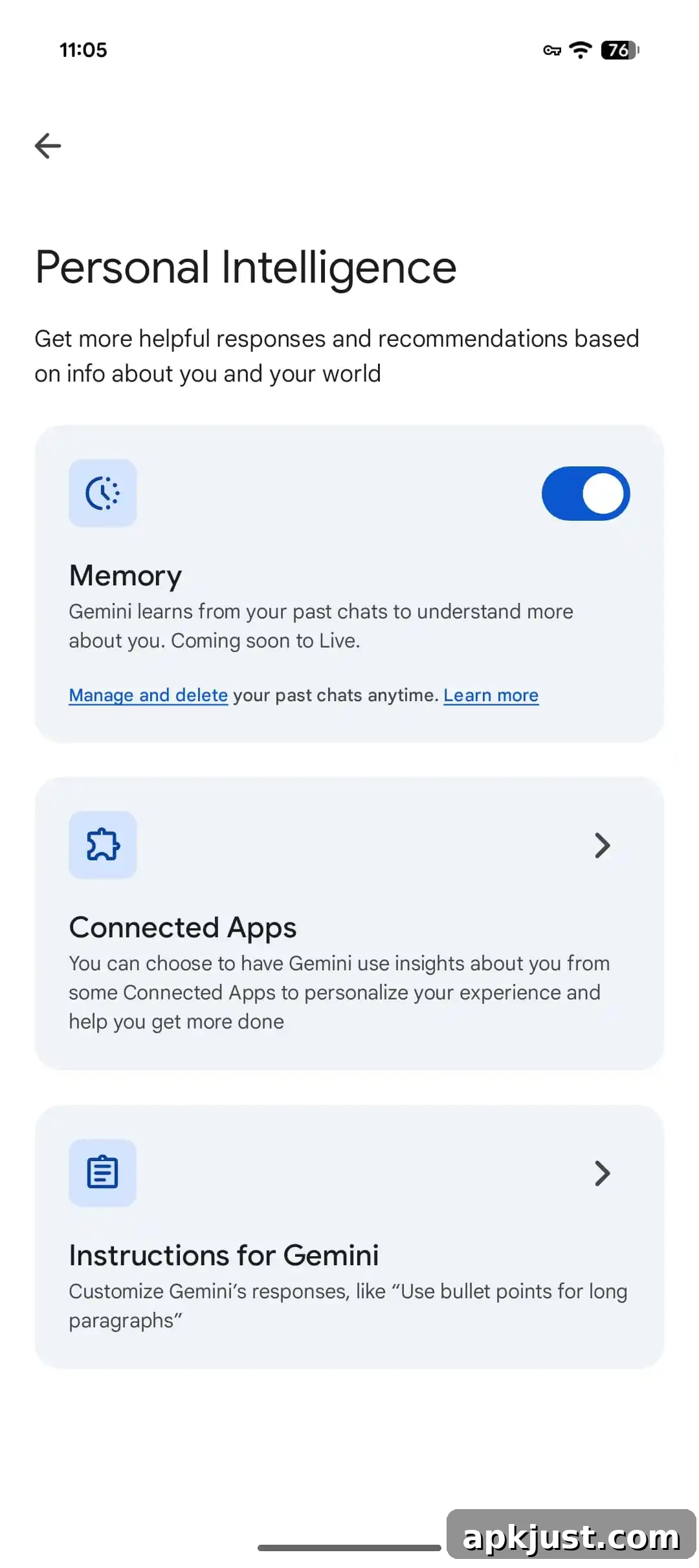
When Personal Intelligence is active, the app can reference your content to give more personalized answers. Users receive an opt-in prompt and can choose which apps Gemini is allowed to access. If you prefer not to use Personal Intelligence for a specific prompt, you can open the Tools menu and deselect the toggle at the bottom. You can also manage, enable, or disable the connected services from the “Personal Intelligence” page in your account settings.
Originally launched in January for subscribers to a paid Google AI plan, Personal Intelligence is now appearing for free accounts as the rollout continues. Google’s approach gives users explicit control over the data sources Gemini may consult, which helps balance personalization with privacy preferences. The opt-in flow and granular toggles allow individuals to selectively allow or block access to particular services.
In a related change, Google appears to have widely deployed a feature now labeled “Memory.” Previously referred to as “Past Gemini chats,” Memory enables the app to reference prior conversations to deliver more helpful, continuous interactions. Instead of re-stating details from earlier exchanges, Gemini can use Memory to maintain context across sessions, improving the fluidity and relevance of follow-up responses. As with Personal Intelligence, users can manage Memory and control how their past chats are used.
These updates reflect Google’s ongoing effort to refine both the look and the behavior of Gemini. The visual overlay change is a small but notable design adjustment that improves on-screen feedback when the assistant is activated. At the same time, broader availability of Personal Intelligence and Memory—combined with user controls for opting in and managing access—aims to make the assistant more useful while letting people retain control over their data and preferences.
If you use the Gemini app, check your account settings for the Personal Intelligence and Memory options to review what’s enabled and to make adjustments to suit your comfort level. The rollout is expanding, so more users should see these features appear in their app in the coming days and weeks.