
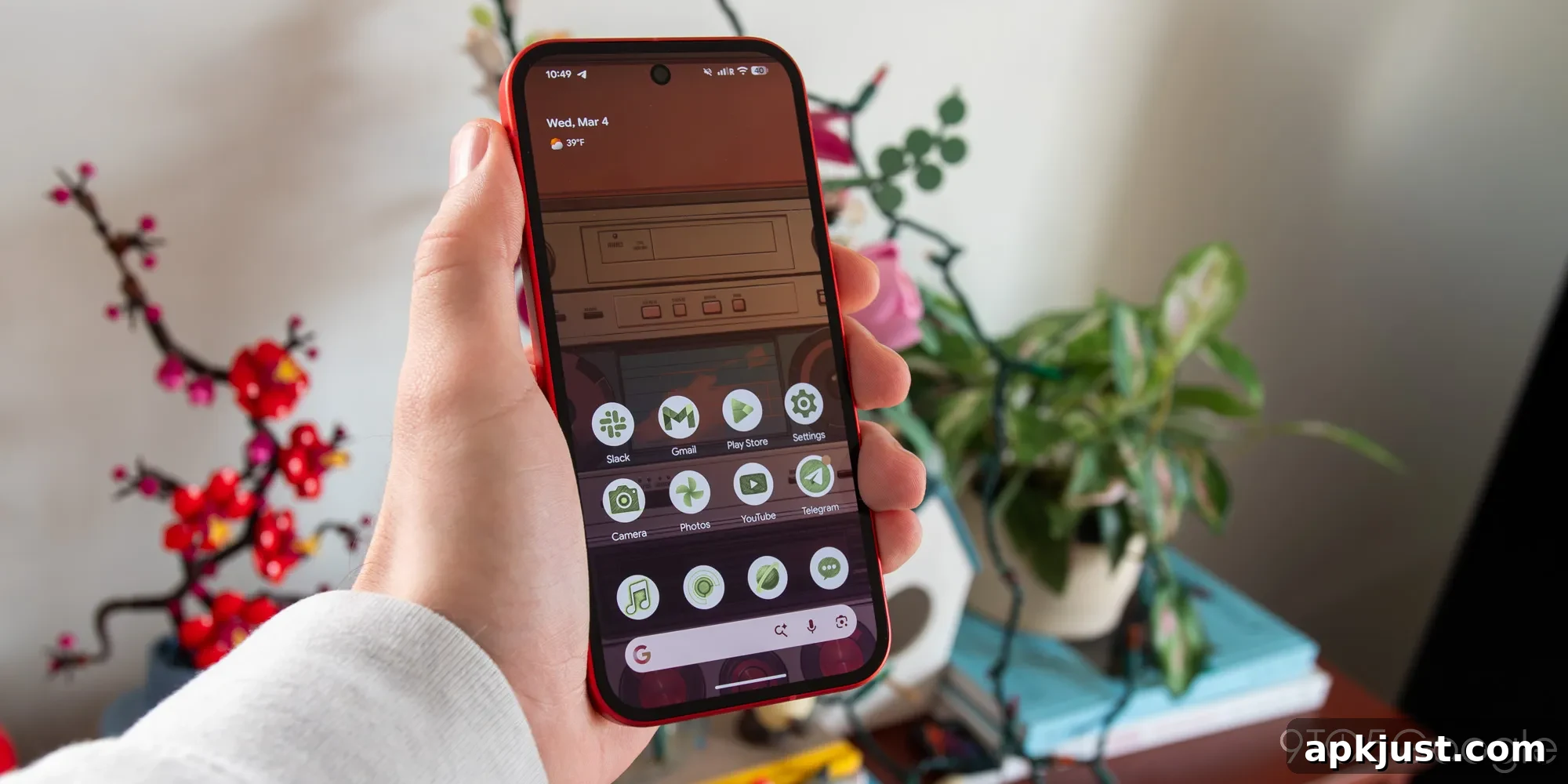
Google recently released Android 17 Beta 3, which brought several notable updates. As often happens, some of the most interesting additions are not immediately obvious — they are tucked behind experimental flags and unfinished interfaces. One particularly promising development is a new Pixel Launcher tool that can automatically populate a home screen page with suggested apps, widgets, and layouts. If finalized, this could change how Pixel owners set up and organize their phone launchers.
The new home screen organizer was discovered by a tech publication that examined the beta build. The feature is still in early development and includes placeholder text and incomplete visual elements, suggesting it won’t be finished in time for the final Android 17 release. Even so, the concept is compelling: instead of manually dragging individual apps from the app drawer to the home screen, Pixel users would be able to select a category and have a new home page automatically filled with relevant apps and widgets.
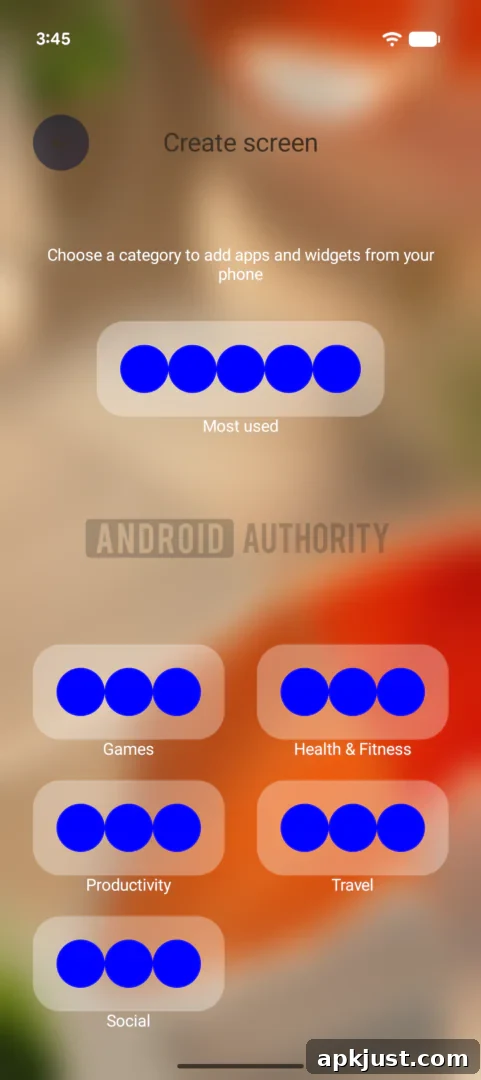
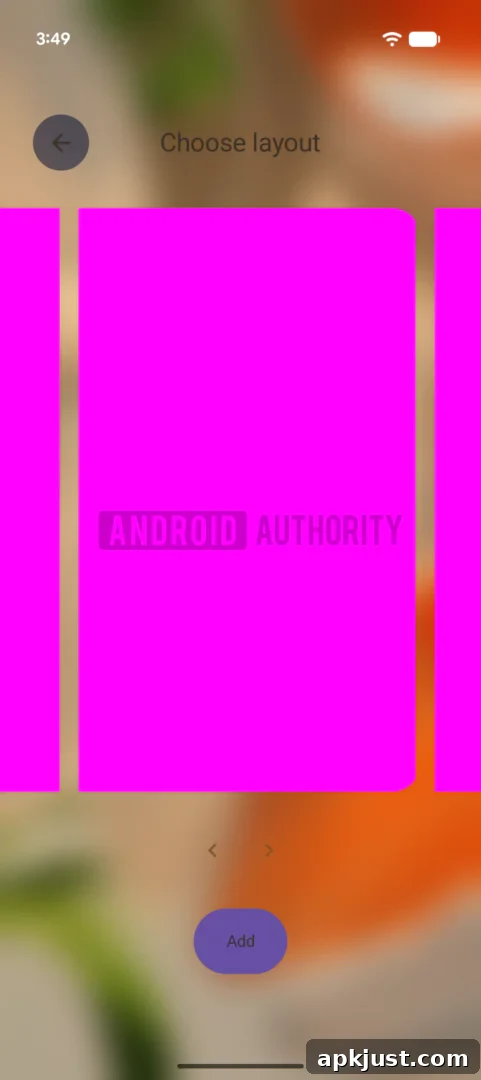
Although the current UI mockups in the beta don’t show actual apps or layout previews, the workflow is easy to imagine. Google appears to plan to use categories—similar to those used on the Play Store—to determine which apps and widgets populate a new page. Users could pick a category such as Games, Health & Fitness, Productivity, Travel, or Social, and the Launcher would auto-fill a new home screen page with relevant icons and widgets. A “Most Used” option is shown at the top of the list, and the interface leaves room for additional categories to be added later.
This automated approach would simplify setting up specialized home pages for different needs. For example, a travel page could include navigation, booking, and itinerary apps along with a weather widget, while a productivity page could add calendar, notes, and task apps with a compact widget layout. For new devices or fresh setups, the organizer could dramatically reduce the time required to create a useful and attractive home screen layout.
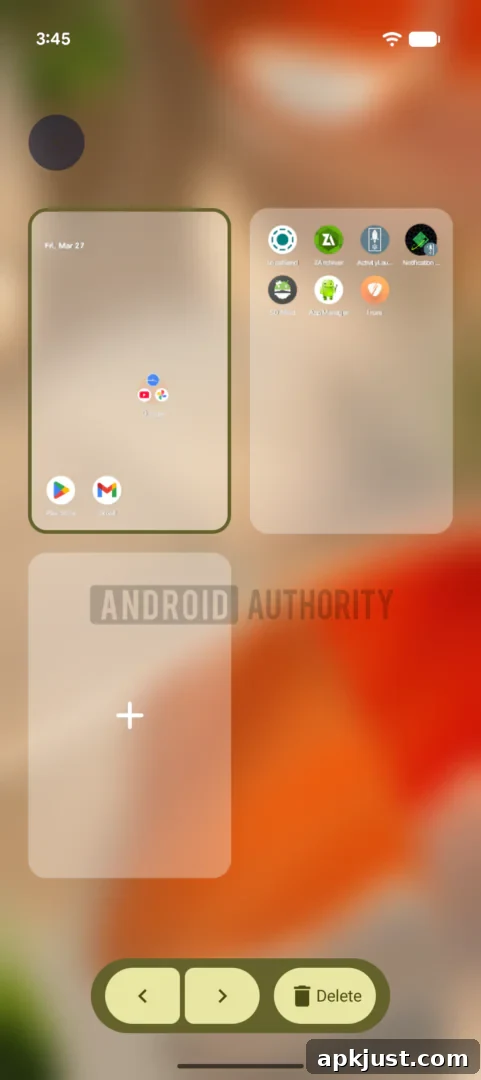
Beyond auto-populating pages, the beta hints at another useful capability: a grid view of all home screen pages. This overview would let users see every page at once, rearrange pages, and delete or lock them quickly. That kind of multi-page management was available in some older Android skins years ago, and its return to the Pixel Launcher would be a welcome convenience for users who maintain several themed pages.
Because Android 17 Beta 3 has reached a stability milestone in the beta cycle, many of its core APIs and features are now set. Given the organizer is still incomplete, it’s unlikely to debut in the initial Android 17 release. A more realistic scenario is that Google finalizes and ships the feature with a Pixel hardware launch later this year, or includes it in a subsequent platform update or quarterly feature drop. When and how the company rolls it out could depend on feedback from beta testers and further development work.
For Pixel users, the home screen organizer promises a smarter, faster way to build and maintain a personalized launcher. Instead of laboriously placing icons and widgets one at a time, you would choose a category, pick a layout, and let the Launcher assemble a polished page tailored to your habits. If Google completes the feature, it will address a common annoyance and make it easier for people to create functional, attractive home screens without a lot of effort.
Until the organizer leaves its experimental state, users can test other beta changes and keep an eye on future Android updates. The concept is straightforward and useful, but its final design, app selection logic, and layout options will determine how much of an impact it has on everyday Pixel use. For now, the discovery offers an encouraging glimpse at how Google plans to evolve the Pixel Launcher to save users time and improve organization.