
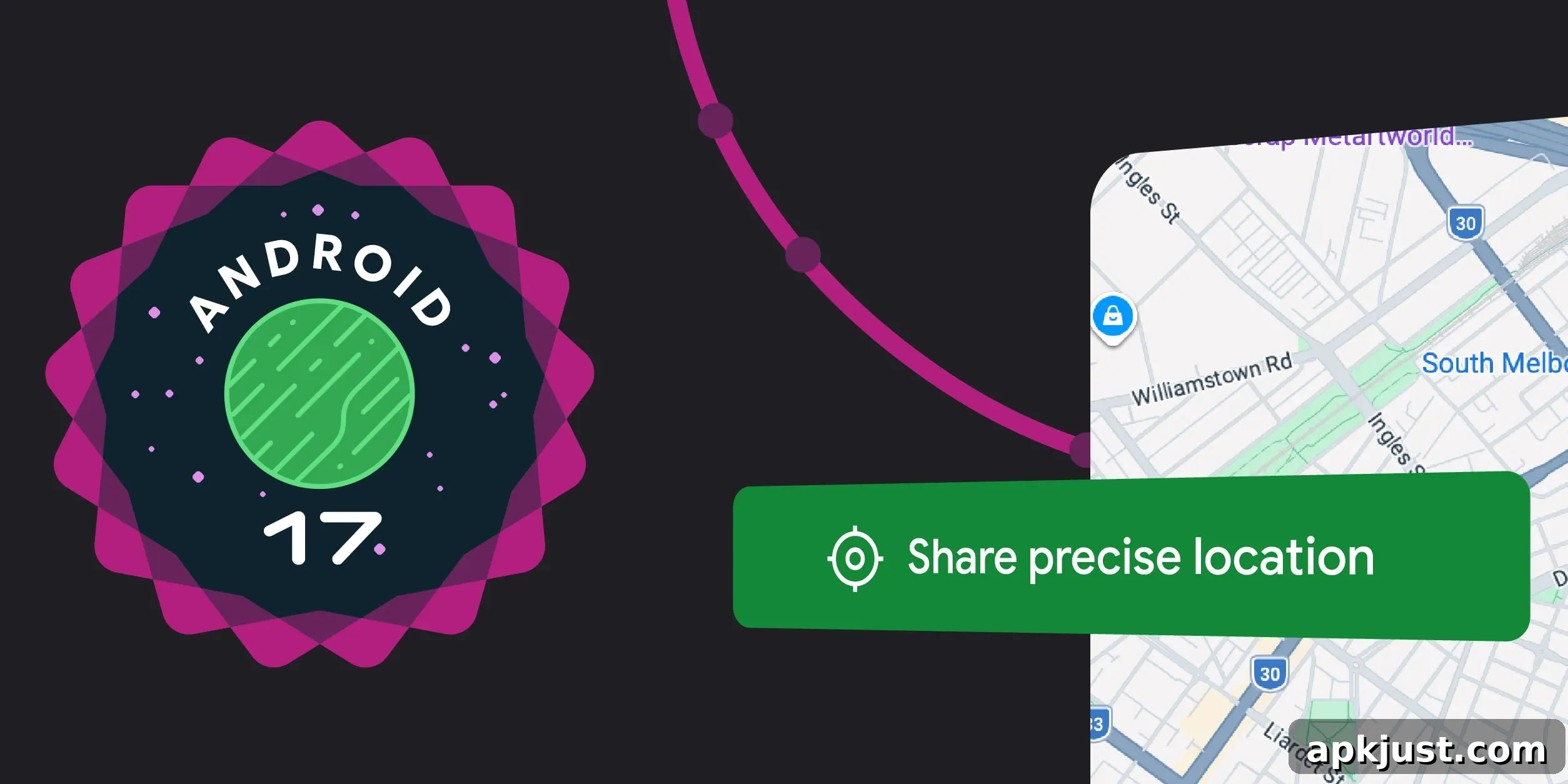
Android 17 introduces several notable updates focused on location privacy. One of the most visible additions, introduced in Beta 3, is a new “location button” that simplifies one-time precise location access for users while reducing unnecessary background access by apps.
The location button is designed for quick, explicit permission when an app needs precise location only for the current session — for example, to find a nearby store or to tag a social post. Rather than granting apps permanent or background access to a user’s exact position, this UI element provides a clear, temporary path that respects user privacy. Access granted via the button remains active until the user closes the app, avoiding repeated prompts for location-dependent actions during that session.
Developers can customize aspects of the location button to better fit their app’s design while maintaining consistent privacy signals. Customizable options include the button’s background and icon color scheme, outline style, and its size and shape. For consistency and user trust, the location icon itself is mandatory and cannot be altered, and font size is managed by the system to respect accessibility settings. Google also provides a predefined set of text labels from which developers can choose, ensuring clarity and consistency across apps.
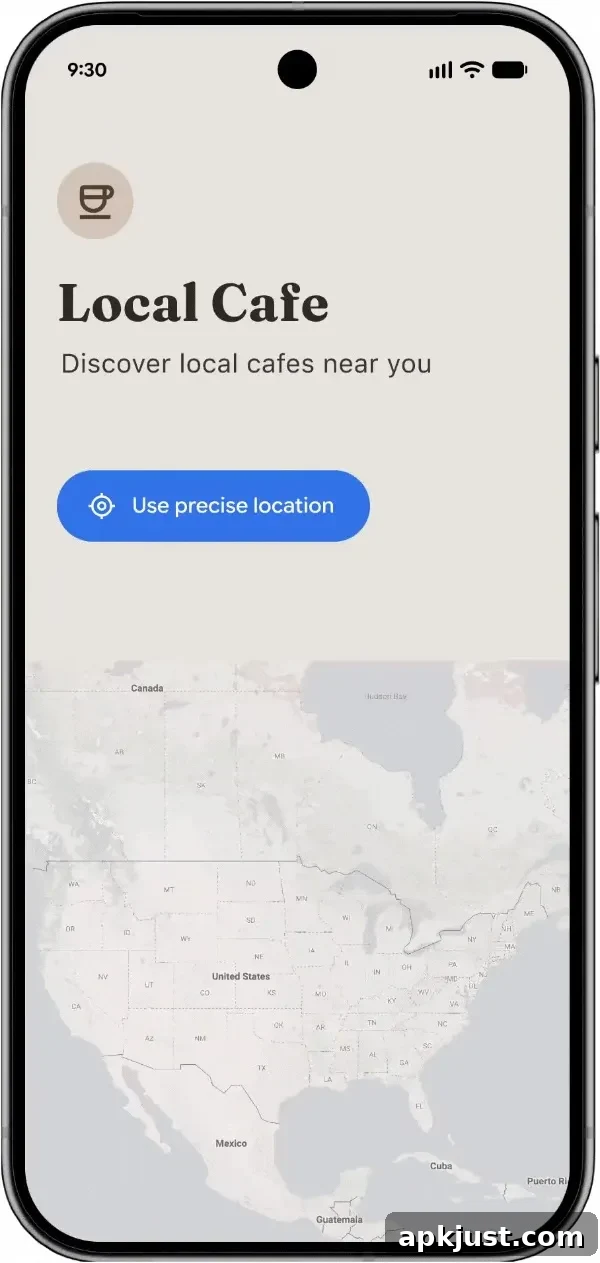
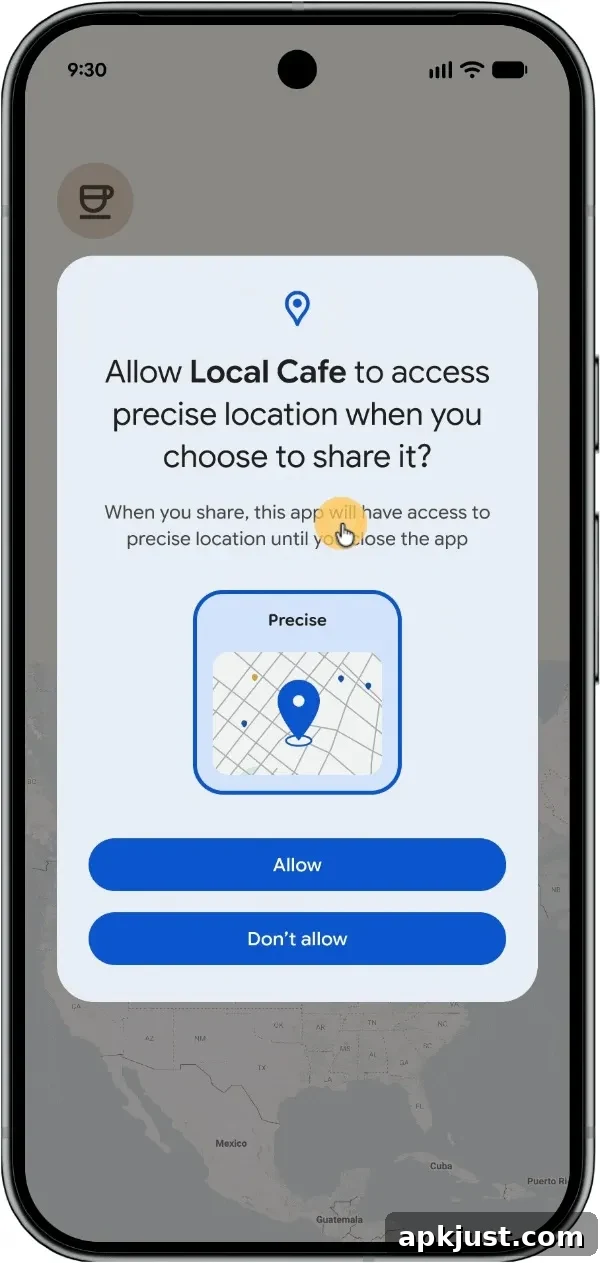
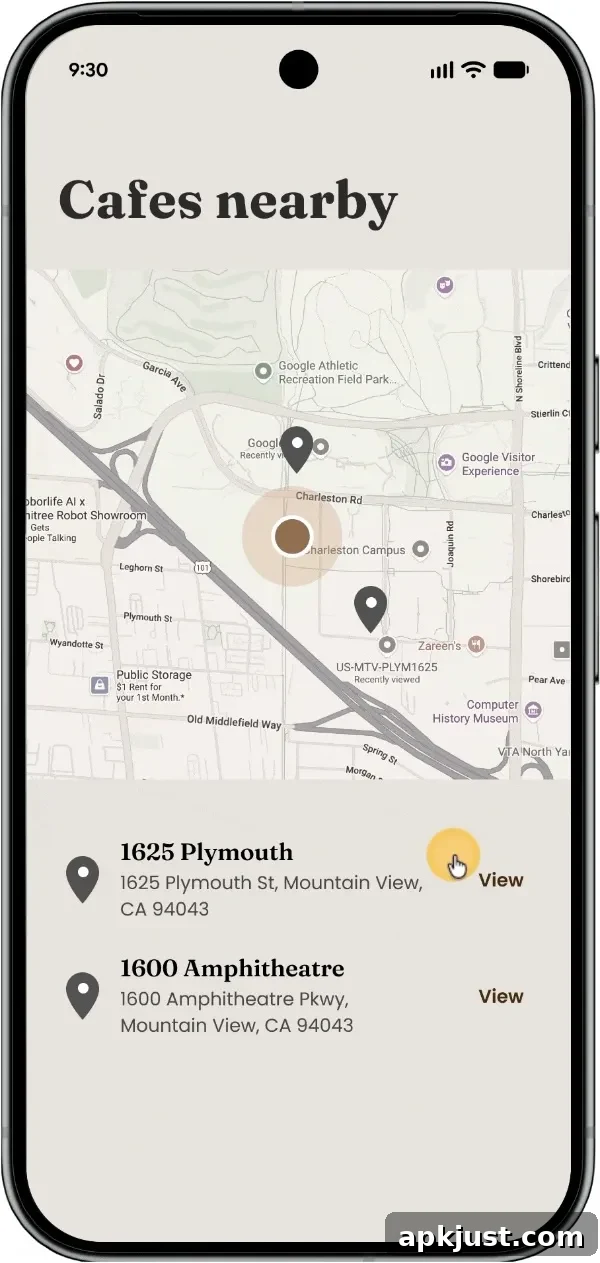
Once consent is provided, this session-based access eliminates repeated prompts for location-dependent features. Developers benefit from a smoother user experience and greater confidence that location access aligns with the user’s intent, since access is explicitly requested at the moment of action.
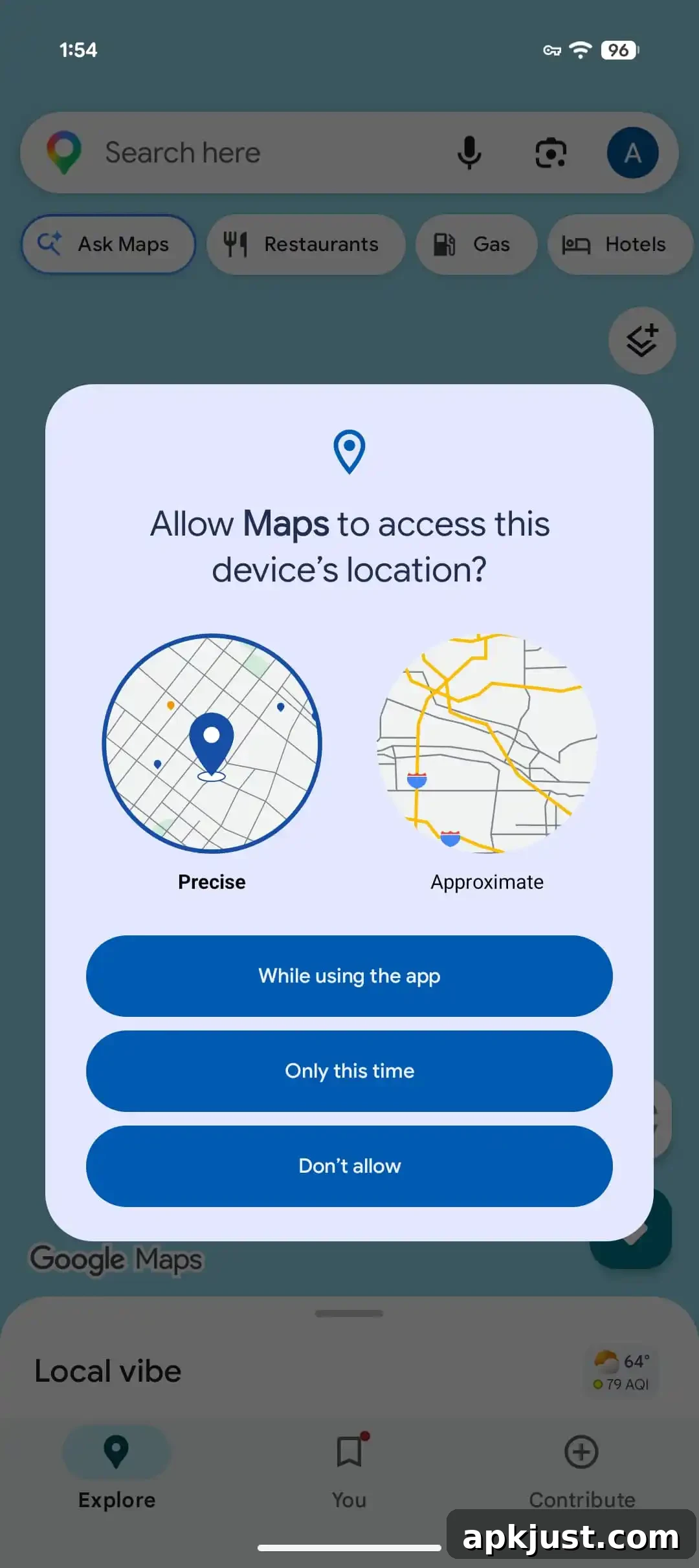
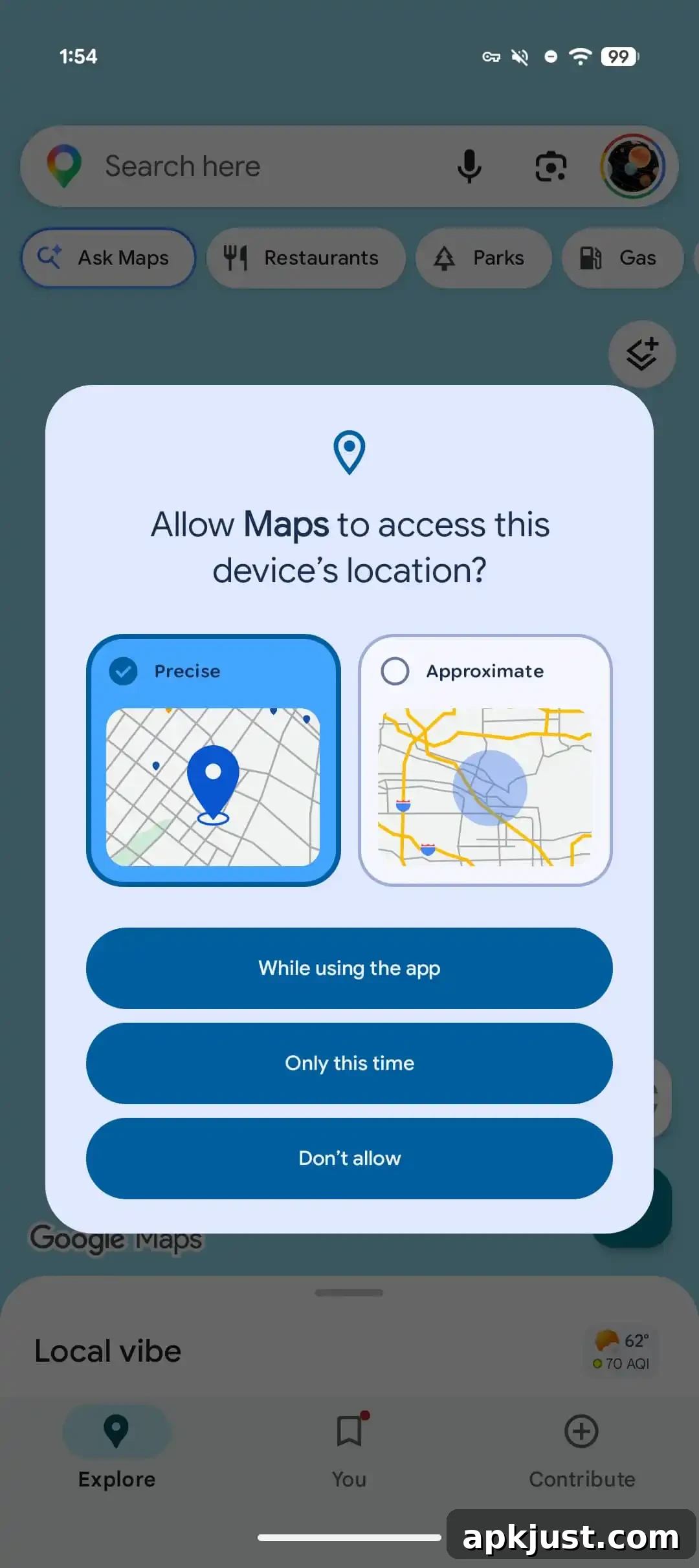
In addition to the location button, Android 17 Beta 3 includes refinements to the runtime permission dialog for location. The redesigned dialog separates “Precise” and “Approximate” options into clearly distinct checkboxes, making it easier for users to understand and select the level of location detail they are comfortable sharing. This change helps users make informed privacy choices and reduces accidental sharing of precise location data when coarse location is sufficient.
Beta 2 vs. Beta 3
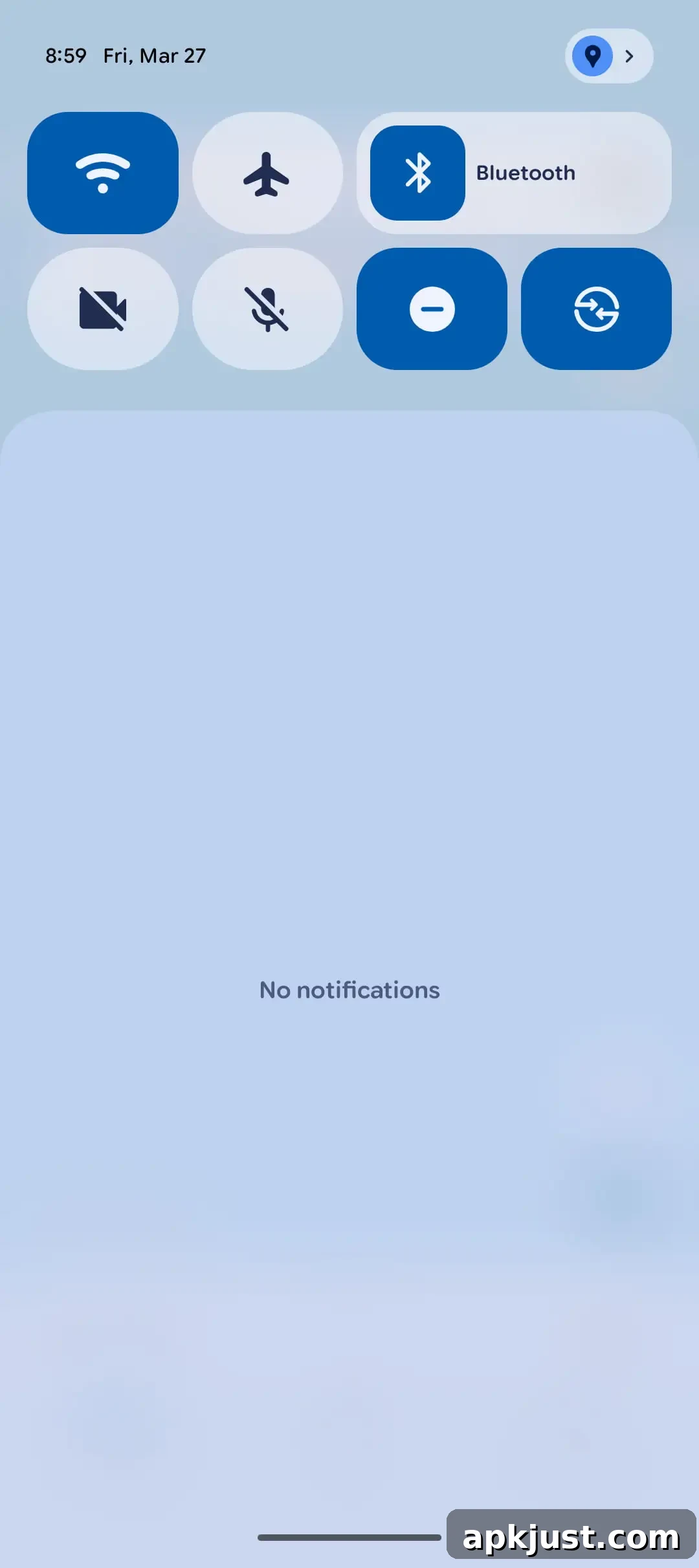
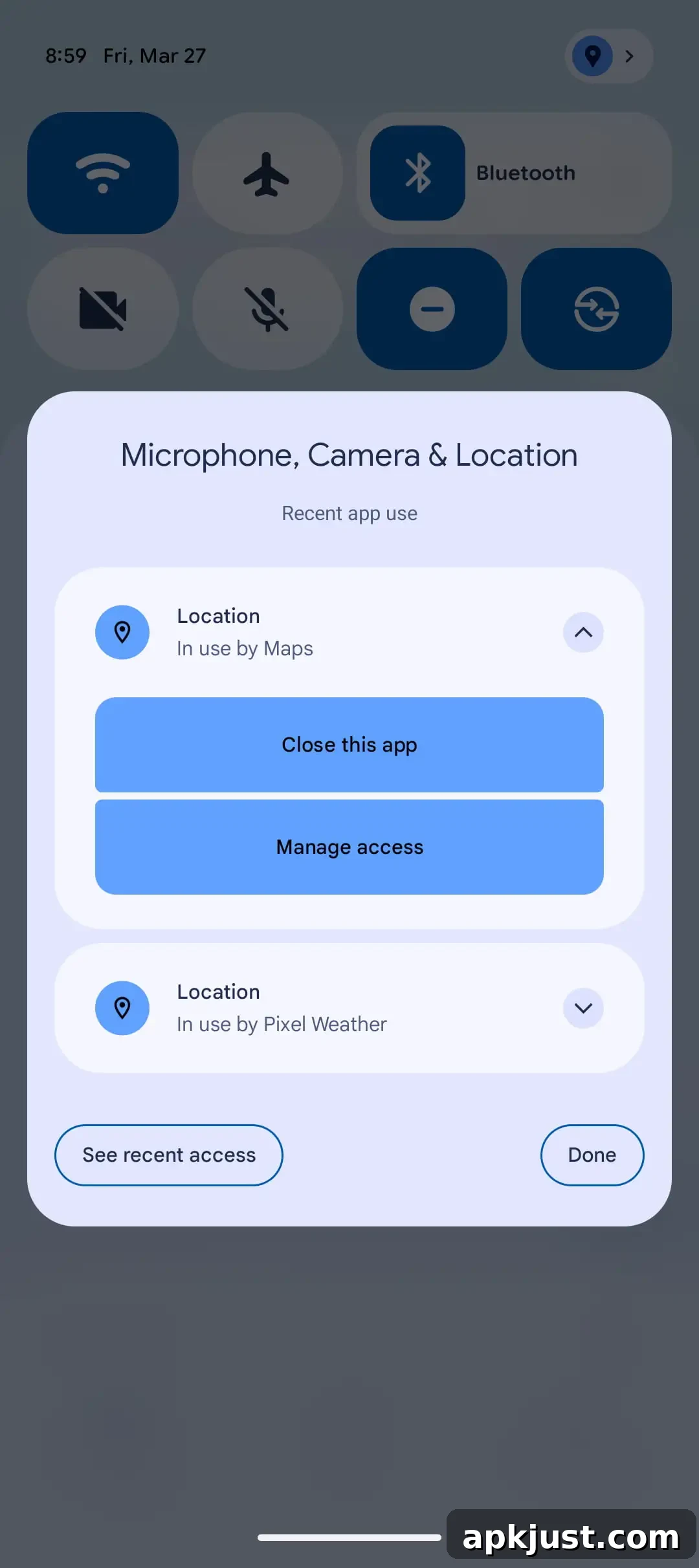
Android 17 also expands the system’s location transparency indicators. The update replaces a small status bar icon with a more visible persistent blue dot when a non-system app accesses location, matching the transparency indicators used for microphone and camera. Tapping the notification or checking Quick Settings reveals which apps recently accessed location, offering users clearer, more accessible insight into how their location data is being used.

Finally, Android 17 improves how approximate (coarse) locations are computed by making them sensitive to local population density. Earlier implementations used a fixed 2 km grid for coarse locations. In sparsely populated areas, that static grid could still be too revealing because a single 2 km square might contain very few people. To provide more consistent privacy guarantees, Android 17 replaces the fixed grid with a dynamically sized area that grows in less populated regions and shrinks in dense urban environments. This adaptive approach helps ensure that coarse location data remains meaningfully imprecise across different settings, from crowded cities to remote countryside.
By adjusting the area based on local population density, Android aims to maintain a stronger privacy baseline for coarse location data, delivering a more uniform privacy experience regardless of where a user is located.
Together, these changes in Android 17 — the location button, the clearer runtime permission dialog, enhanced transparency indicators, and a smarter approximate location algorithm — reflect a focused effort to give users clearer control over location sharing while helping developers implement useful location features without eroding privacy.