
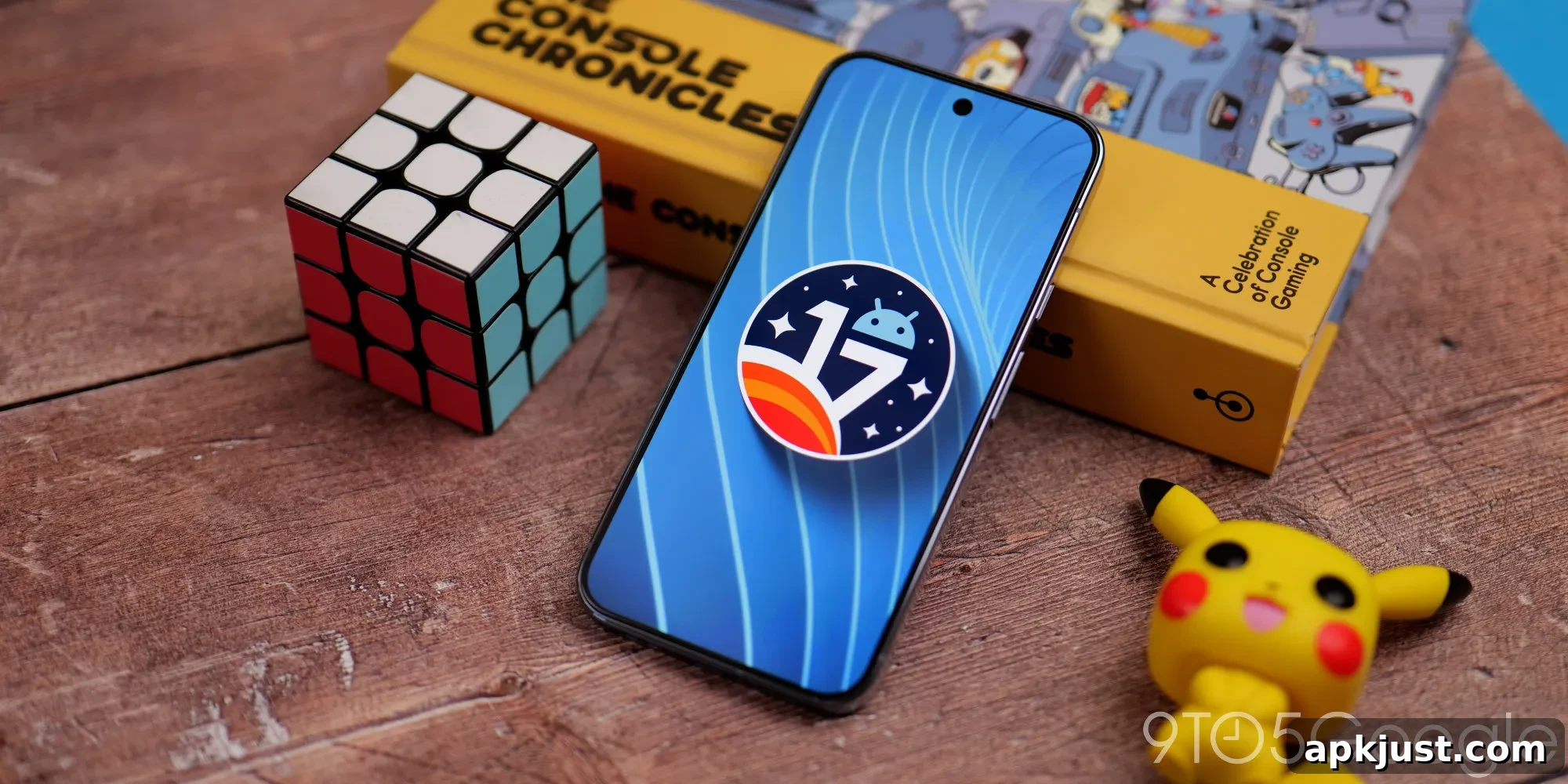
Google has released Android 17 Beta 3 for Pixel devices today, following last month’s Beta 2 drop. The update continues to refine features and fixes across the system for eligible Pixel phones and tablets.
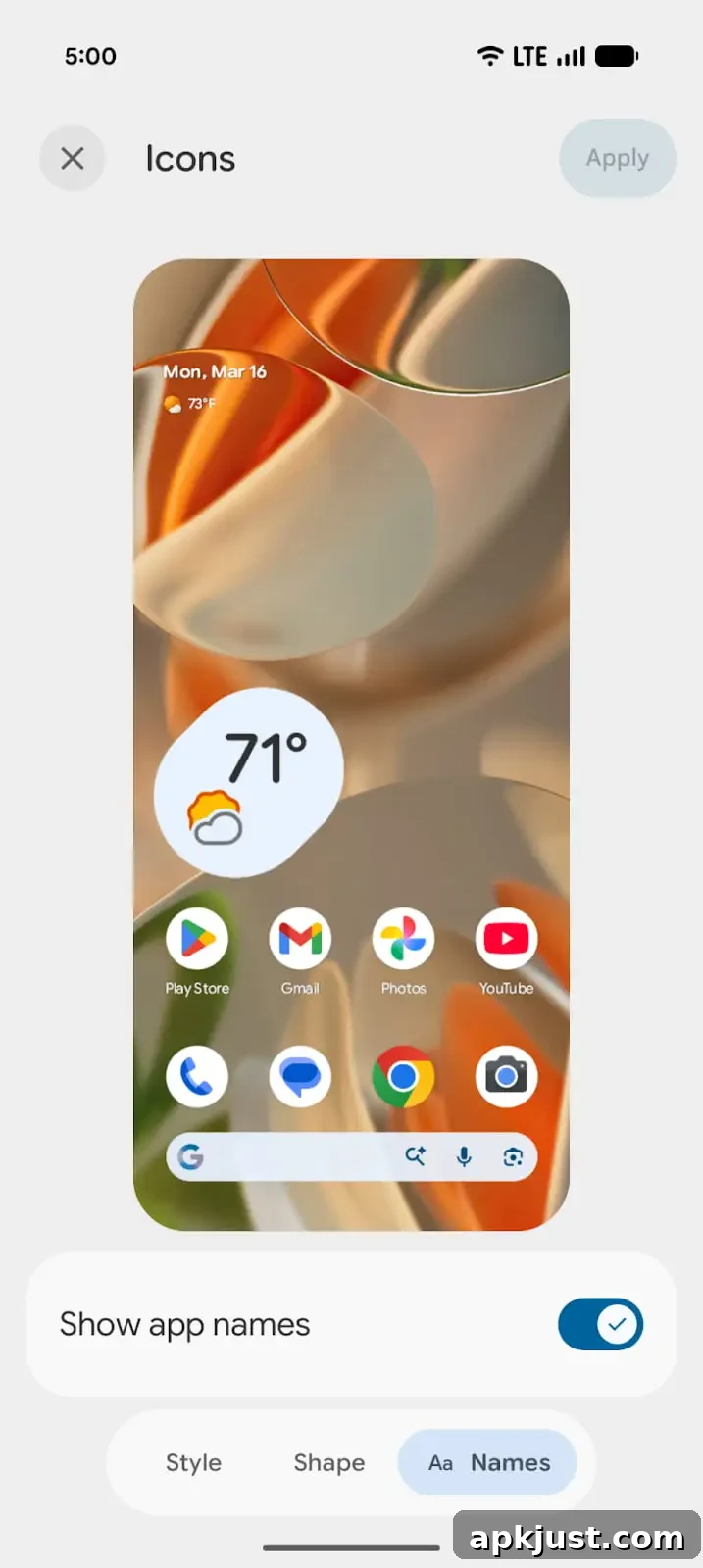
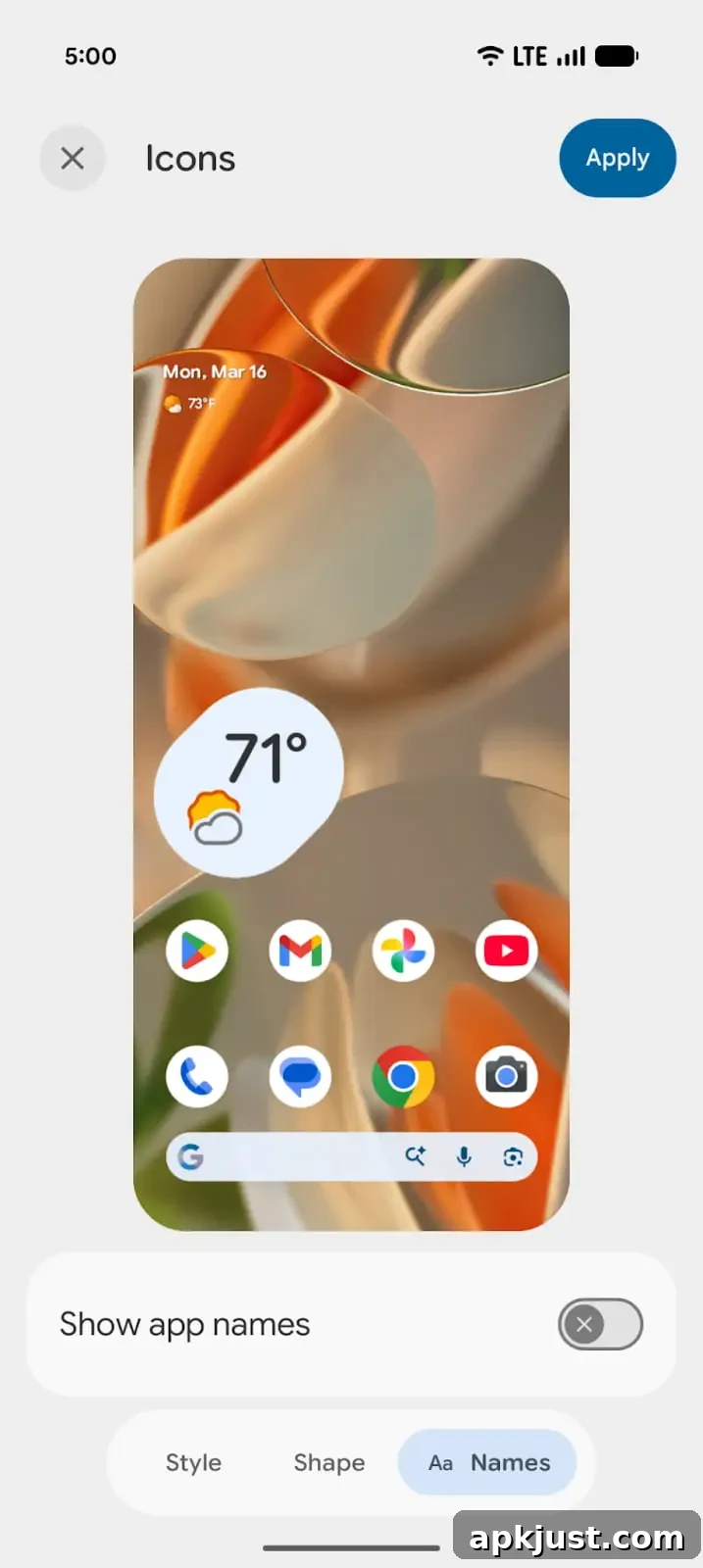
Over the next few hours we’ll examine Android 17 Beta 3 in detail and document every notable change. New findings will appear at the top of this article, so check back for updates and share anything you discover in the comments. Screenshots reflect Beta 2 (left) and Beta 3 (right) where applicable.
If you want to install Android 17 Beta 3 on a compatible Pixel device — including Pixel 6 series, Pixel 7 series, Pixel 8 series, Pixel 9 and 10 family devices, Pixel Tablet, Fold and other supported models — consult your usual Pixel beta installation guide for step-by-step instructions.
Updating…
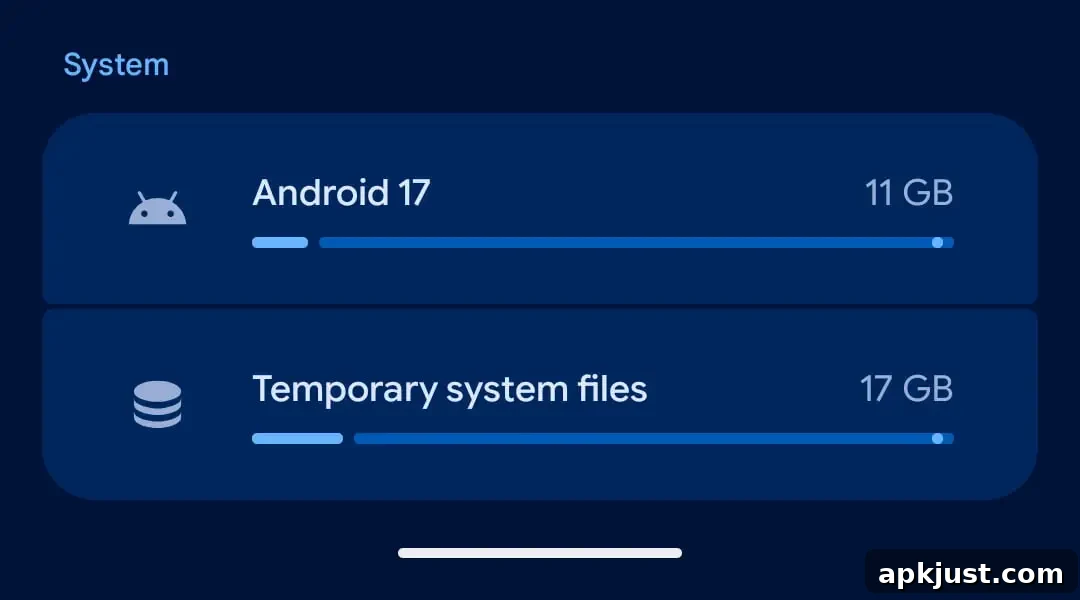
Cinnamon Bun codename replaced by “Android 17” throughout
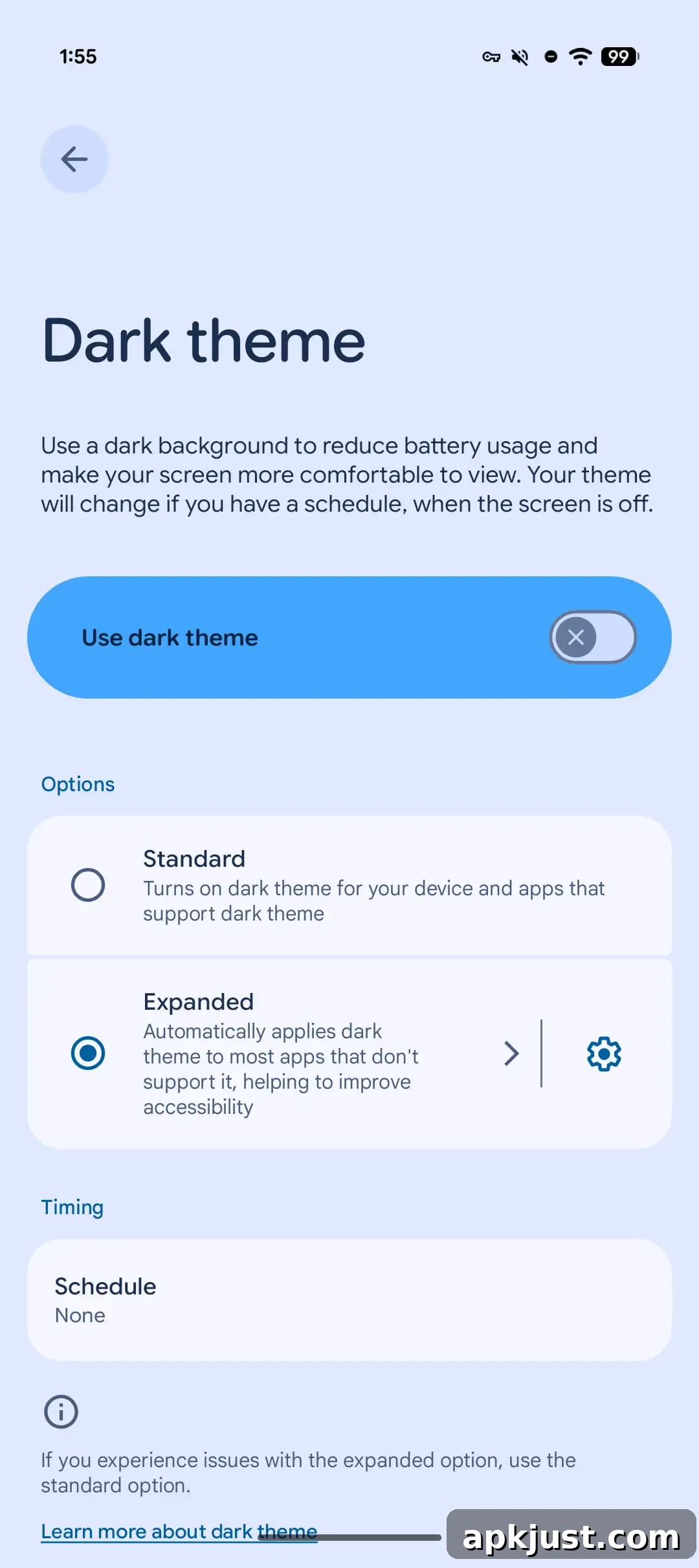
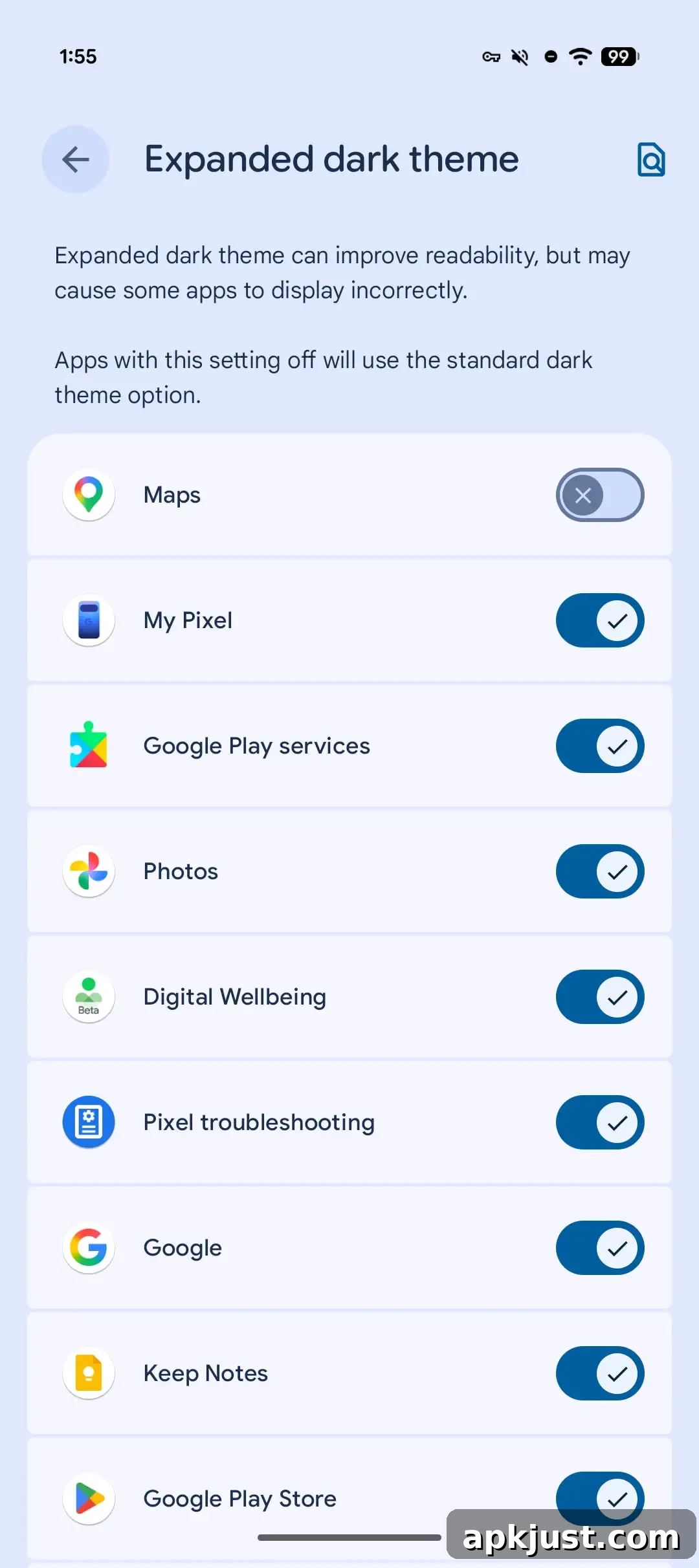
Per-app Expanded dark theme controls
- Android 17 expands dark theme controls at the app level, allowing more granular management of light and dark appearances per application.
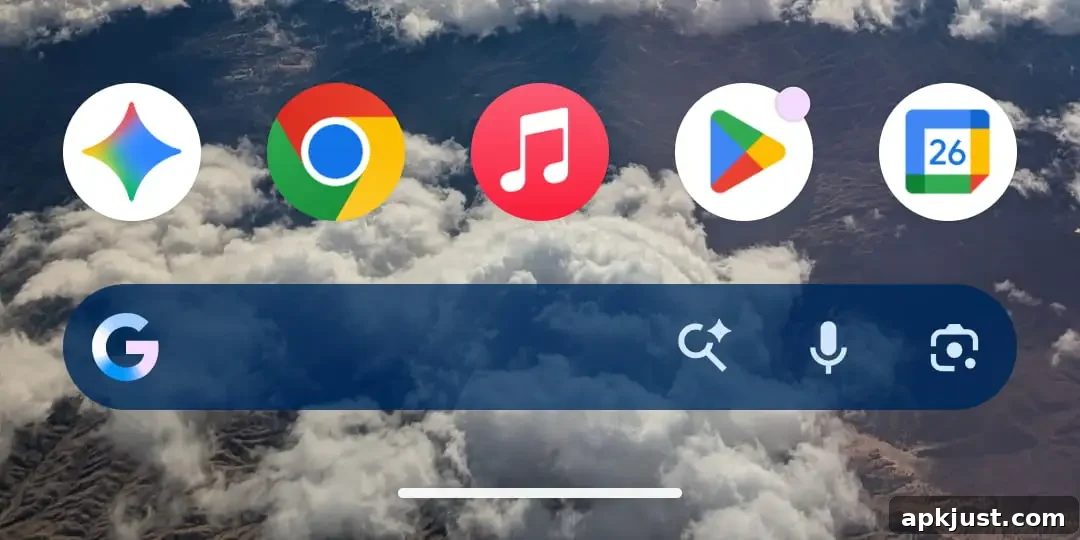
Pixel Launcher search bar regression
- The expressive Material 3 search bar seen earlier on stable builds is no longer present in this beta. You can still customize the search shortcut that appears in the launcher.
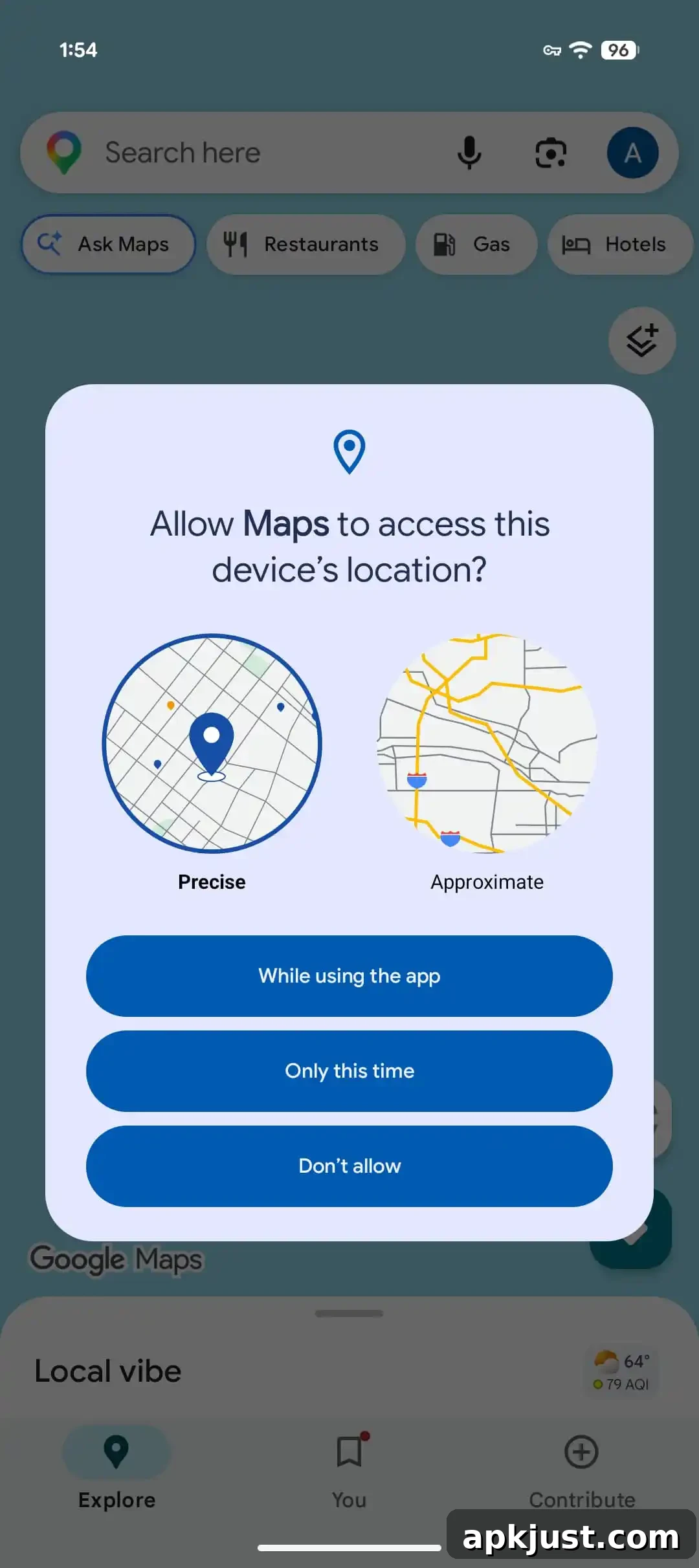
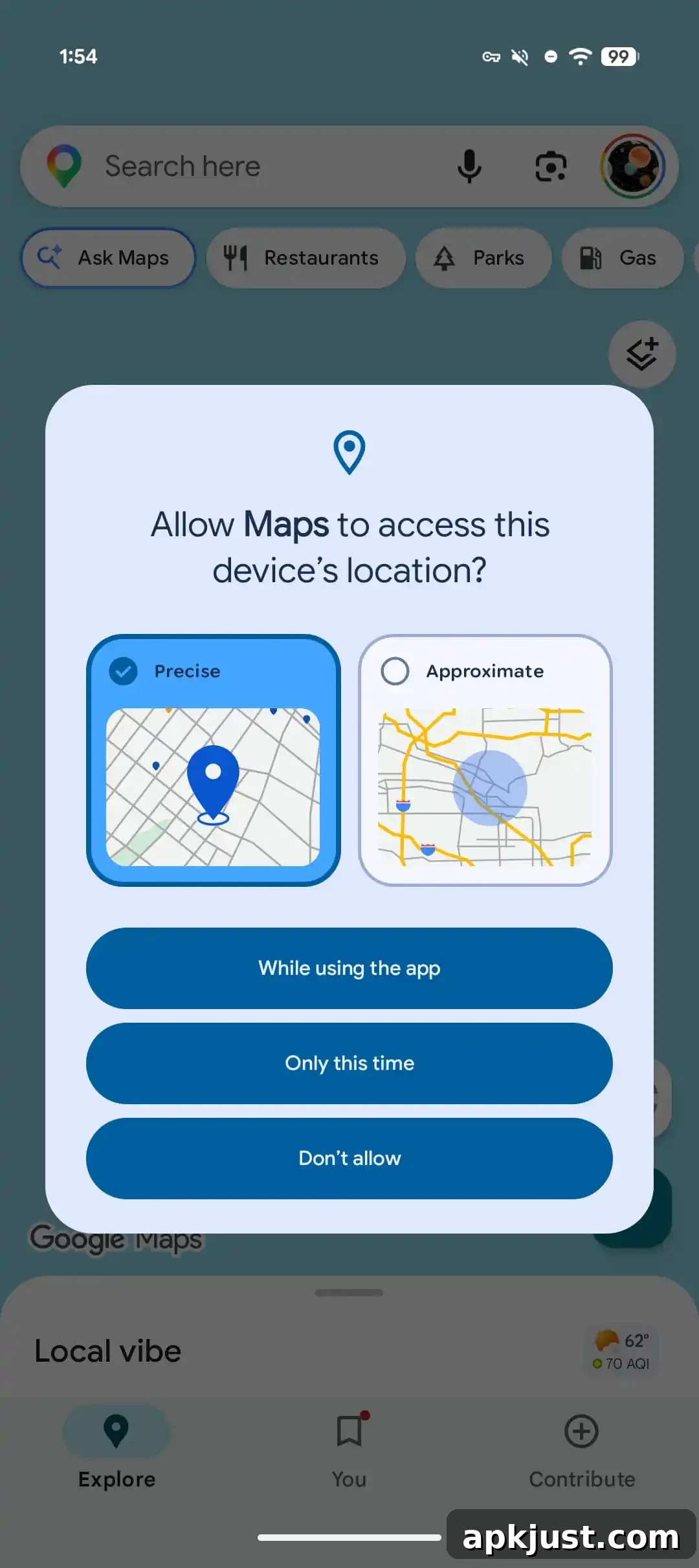
Tweaks to location permissions pane
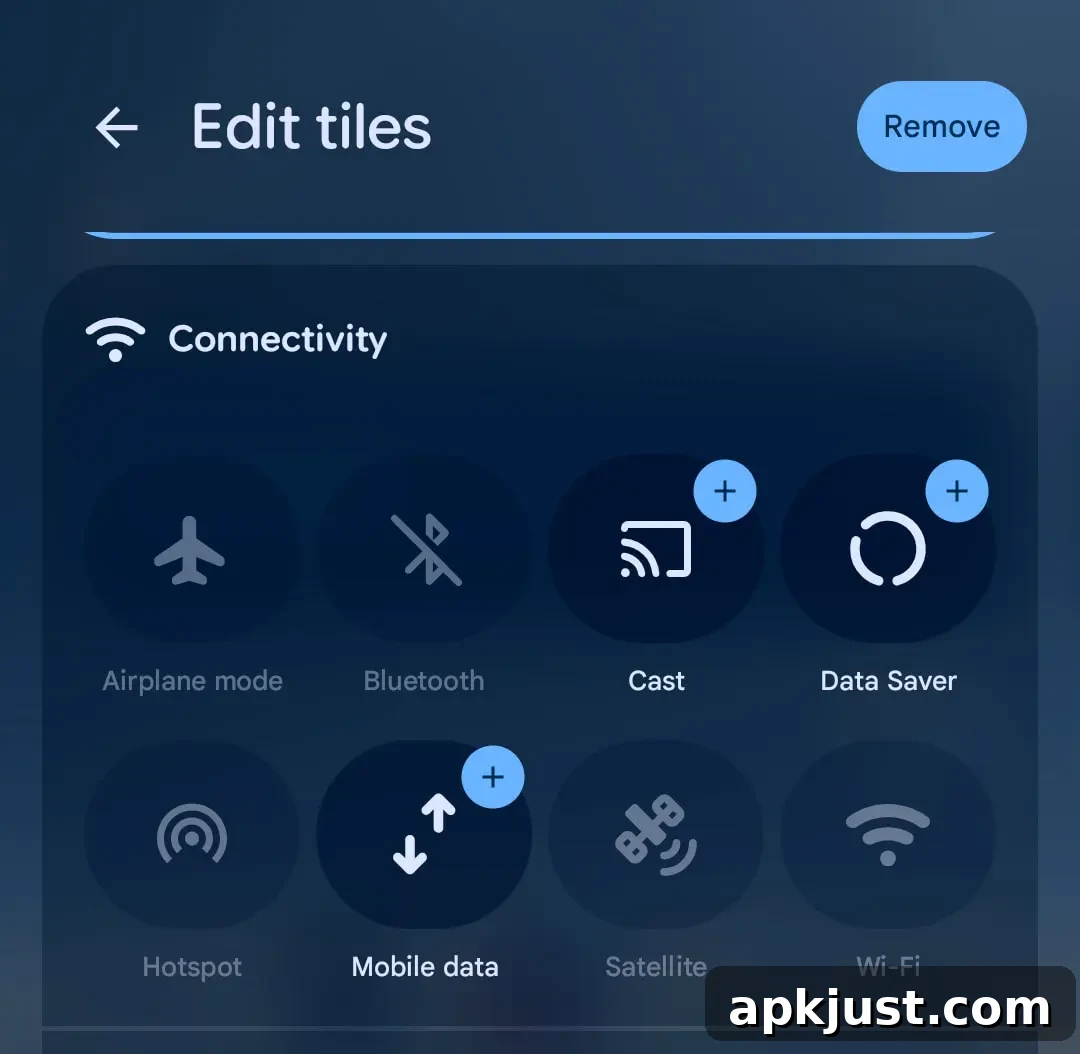
Split Wi‑Fi and Mobile data quick settings toggles
- Wi‑Fi and mobile data now appear as separate toggles in Quick Settings, improving control when switching connections.
Assistant volume
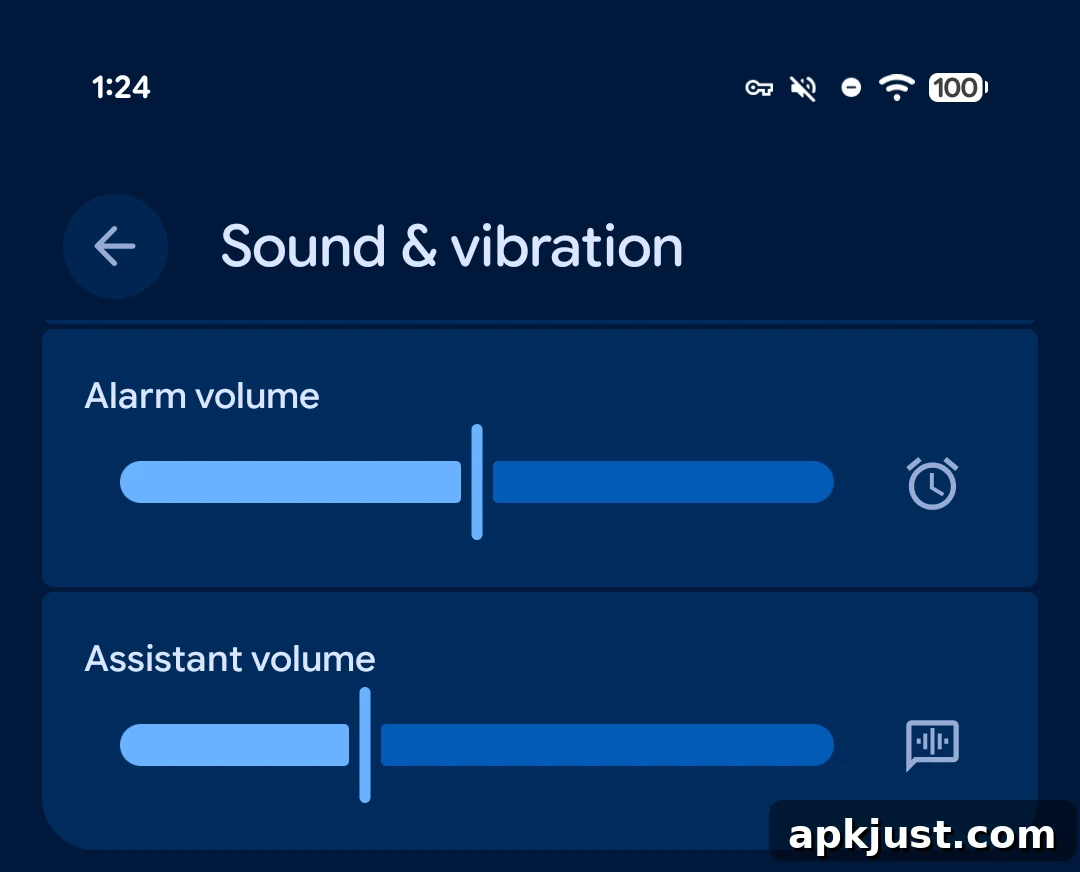
A new dedicated Assistant volume control is available, making it easier to set the spoken response and media levels used by Google Assistant independent of other volume streams.
Widget panes add system blur
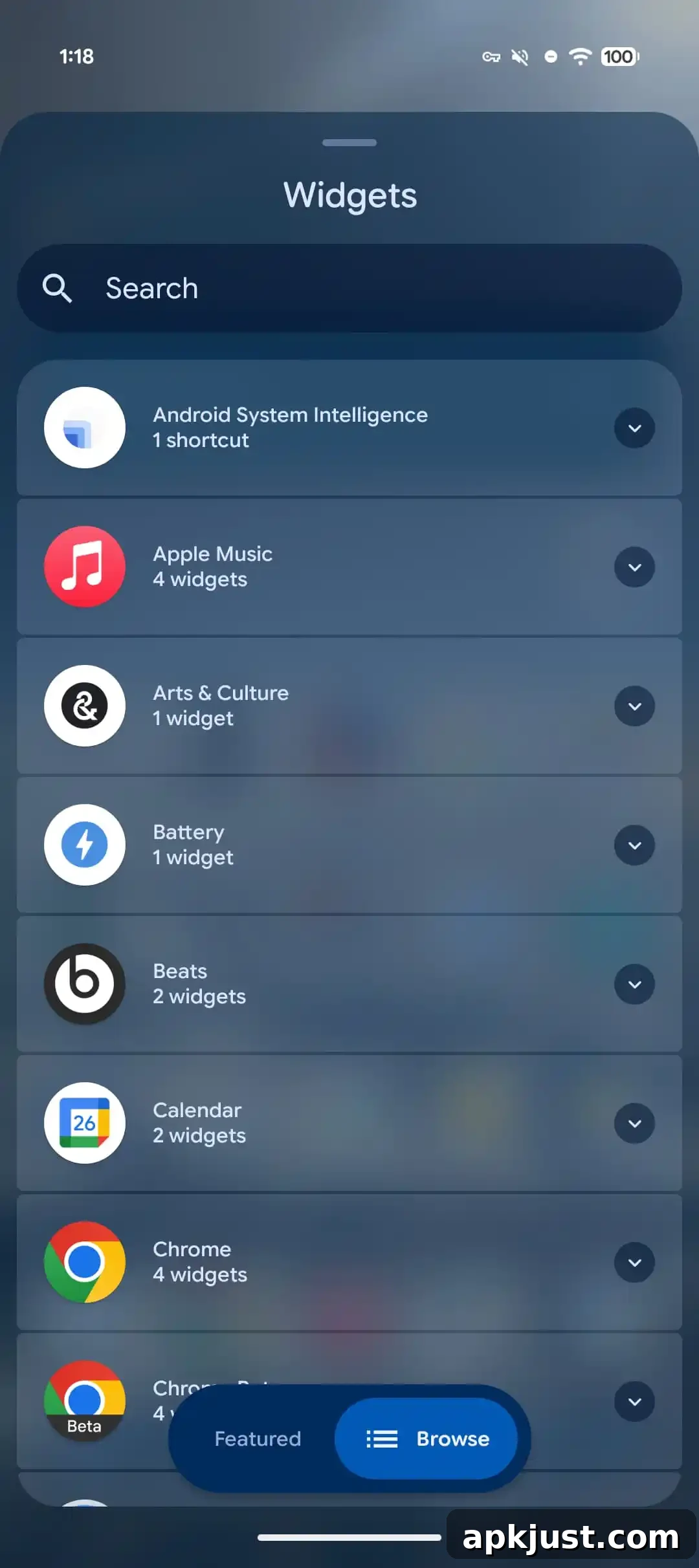
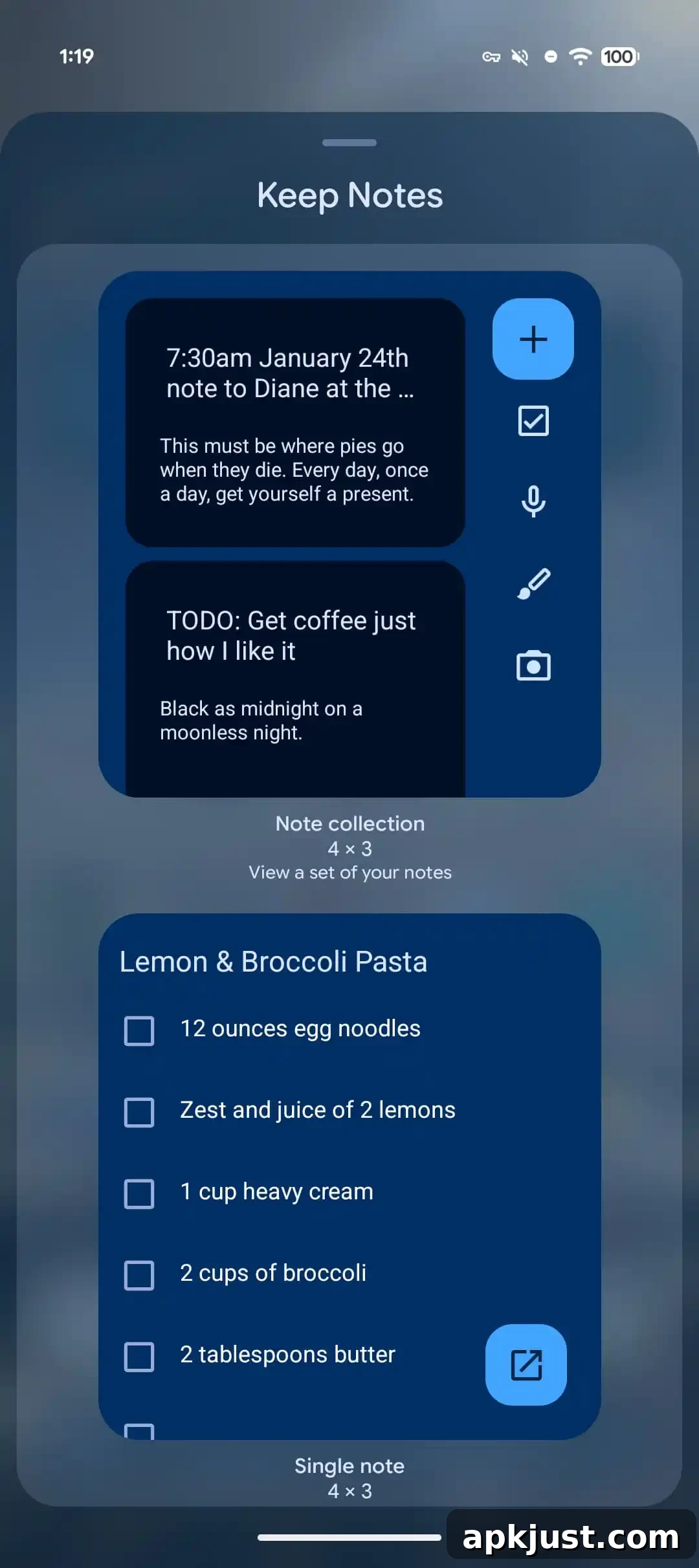
Widget picker panes now apply a subtle system blur behind the UI, improving focus and visual separation from the home screen.
Developers can customize Photo Picker to 1:1 square or 9:16 portrait
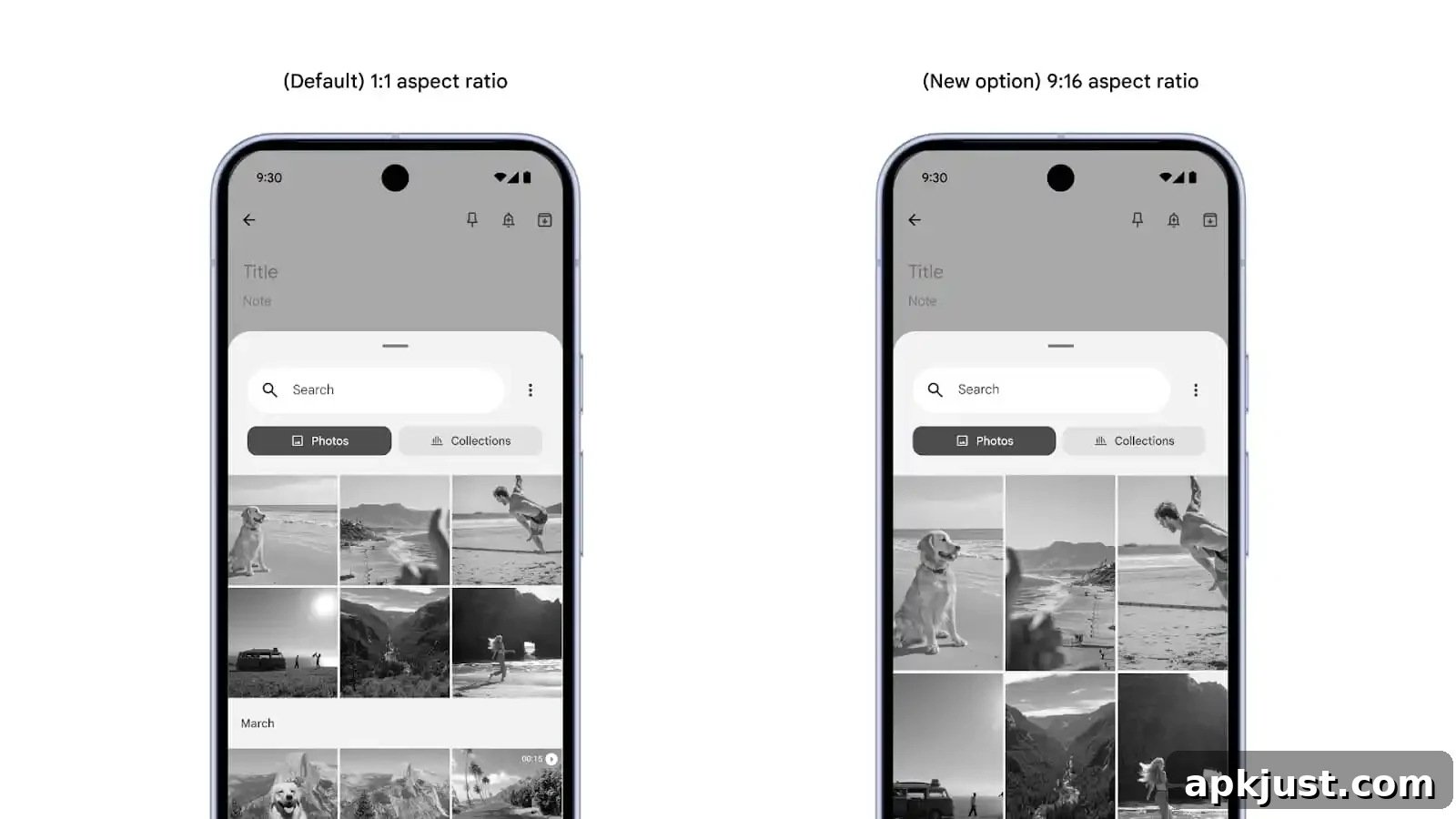
The Photo Picker API now supports orientation and aspect presets. App developers can request a 1:1 square grid or a 9:16 portrait layout to better match the app’s content expectations and editing workflows.
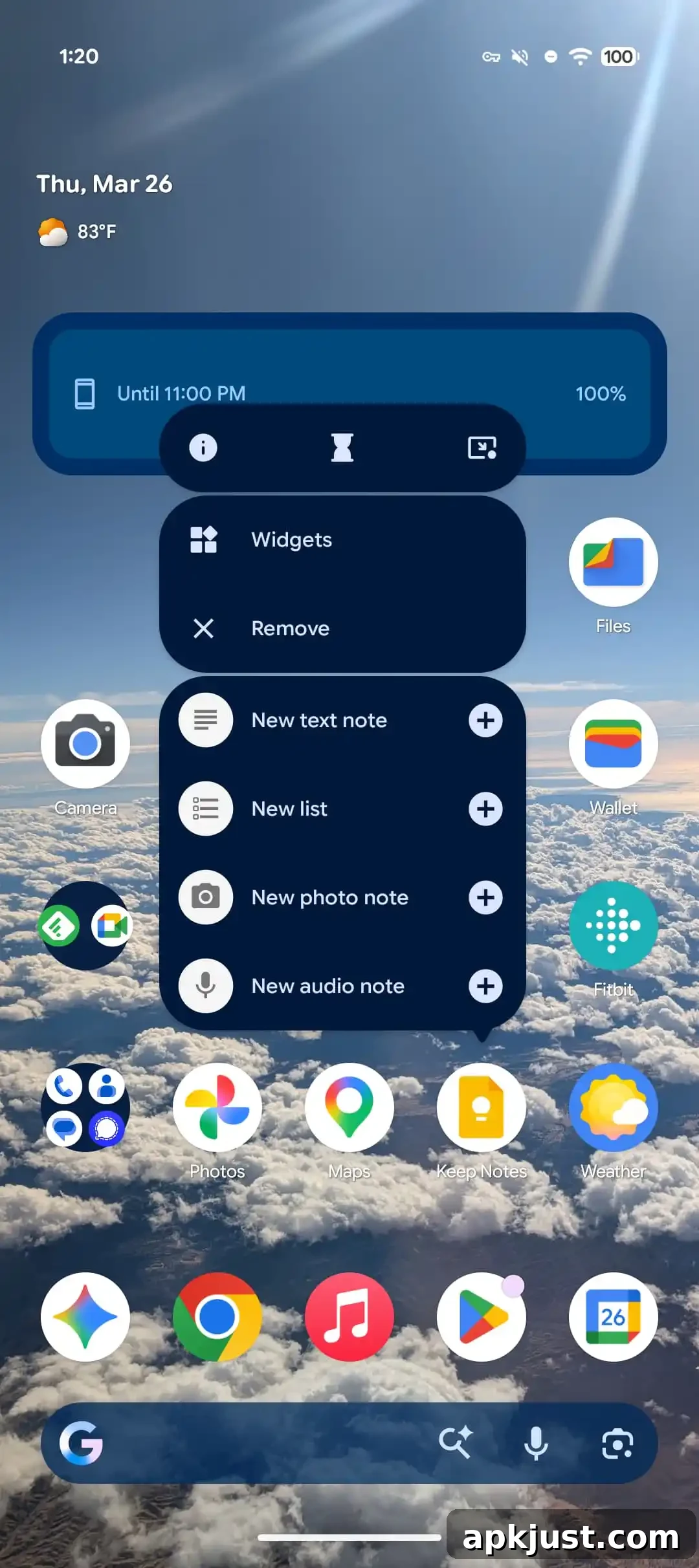
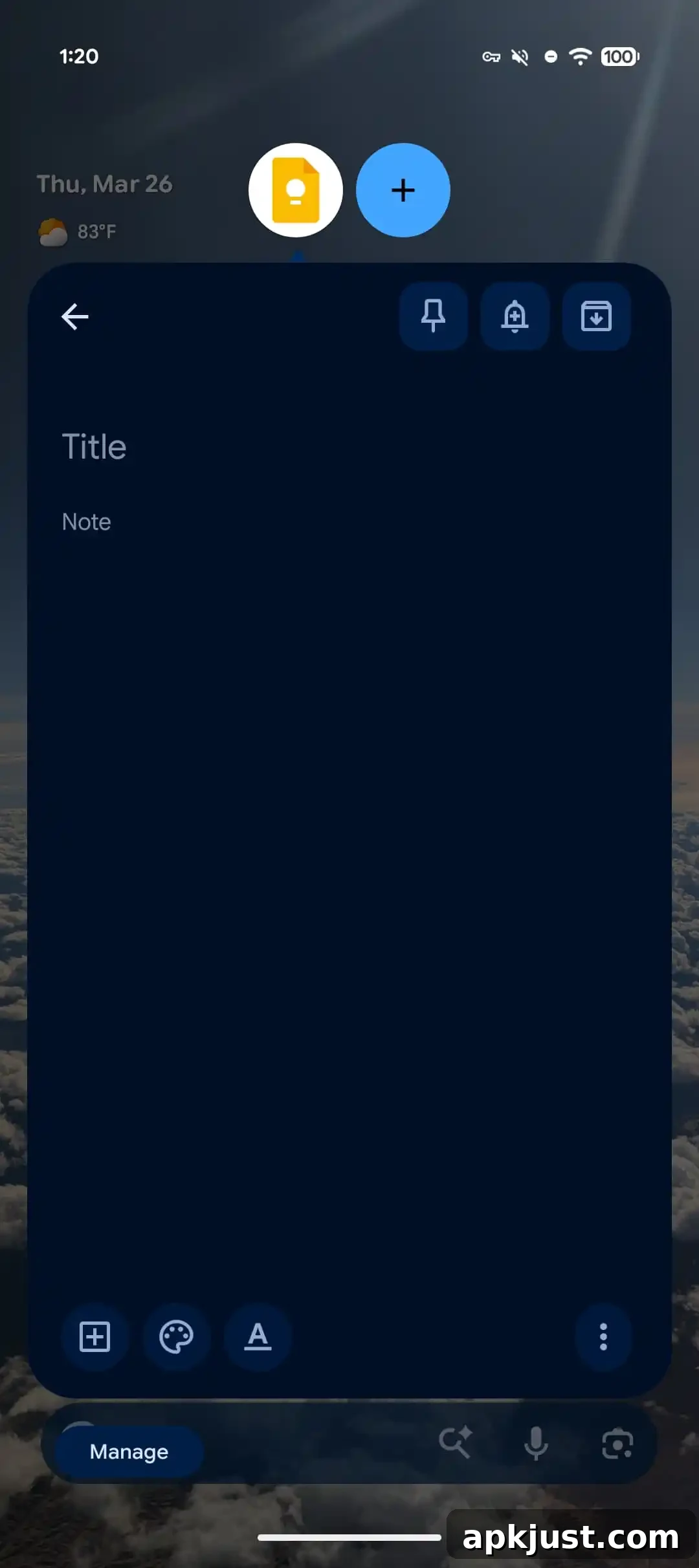
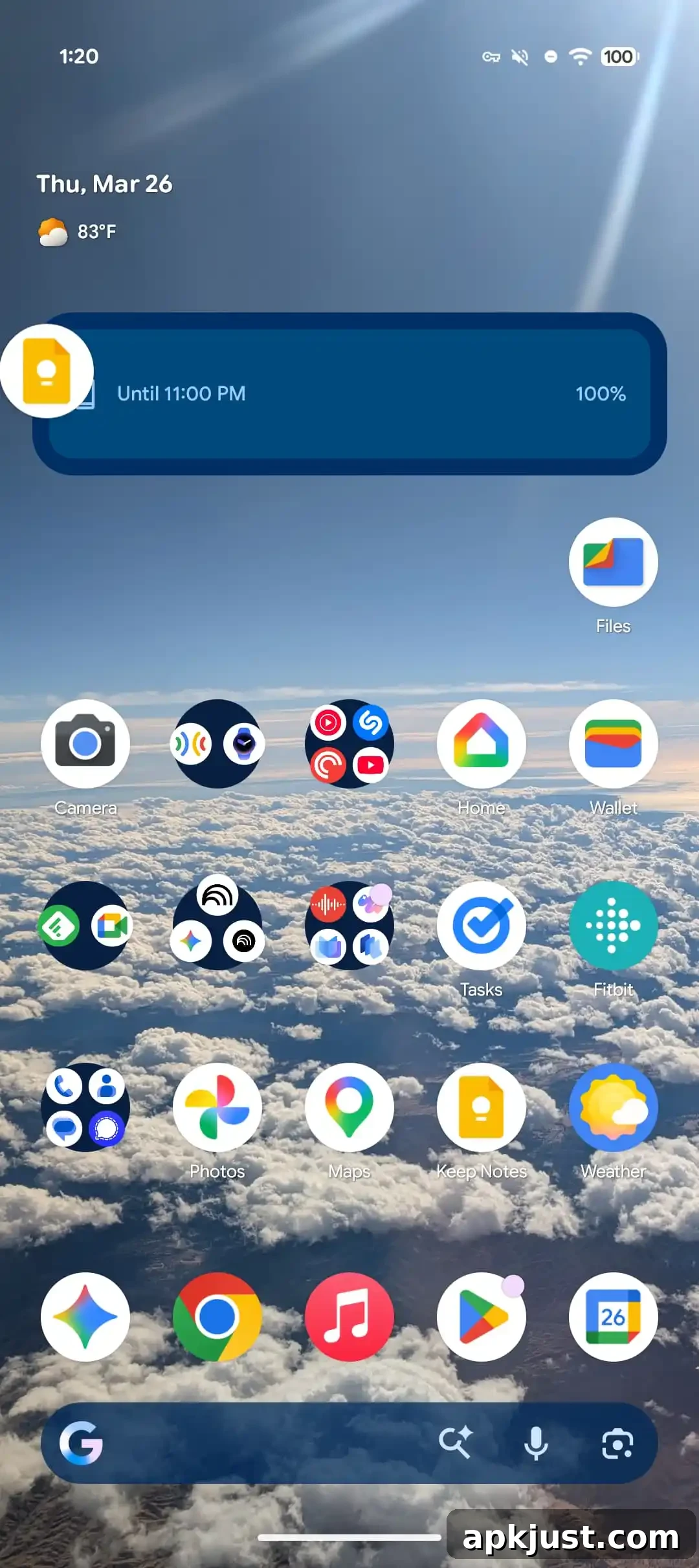
App Bubbles are now live
- Bubbles for any app are now enabled in Beta 3 after being announced last month.
- Long-press an app icon to reveal a new bubble icon in the top-right of the context menu to enable quick-access bubbles.
- These bubbles offer a convenient, floating way to keep conversations and lightweight tasks available without fully switching apps.
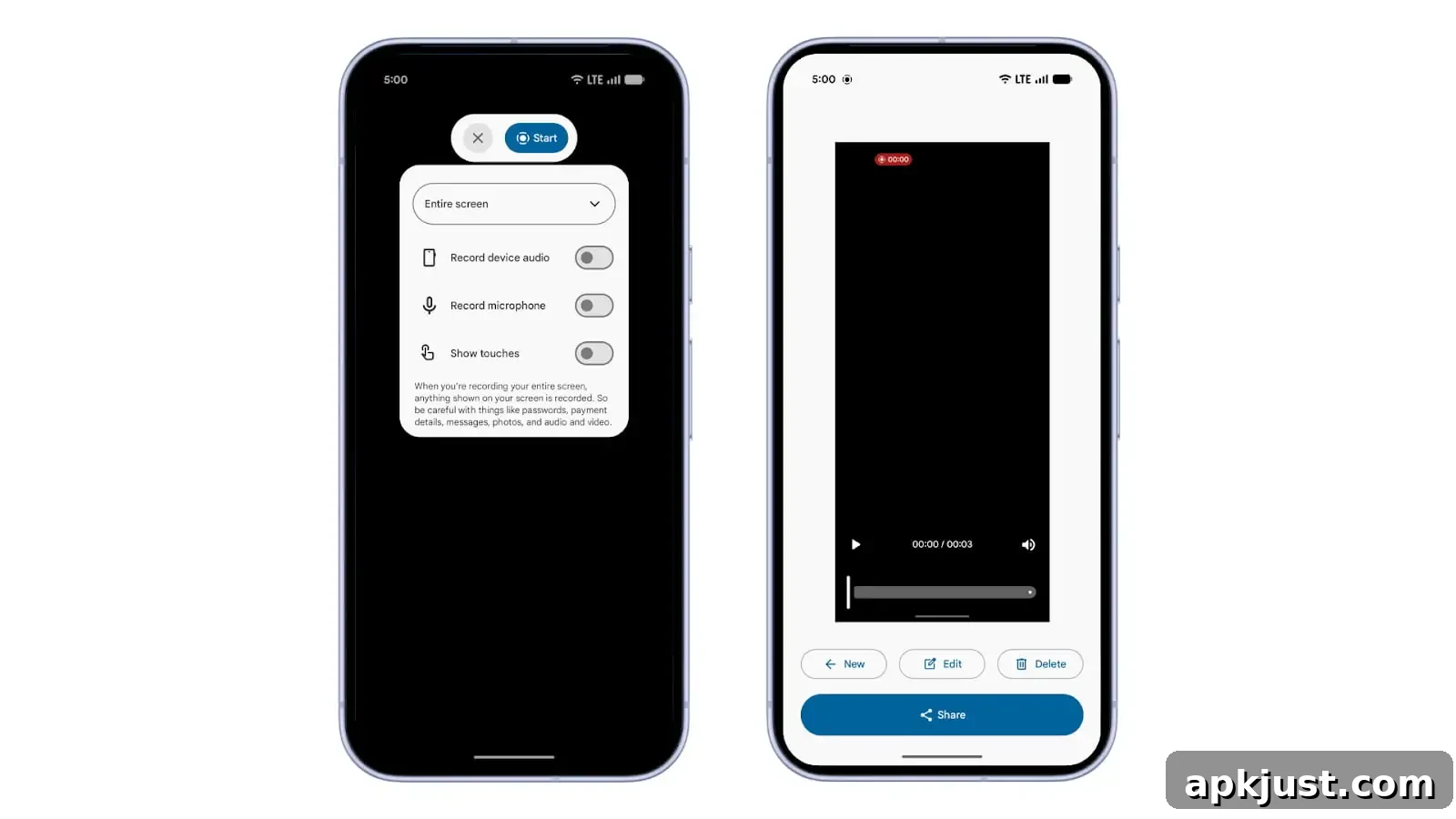
Screen recording redesign
- This redesign first appeared in Android Canary builds and now ships in Beta 3, offering a refreshed recorder UI and improved controls.
Show app names
- To toggle app labels, go to Wallpaper & style > Icons > Names in system settings.
Bug fixes
Android 17 Beta 3 includes numerous stability, performance, and functional fixes across the platform. Highlights include:
- Critical accessibility regressions resolved (see Issue #484755628).
- Fixed a lifecycle regression from Android 16 that caused random app restarts and screen flickering, which previously interrupted apps and could lose user progress (Issue #440017096).
- Expanded Dark Mode now correctly applies to apps in Work and Private profiles (Issue #476409380).
- Multiple system instability issues that caused device hangs, reboots, or prolonged UI loading after reboot have been addressed (see related issues listed by Google).
- Camera problems preventing switching to specific lenses or causing stuttering during lens transitions have been fixed (see reported camera issues).
- Charging logic for the 80% battery limit was optimized to avoid stalls or slowdowns near the threshold (Issue #485148344).
- Android Auto-related hangs and reboots have been remedied to improve car connectivity stability.
- Bluetooth pairing hangs, notification sound anomalies, missing vibration on incoming calls, and several rendering glitches during navigation and lock screen interactions have all been fixed.
- Wi‑Fi scanning framework issues that impacted analyzer apps were resolved, restoring reliable network signal detection.
- Numerous additional reboot, freeze, and performance regressions reported across the issue tracker have been addressed to improve overall system reliability.
For privacy and device security, Google also continues to refine APIs and permissions UIs to give users clearer control. If you encounter new issues while testing Beta 3, report them through the official issue tracker so they can be prioritized for future updates.