
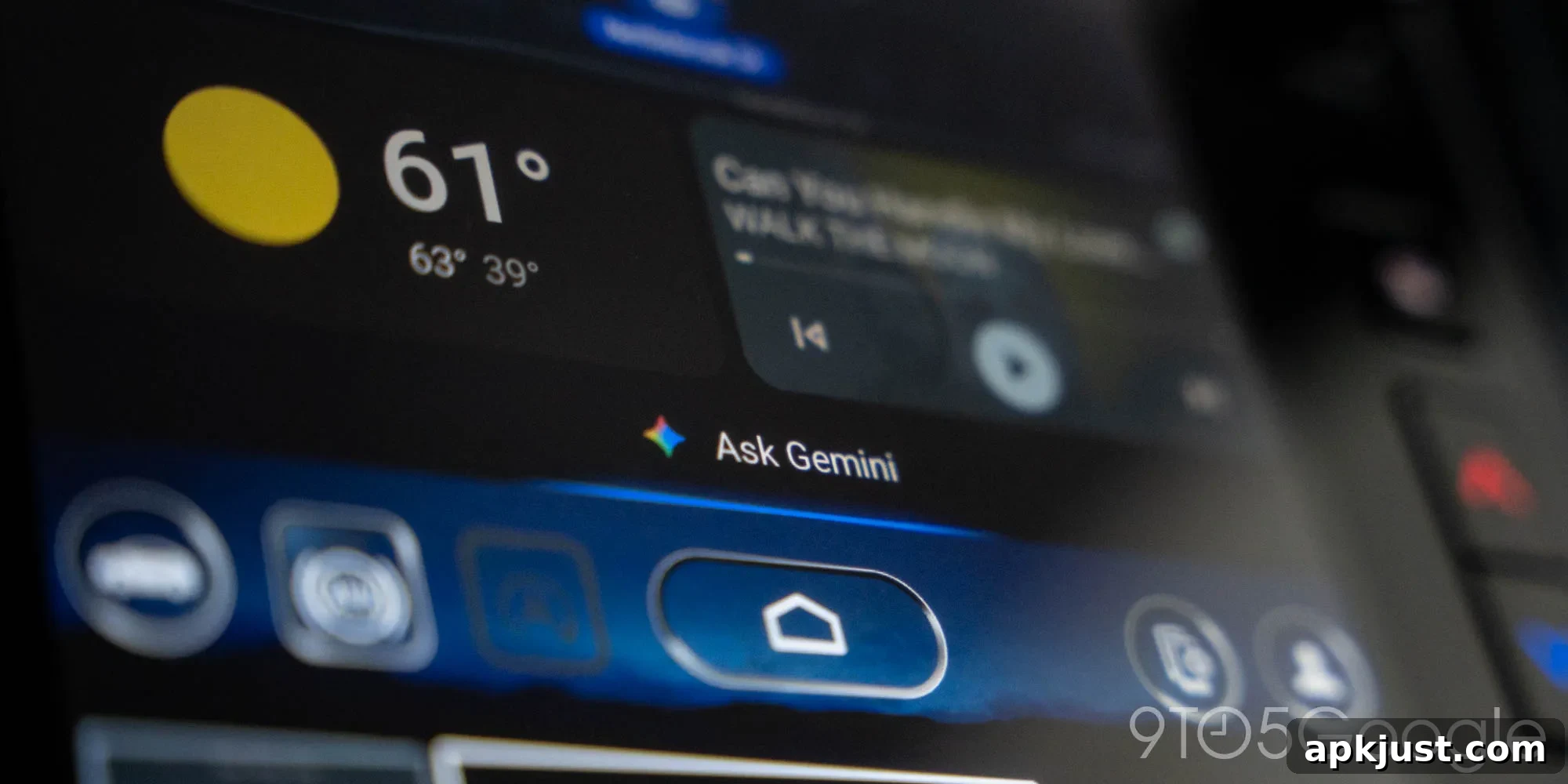
Google’s rollout of Gemini for Android Auto has been uneven and surprisingly slow. The company announced the feature months ago and said it would arrive gradually, but many drivers still report they don’t have access. If you’ve been waiting to try Gemini in your car, you might still be waiting.
Gemini for Android Auto began its initial rollout in late 2025, with Google noting the update would reach users “over the coming months.” That cautious timeline left room for variation across regions, phone models, and vehicle head units, but few expected the deployment to stretch this long. As we move through 2026, numerous users in different countries continue to report that Gemini hasn’t reached their systems.
Community discussions and user reports highlight how inconsistent the rollout has been. Posts from drivers in the United States, Australia, and other regions show a patchwork pattern: some people received Gemini early and are using it daily, while many others with similar setups still lack the update. There doesn’t appear to be a single factor—such as phone model, Android version, or car make—that consistently predicts who gets Gemini first, which has left many users frustrated and confused.
Reactions to Gemini on Android Auto have been mixed, which may partially explain the careful release approach. Some drivers appreciate the added capabilities and conversational features Gemini brings to the in-car experience, from better voice interactions to contextual assistance while driving. Others have criticized elements of the update, citing changes to familiar interfaces, occasional slower responses, or features that don’t align with how they use Android Auto. That love-or-hate reception likely encouraged Google to stage the rollout more deliberately while gathering feedback and making incremental adjustments.
Because the rollout is progressive and regionally varied, the best way to know whether you have Gemini on Android Auto is to check your phone and car head unit directly. Look for any notifications about Android Auto updates, ensure your Google apps and Android system software are up to date, and verify that your car’s infotainment system is running the latest firmware available from the manufacturer. Some updates depend on both the phone and the car receiving compatible software, so keeping both sides current improves your chances of seeing Gemini sooner.
If you still don’t see Gemini, keep monitoring official channels and community forums for reports from users with the same phone and car combination. These reports can provide clues about when the update might reach similar setups. While waiting, you can also confirm that Android Auto settings allow voice interaction and that any beta or developer program enrollments on your device are configured correctly—sometimes opt-ins or opt-outs affect feature availability.
For those who already have Gemini on Android Auto, sharing details about your phone model, Android version, car make and model, and any recent updates can help others pinpoint deployment patterns. Anecdotal reports have been the main source of insight so far, so community feedback continues to play a key role in understanding the rollout’s progress.
More on Android Auto:
- Android Auto’s squiggly media player is gradually rolling out to a wider group of users
- The Motorola MA2 wireless Android Auto adapter has appeared with an affordable price point
- Recent Android Auto updates include early signs of video app support and a light theme option
Follow Ben: Social profiles and platform links have been removed from this article to avoid external linking.