
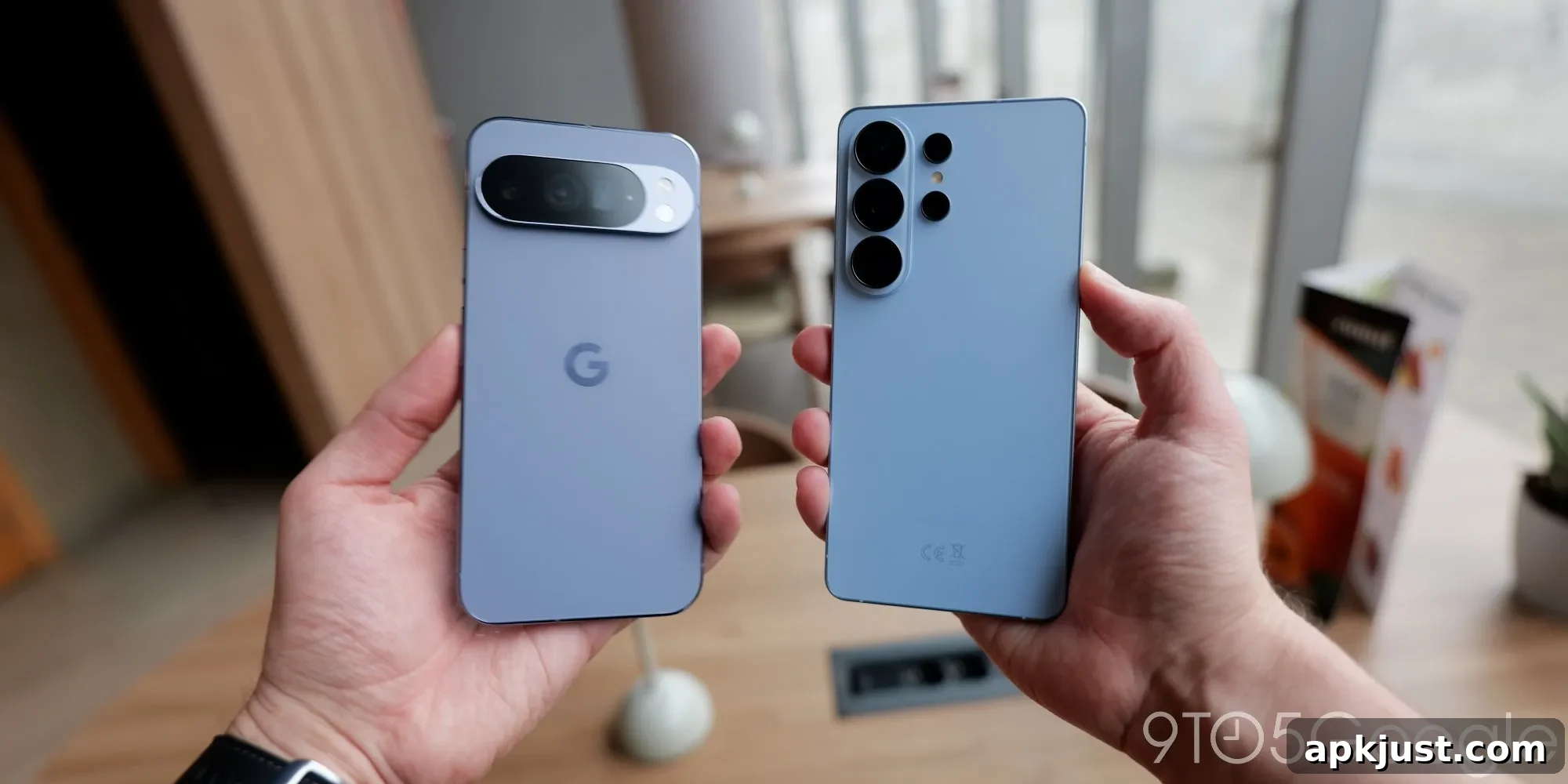
Several owners of Google Pixel and Samsung Galaxy phones have recently experienced problems with Android Auto, but Google says fixes are now rolling out to address the issue.
Over the past few weeks, forums and support threads have shown a noticeable uptick in reports of connection failures. The majority of complaints come from users of Google Pixel and Samsung Galaxy devices, including models across the Pixel and Galaxy S series. Some users also report that Android Auto prompts them to unlock their phone before the app will connect to the car, even when the device has been previously paired and worked reliably.
These interruptions have affected both wired and wireless Android Auto setups, making the problem widespread and particularly irritating for drivers who rely on their phone for navigation, media, and hands-free communication during trips.
Google has acknowledged the issue and says it is actively rolling out fixes.
In a statement to the press, Google confirmed awareness of the connectivity problems and said that remedial updates are beginning to reach affected users. While the company has not publicly declared the definitive root cause, many device owners suspect a recent software update could have introduced the regression. Investigations are ongoing, and Google’s staged fixes aim to restore stable behavior for both wired and wireless connections.
If you are experiencing trouble with Android Auto, there are a few practical steps to try while waiting for the fix to arrive through official updates:
- Restart your phone and your car’s infotainment system. A full power cycle can clear temporary glitches that interfere with Bluetooth or USB handshakes.
- Ensure the Android Auto app on your phone is updated to the latest available version from your app store. App updates frequently include bug fixes and compatibility improvements.
- Try a different USB cable and a different USB port in the vehicle if you use a wired connection. Faulty cables or ports are a common source of intermittent connectivity.
- If using wireless Android Auto, verify Bluetooth and Wi-Fi settings on your phone and remove and re-pair the car from the phone’s Bluetooth device list to re-establish a clean connection.
- Check for any pending system updates for your phone, as carrier or manufacturer updates sometimes include fixes for platform-level issues affecting projection and connectivity services.
Although it’s natural to suspect a recent OS or security update, vendors often push multiple overlapping updates, so the underlying cause may involve interactions between phone firmware, the Android Auto app, and specific vehicle head units. Because of this complexity, staged rollouts are common as developers monitor telemetry and user reports to confirm the fix works across diverse hardware and software combinations.
For now, Google’s confirmation that fixes are being distributed is encouraging, and many users should see improvements as updates reach their devices. If problems persist after updates, contacting your phone manufacturer’s support or your vehicle’s customer support can help identify whether the issue is device-specific, car-specific, or requires further escalation to the Android Auto engineering team.
More on Android Auto:
- This new Android Auto app can unlock your home’s front door
- Motorola MA2 wireless Android Auto adapter quietly goes official, apparently costs $40
- AAWireless TWO+ adapter with wireless Android Auto and CarPlay is finally back in stock
Follow Ben: Twitter/X, Threads, Bluesky, and Instagram