
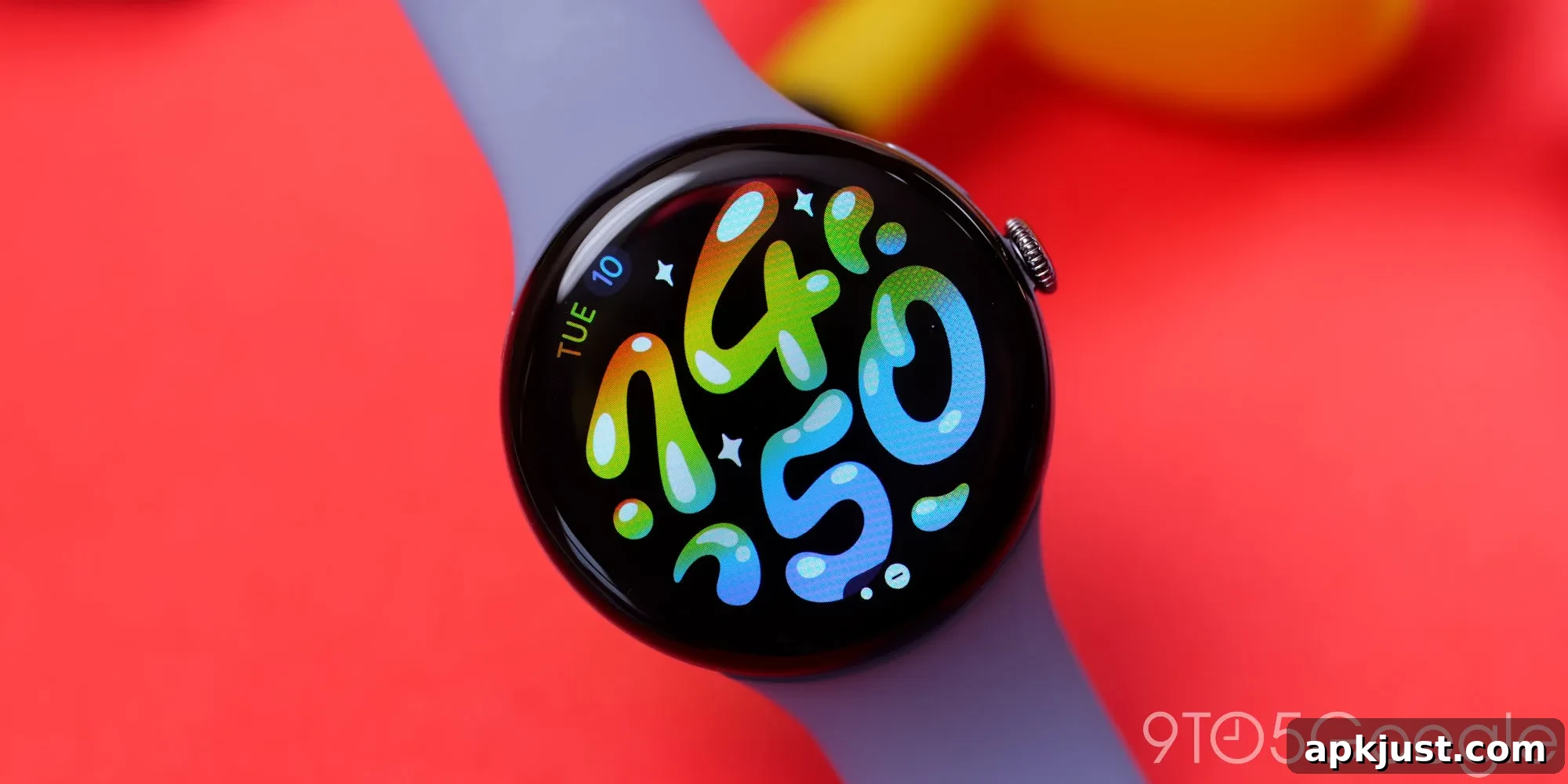
Following several days in which Pixel Watch owners reported unusually high step counts and other distorted Fitbit metrics, Google says the underlying problem has been addressed within the Fitbit app.
The Fitbit status dashboard indicates that the issue involving “overcounted steps and calories” has been resolved. Many users had already discovered that restarting their watch helped apply the correction, and Google recommends the same reboot step if you continue to see incorrect readings.
Google’s message to affected users makes the scope of the fix clear:
We’ve fixed the issue where some Pixel Watch users were seeing overcounted steps and calories. Please be aware that previously recorded data will remain unchanged, as this update applies to new activity only. If you’re still experiencing this issue, please restart your Pixel Watch.
The important detail is that the repair only affects new activity recorded after the update; any previously logged data that was inflated will remain as-is in your Fitbit history. That means your historical step counts, calorie estimates, cardio load, and similar metrics might still show artificial spikes for the period affected by the bug.
This isn’t ideal because accurate historical data is useful for spotting trends, monitoring progress, and comparing past workouts. While the fix prevents further incorrect data from being recorded, you may need to interpret past numbers with caution or manually adjust how you read those trends until older entries are no longer part of your typical analysis window.
If you suspect your Pixel Watch is still producing incorrect step counts or calorie estimates, the simplest immediate remedy is to reboot the device. To restart most Pixel Watch models: hold down the side button until you see the power options, then select Restart. If the watch does not respond, letting it power off and turning it back on after a short wait can achieve the same result. After rebooting, monitor your next activities to confirm the readings return to expected values.
Other practical tips while the app and watch sync correctly:
- Open the Fitbit app on your phone after rebooting the watch to ensure the latest firmware and app-side fixes are fully applied.
- Keep both your phone’s Fitbit app and the Pixel Watch software up to date to minimize the chance of similar issues in the future.
- If you use multiple fitness apps or devices, double-check which device is being used for step counting to avoid duplicate or conflicting data sources.
- Make a note of the dates when you observed inflated metrics so you can exclude or contextualize that period when reviewing longer-term trends.
Google confirmed the resolution on the Fitbit status page and advised that restarting the watch will help apply the fix for affected users. Beyond that, there’s no action required for most people—new activity should now be recorded correctly. However, because historical data won’t be retroactively corrected, users who need precise historical records should consider manually annotating or adjusting their logs for the affected timeframe.
While it’s frustrating to have prior metrics remain inaccurate, it’s positive that the source of the issue was identified and corrected quickly. Preventing further incorrect entries restores confidence in ongoing tracking, which matters for daily activity goals, training plans, and overall health monitoring.
More on Pixel Watch:
- Pixel Watch Feature Drop: Express Pay, phone reminders, and more
- This $8 Pixel Watch band feels just as good as Google’s, and comes in more colors too [Gallery]
- Pixel Watch 4 long-term review: Refined and fully realized [Video]
Follow Ben: Twitter/X, Threads, Bluesky, and Instagram