
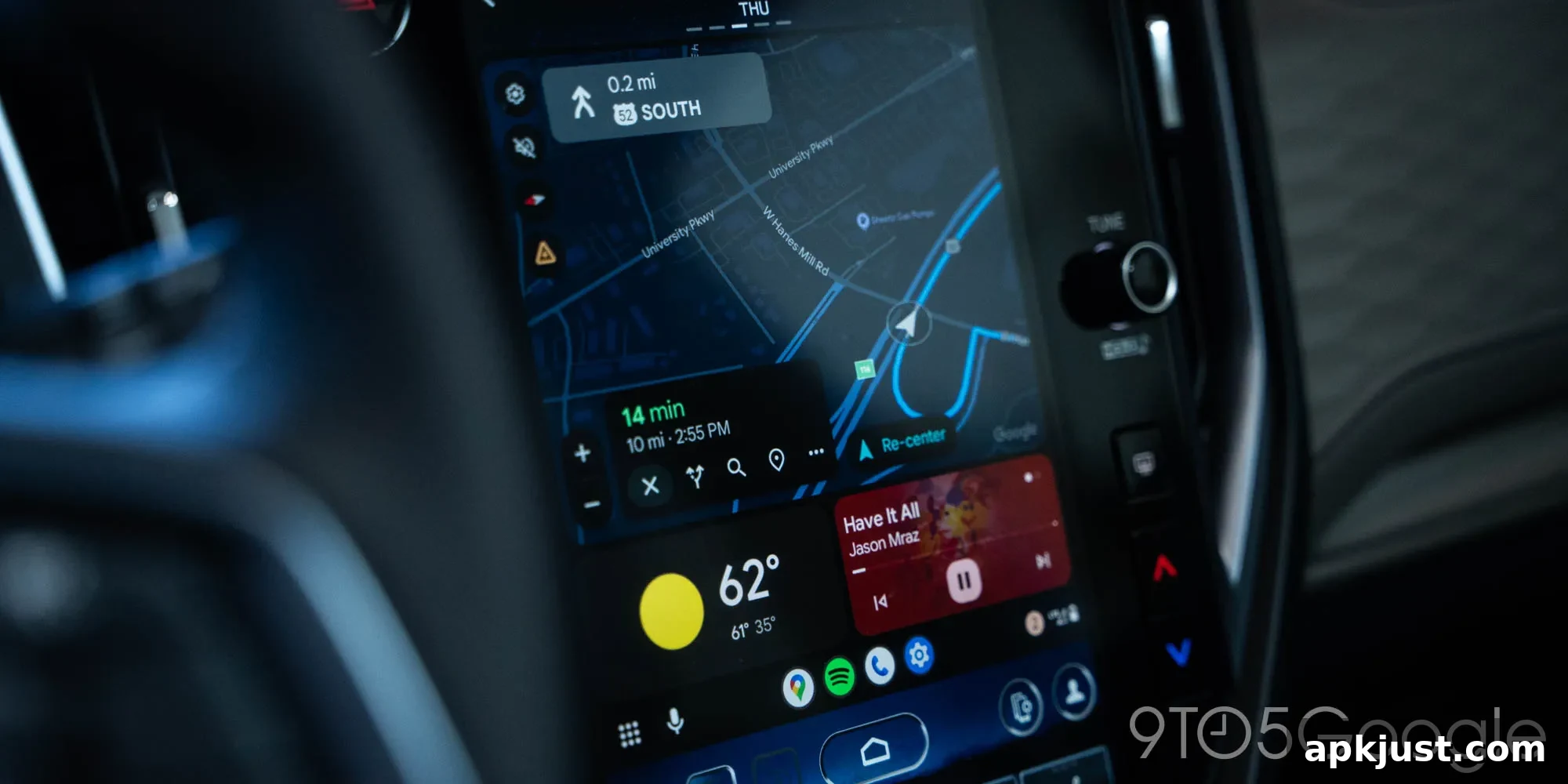
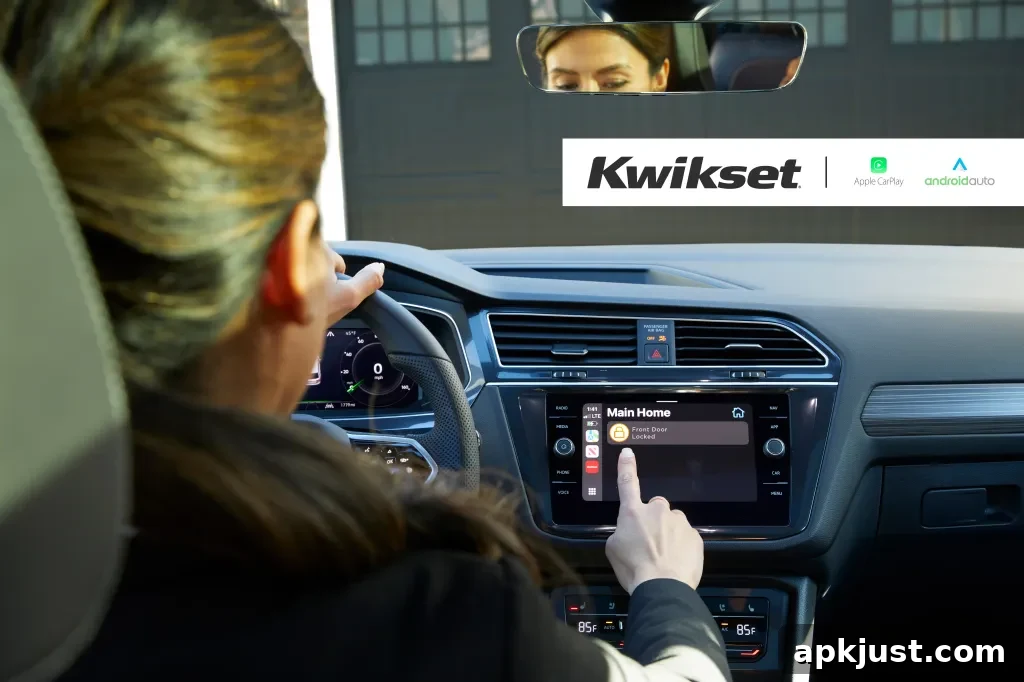
A new app is arriving on Android Auto and Apple CarPlay that gives drivers the convenience of locking and unlocking their home’s smart locks directly from the car’s touchscreen. The integration brings common home-entry controls into the vehicle environment, making it easier to secure your home as you arrive or leave without needing to pull out your phone.
Kwikset, a well-known manufacturer of residential locks, has released an app that integrates with both Apple CarPlay and Android Auto. Once the app is installed on a smartphone and the phone is connected to a compatible vehicle—either wired or wirelessly—the Kwikset app appears among the other supported apps on the vehicle’s display. From there, users can select the home associated with their account and tap to lock or unlock doors as needed.
With the Kwikset app now available within Apple CarPlay and Android Auto, users can control compatible Kwikset smart locks using their vehicle’s display. Once a smartphone is connected to the vehicle, either wired or wirelessly, the Kwikset app appears alongside other supported apps, allowing users to select their home and tap to lock or unlock their door.
This touch-based control is particularly useful in situations where voice commands are inconvenient or not supported. While many virtual assistants can operate smart locks by voice, not every lock supports voice unlocking or every assistant is available in every car. The CarPlay and Android Auto app provides a consistent, visual option to manage entry without relying on voice recognition.
Beyond simple lock and unlock actions, integrating smart locks into the vehicle interface can streamline everyday routines. For example, you can confirm that doors are secured when you pull away from home or quickly unlock your door when you pull up in the driveway and your hands are full. The in-car app reduces the need to interact with a phone while driving or standing at the curb, and it centralizes access alongside navigation and media controls.
Setup is straightforward: install the Kwikset mobile app on your smartphone, link your compatible smart locks to the app, then connect your phone to the vehicle. When CarPlay or Android Auto recognizes the Kwikset app, it will display the app icon on the car’s touchscreen so you can tap to access your locks. Depending on your phone and vehicle, the connection can be wired or wireless.
Users concerned about security and privacy should follow best practices for smart home devices: keep lock firmware and the Kwikset app updated, use strong, unique passwords for the account associated with the smart locks, and enable any available multi-factor authentication. The in-car experience mirrors the app’s existing controls, so the same account protections apply when using it through CarPlay or Android Auto.
Compatibility varies by lock model and vehicle platform. If you already own compatible Kwikset locks and use CarPlay or Android Auto, adding the Kwikset app to your vehicle display can be a simple way to extend smart home convenience to the driving experience. For those shopping for smart locks, retailers and online stores carry a range of connected Kwikset products; check specifications to ensure the model you choose supports the Kwikset mobile ecosystem.
More on Android Auto:
- Motorola MA2 wireless Android Auto adapter quietly goes official, apparently costs $40
- What Android Auto features are coming next?
- Android Auto users report issues with Google Assistant during recent rollouts
Follow Ben: Twitter/X, Threads, Bluesky, and Instagram (social handles not included).