
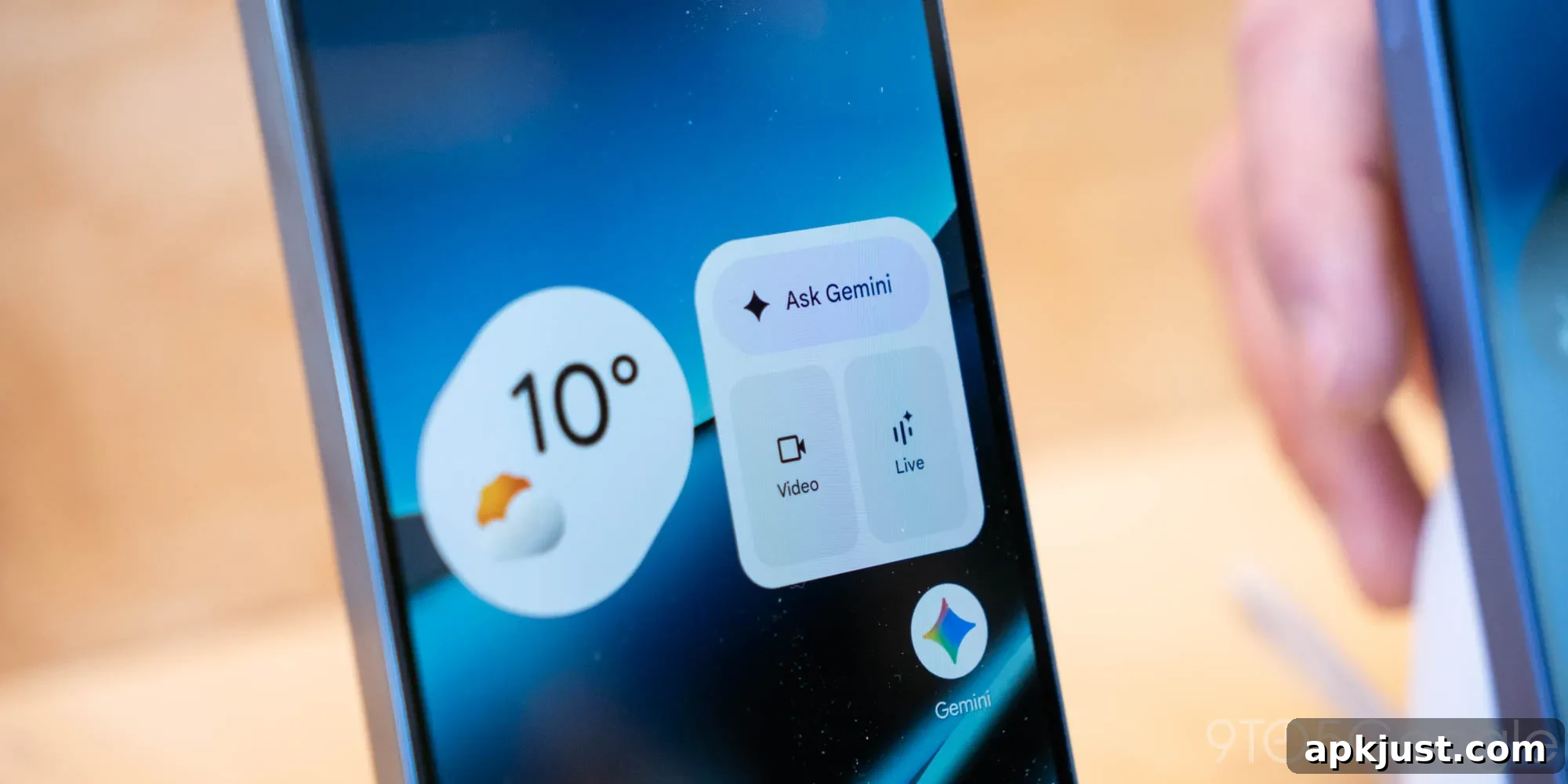
The Gemini app on Android has updated its voice input experience, adopting an interface more like what you find in social messaging apps.
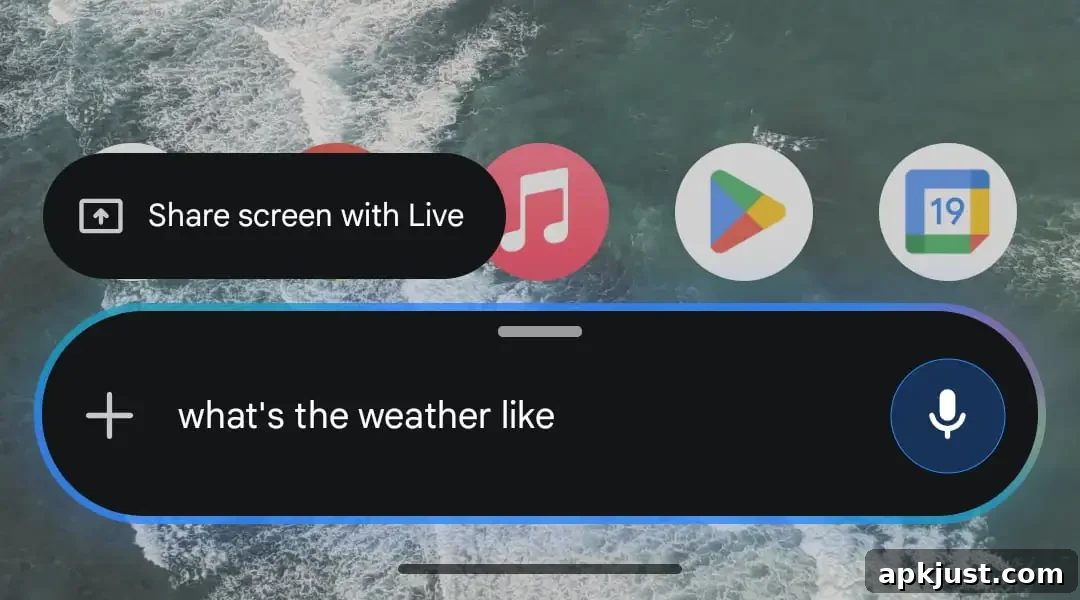
Until now, tapping the microphone icon in Gemini’s prompt box displayed a blue, pulsating circle while transcribed words appeared in real time above the input. That same real-time transcription layout remains available in the Gemini overlay when you swipe up from the corners or hold down the power button, but the main app now shows a different design.
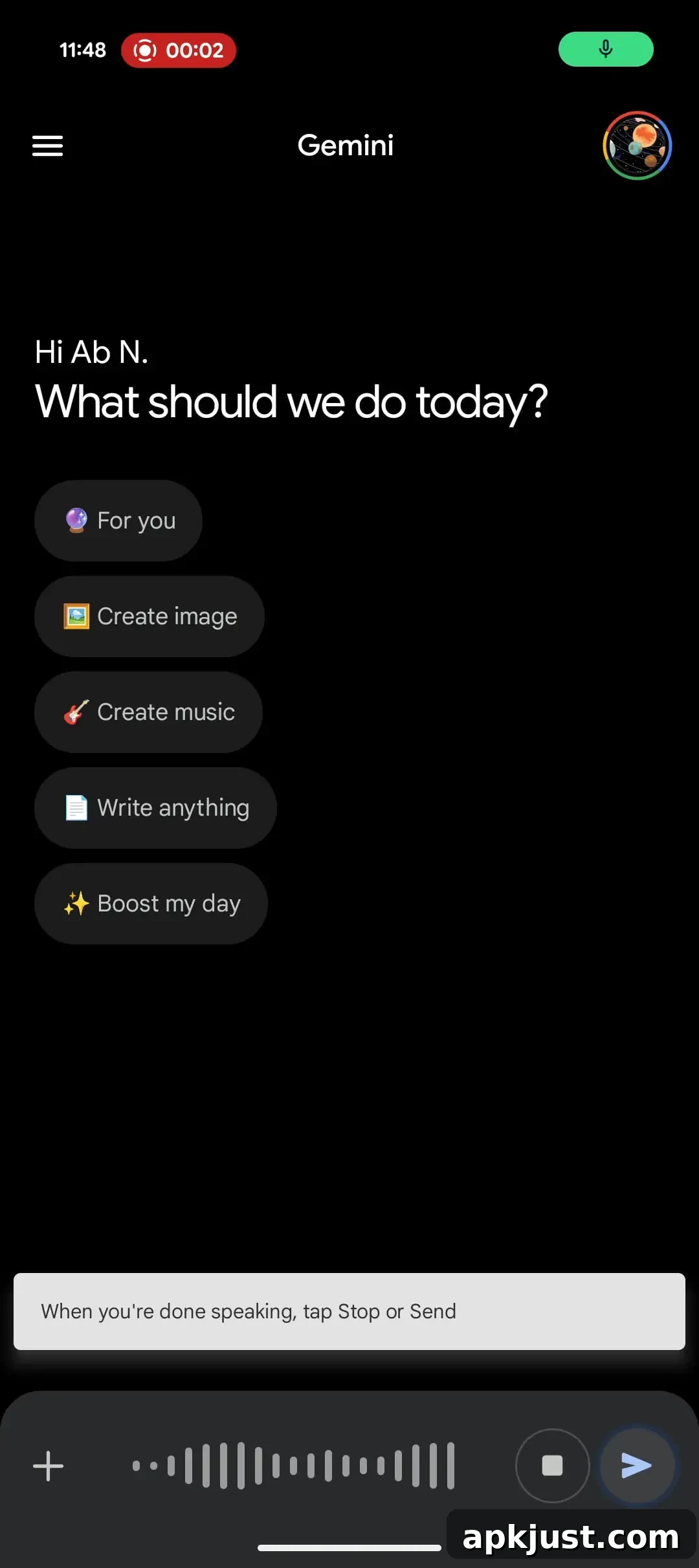
The redesign replaces the traditional text field with a waveform display while recording. On first launch, Gemini explains the change simply: “When you’re done speaking, tap Stop or Send.” This shifts the focus from watching live transcription to interacting with a recording-style interface.
When you tap the “Stop” button at the end of a recording, the prompt box returns with your spoken words transcribed as text. Reopening the microphone after stopping will not erase the previously transcribed text — it remains in the prompt box so you can edit or send it later.
Alternatively, tapping the slightly pulsating “Send” circle submits the command immediately. After sending, you can still view what you said above as Gemini processes the prompt. If you leave the input alone, the voice mode stays active for a short while before timing out, giving you time to decide whether to stop, send, or continue.
Visually and functionally, the new input mirrors voice memo features commonly used in chat and messaging apps. That makes the experience feel familiar to users who regularly send voice notes, but it does change expectations for those who prefer to see a live textual preview while speaking. While a live preview helps with immediate corrections during transcription, the waveform approach emphasizes recording first, reviewing second.
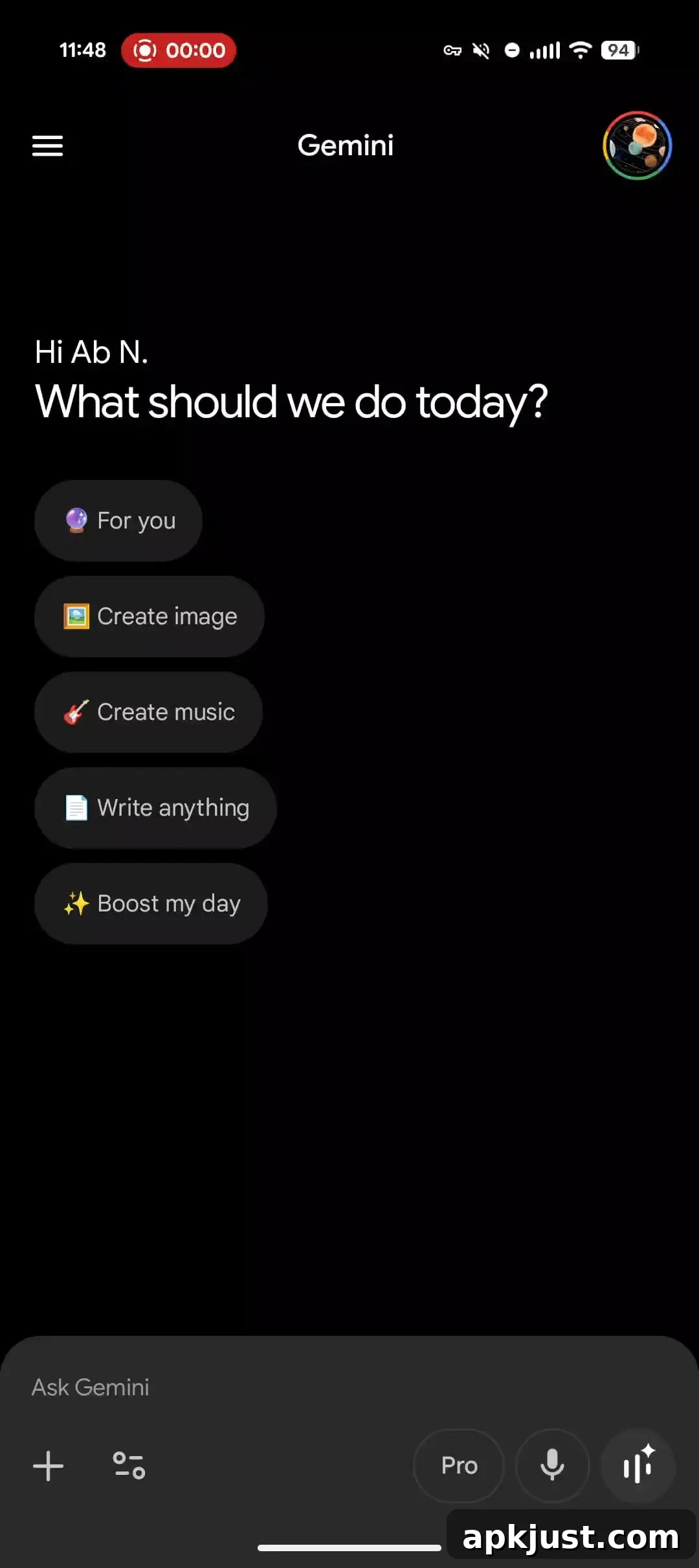
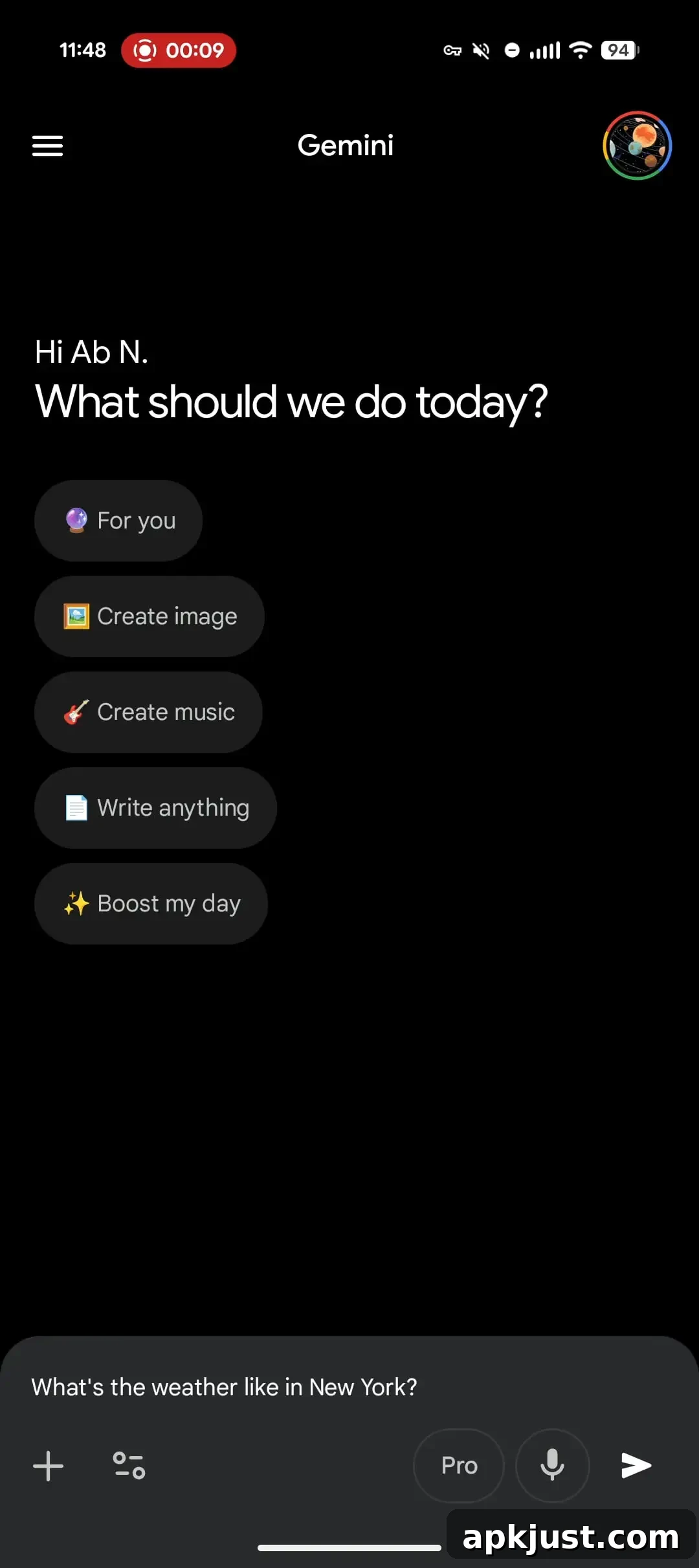
For users who prefer the previous behavior, there are options: you can continue using your keyboard’s voice dictation feature or open the Gemini overlay to get the original live-transcription layout. These alternatives let people choose the method that best fits their workflow, whether that’s immediate transcription visibility or the newer recording-style interaction.
The new voice input experience is rolling out broadly with the latest stable and beta releases of the Google app on Android. At the time of this update, the redesign has not yet reached iOS users within the Gemini app itself.
Update: The redesign also changes how Gemini handles pauses during speech. It no longer auto-submits if you pause, take a breath, or ramble, meaning the assistant won’t cut you off mid-thought. That behavior makes the feature more suitable for longer prompts. According to Google messaging about the rollout, this updated voice input is expected to reach iOS in a few weeks.
More on Gemini:
- Gemini app making ‘Temporary chats’ easier to start
- Gemini screen automation rolling out to Pixel 10 series
- Google rolling out Personal Intelligence to free Gemini, Chrome, & AI Mode users