
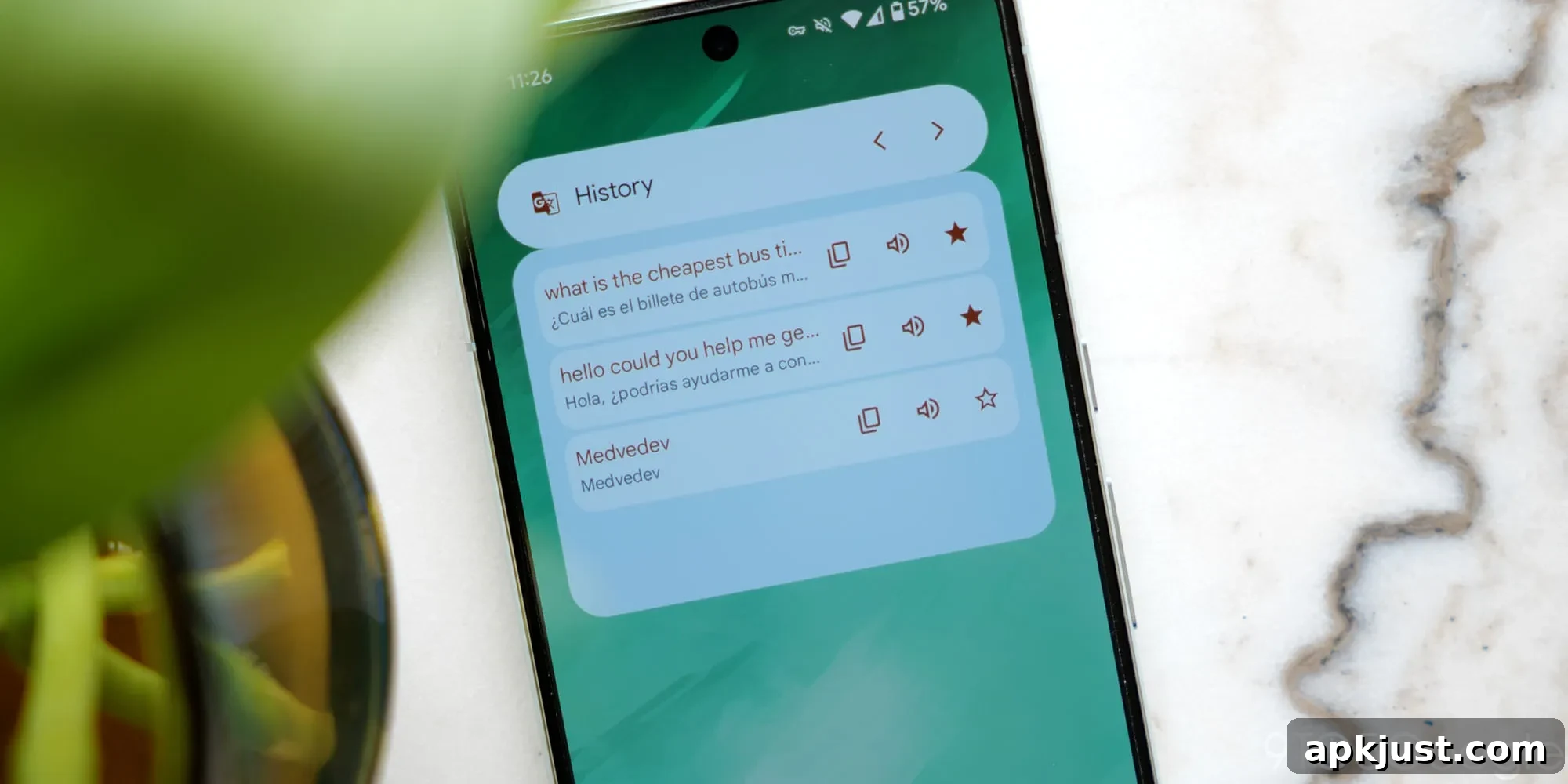
Following last year’s Gemini updates, Google Translate for Android has introduced a fresh set of homescreen widgets designed to make translation features faster and easier to access directly from your device’s home screen.
Translate text functions as the core of the previous Quick Actions widget: a compact entry point that opens the app and brings up the keyboard for immediate typing. This widget spans sizes from 3×1 to 5×1 and displays the active language pair inside the widget so you always know which direction translation will occur. The existing Saved Translations widget remains unchanged, retaining its clean Material You styling and quick access to previously translated phrases.
In addition to the main Translate text widget, Google Translate now offers five distinct quick-action tiles that sit alongside it for one-tap access to common tasks:
- Camera: Instantly translate text using your camera for menus, signs, and printed materials.
- Voice: Speak and get spoken translations; ideal for conversations or reading aloud.
- Live translate: Translate live audio input into another language in real time, useful for hands-free conversations and cross-language interactions.
- Clipboard: Translate whatever text is currently copied to your clipboard without opening the full app.
- Practice: Personalized language practice exercises that help you learn phrases and pronunciation based on your usage.
Old vs. new
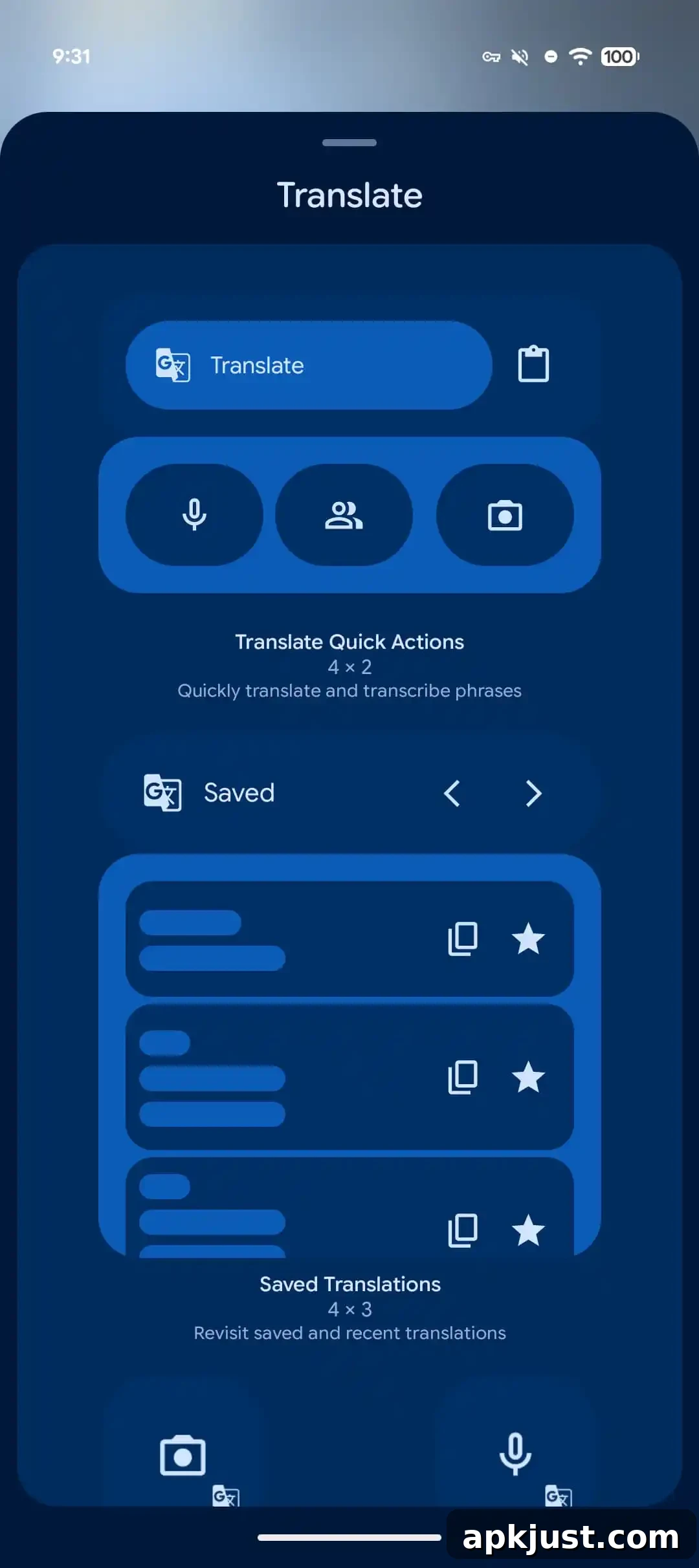
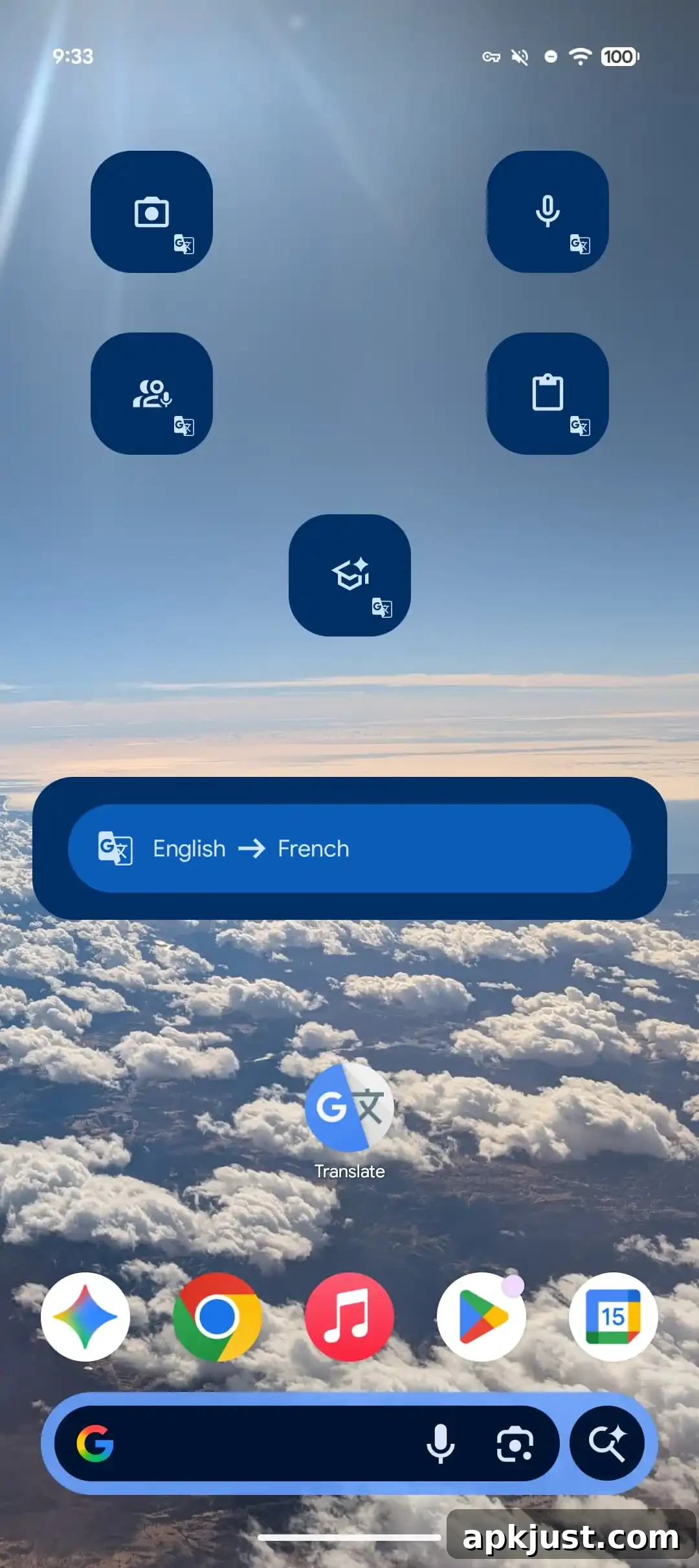
Each of the new quick-action tiles is presented as a rounded square measuring 2×1, with the Google Translate logo in the corner to maintain visual consistency. Several of these immediate-access actions — Camera, Live translate, and Practice — were previously available as app shortcuts when long-pressing the Translate icon on the homescreen. The Clipboard tile is particularly convenient for quickly translating copied text without switching apps, while Voice continues to be available from older widget configurations as well.
These widget updates started appearing for users with the release of Google Translate for Android version 10.8. With this rollout, the app’s homescreen presence expanded to include a total of eight items, giving users more flexibility to arrange the tools they use most often directly on the home screen.
Why this matters: having dedicated widgets for Camera and Live translate significantly reduces friction when you need an instant translation. Instead of opening the app and navigating to a particular mode, users can tap the corresponding widget and begin translating immediately. Clipboard and Voice widgets help in multitasking scenarios — translate text copied from another app or capture and convert speech while on the move. The Practice widget promotes regular language learning by placing a persistent, one-tap reminder on the homescreen.
For people who rely on the app for travel, work, or study, these widgets streamline common translation flows and put essential features front and center. They also follow Android’s broader trend toward accessible, information-rich widgets that reduce the number of steps to accomplish common tasks.
More on Google Translate:
- Google Translate rolling out live translation using Gemini with any headphones
- Google Translate adding model picker for ‘Advanced’ or ‘Fast’ translations
- Google Translate adding AI-powered live translation and custom language practice